How-to guide
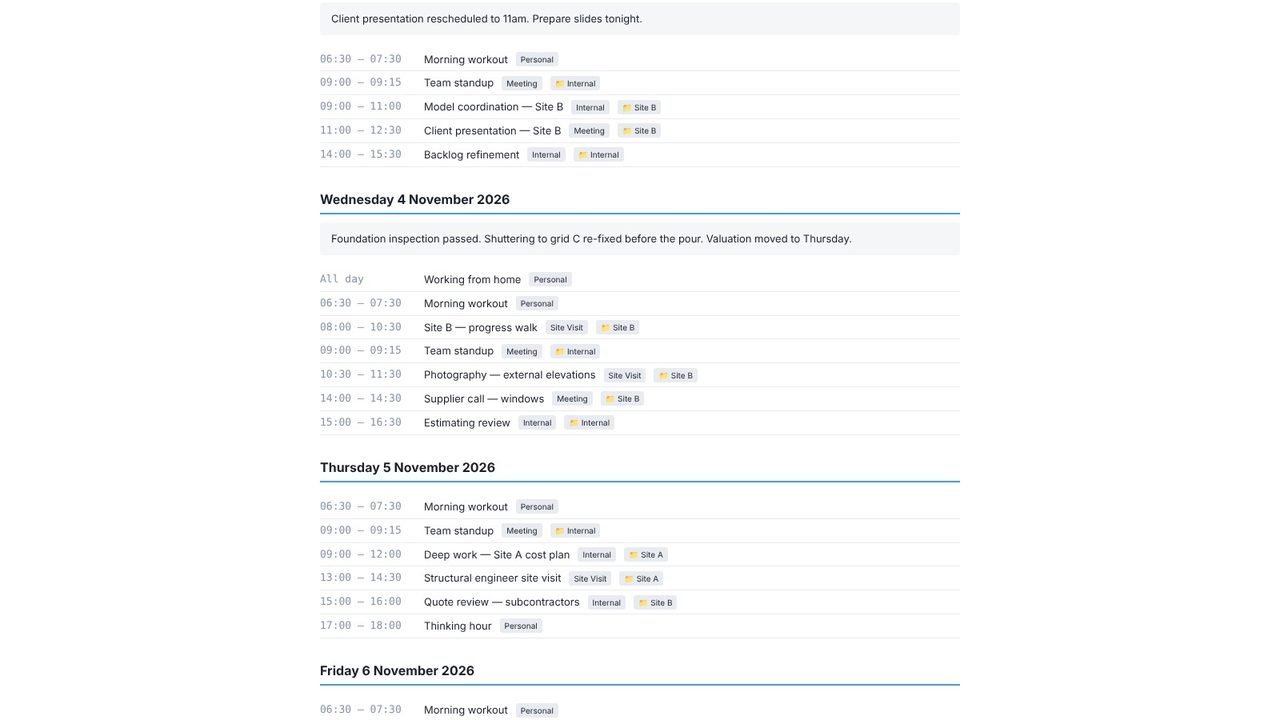
Metre2 Calendar has a notes box for every day. Write what happened as you go, and turn any week or month of notes and events into a tidy site diary - free.
Choose Day view (or press 1) on the date you want.
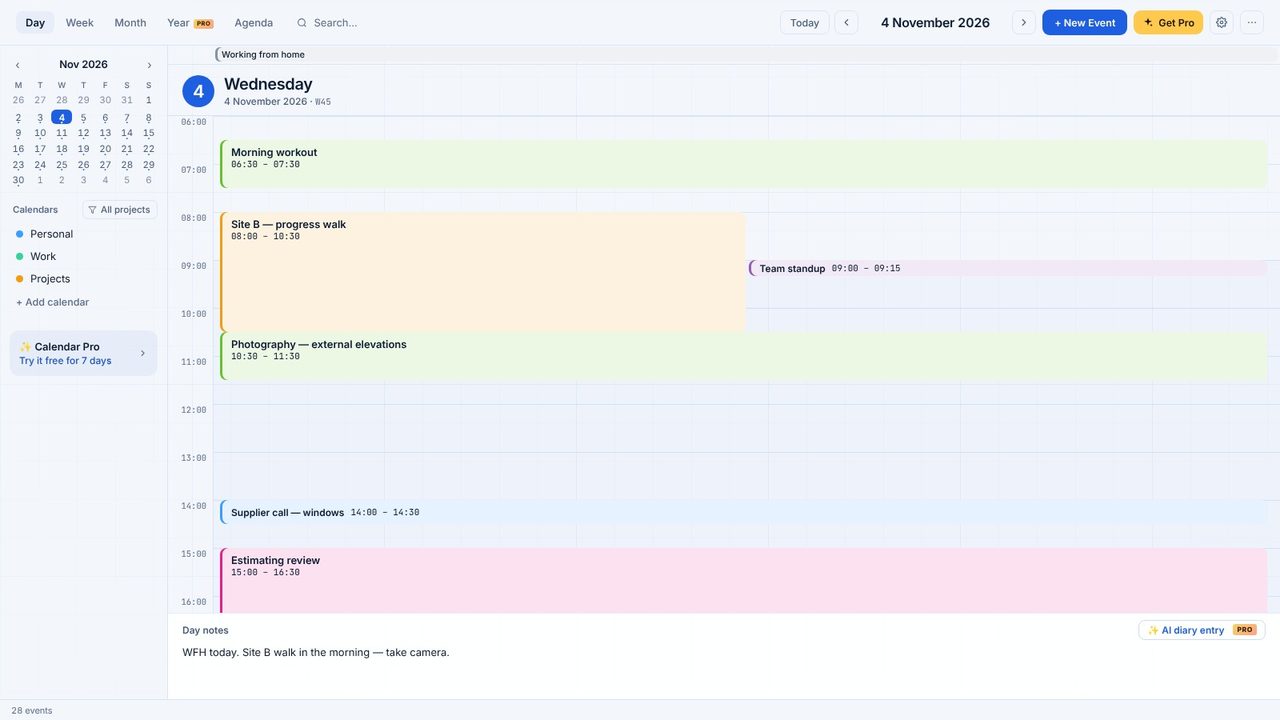
Type in Day notes at the bottom. They save as you type.
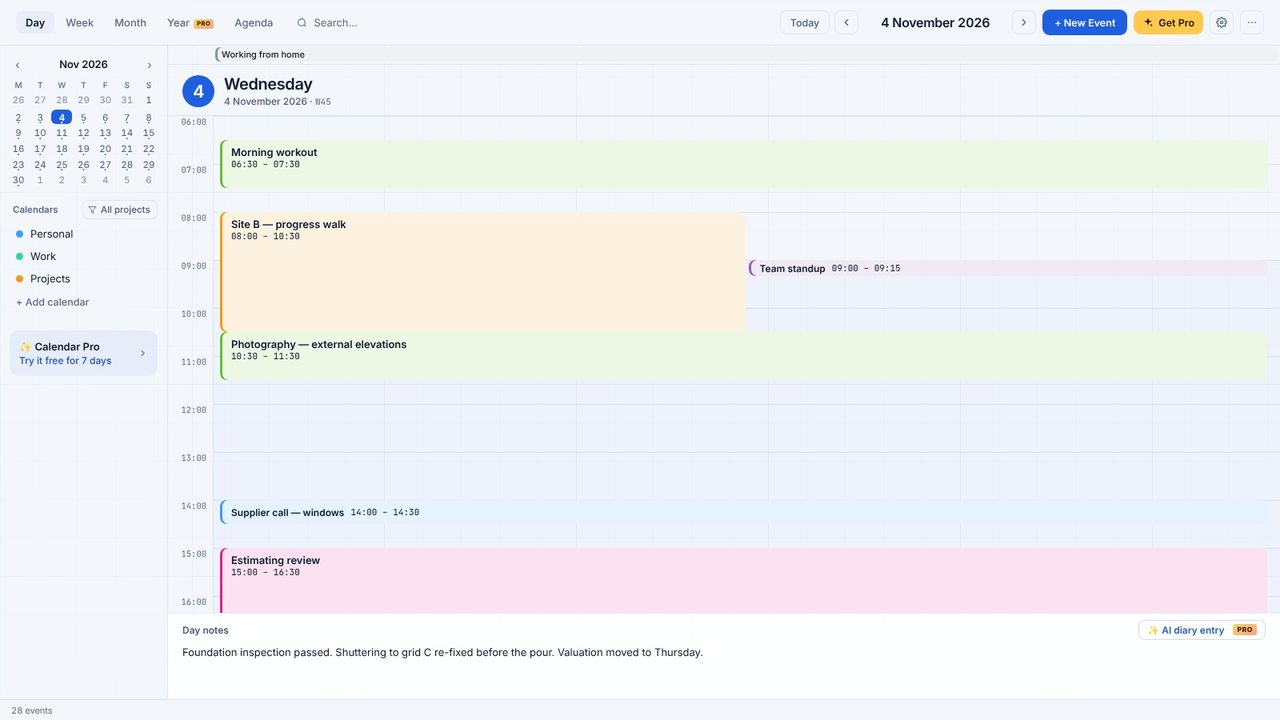
Click Diary in the sidebar (or Export > Site diary export) and choose the dates - and whether to include notes, events or both.
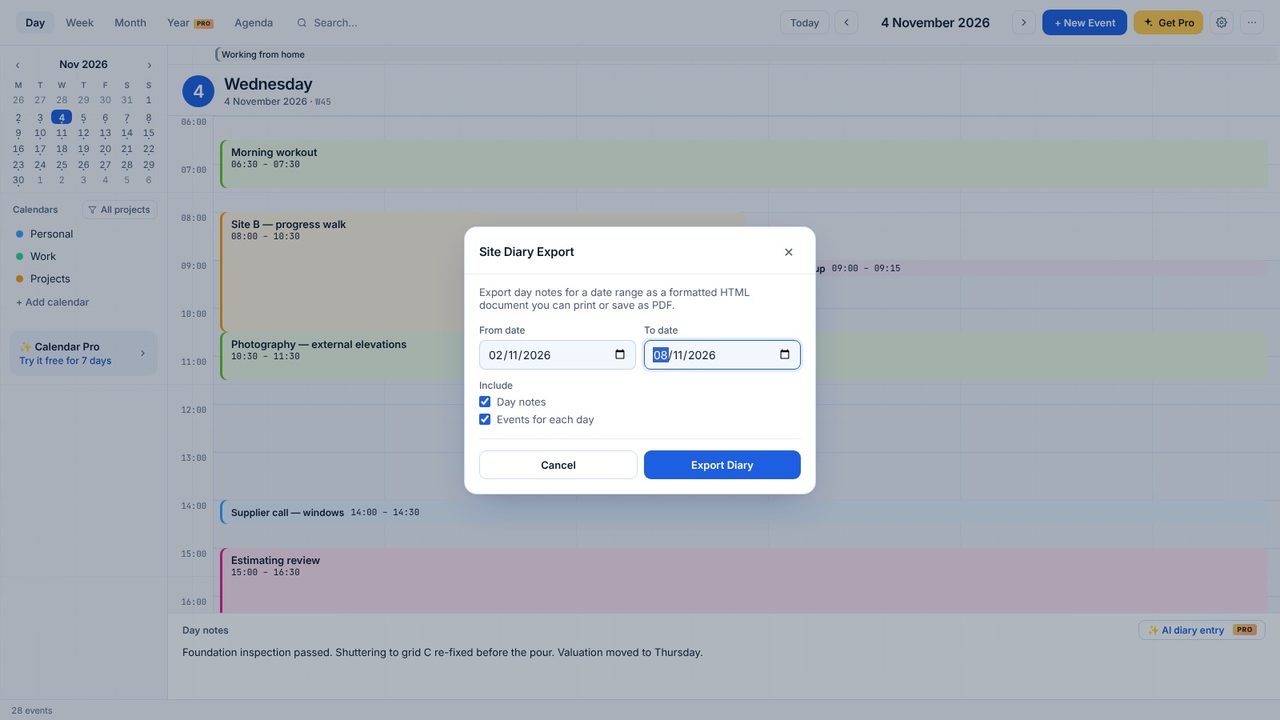
Click Export. Calendar makes the diary as a file.
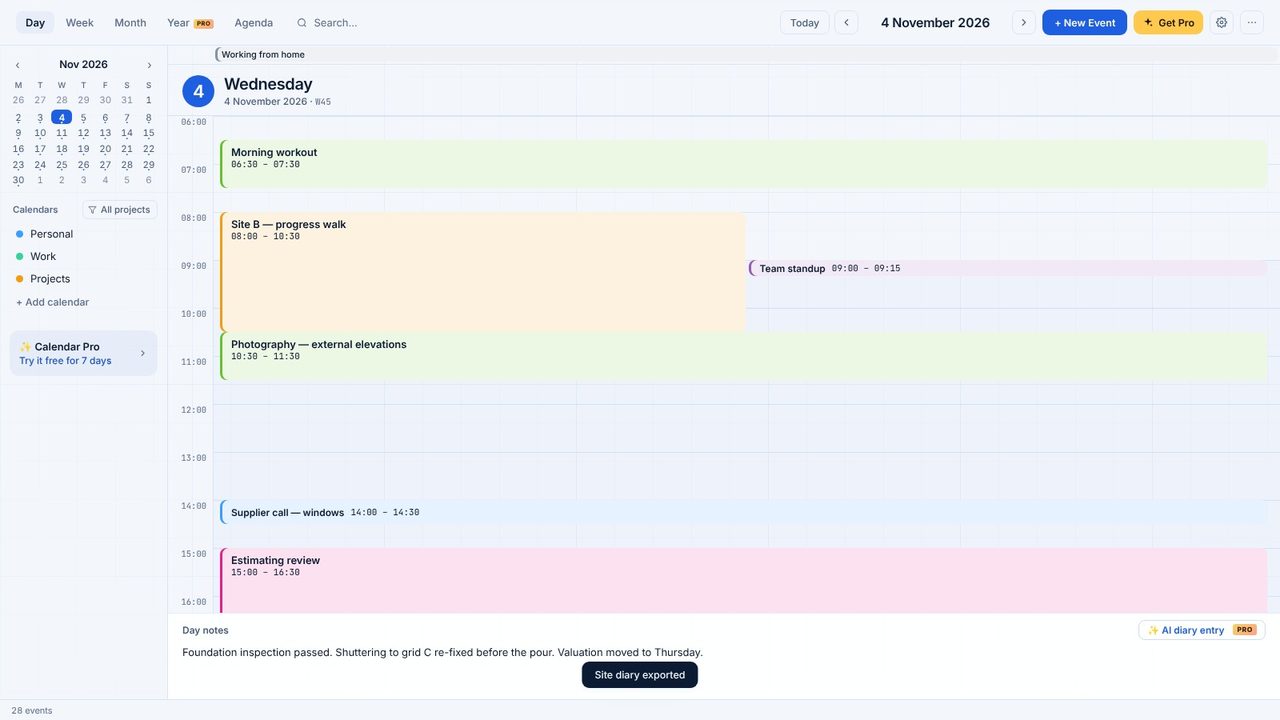
Open the file: every day's notes and events, in order. Print it, or save it as a PDF.
Yes. Day notes and the site diary export are free.
On your PC, with your events.
