How-to guide
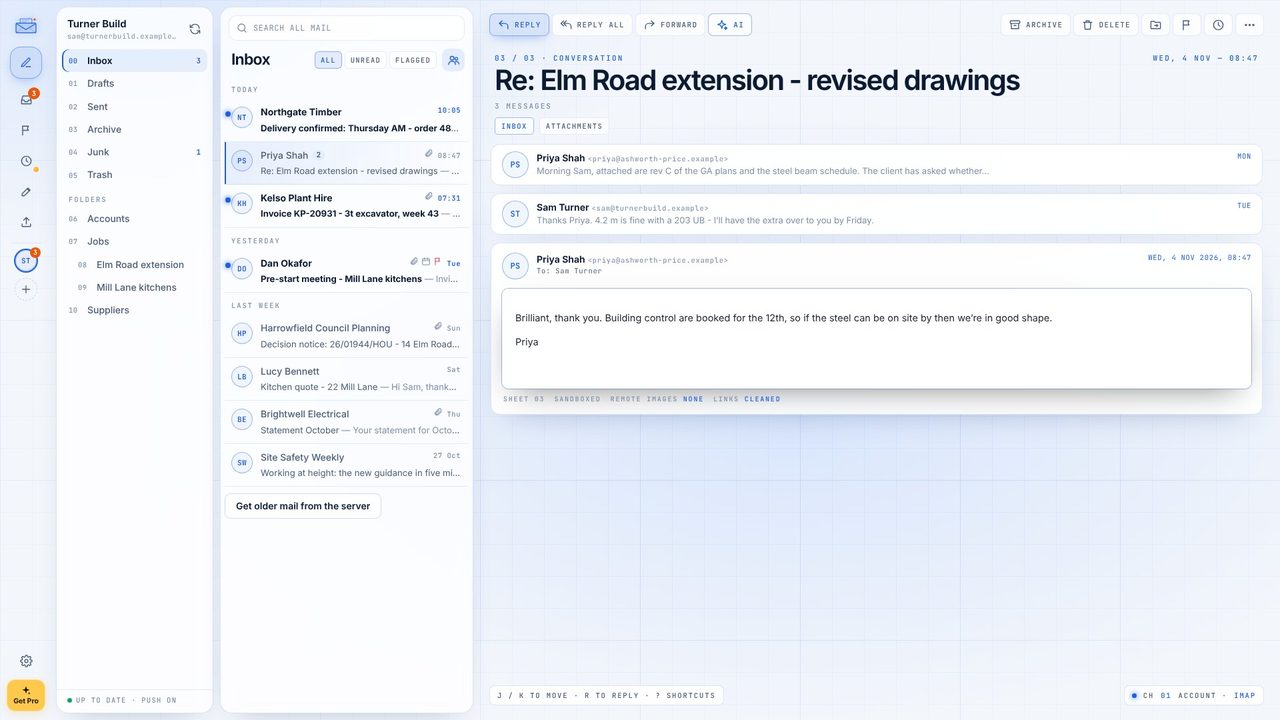
Metre2 Mail has two looks: blueprint paper in light mode and deep navy in dark. Pick one, or let it follow Windows. Either way each email stays on clean white paper, so it looks the way its sender meant. Free.
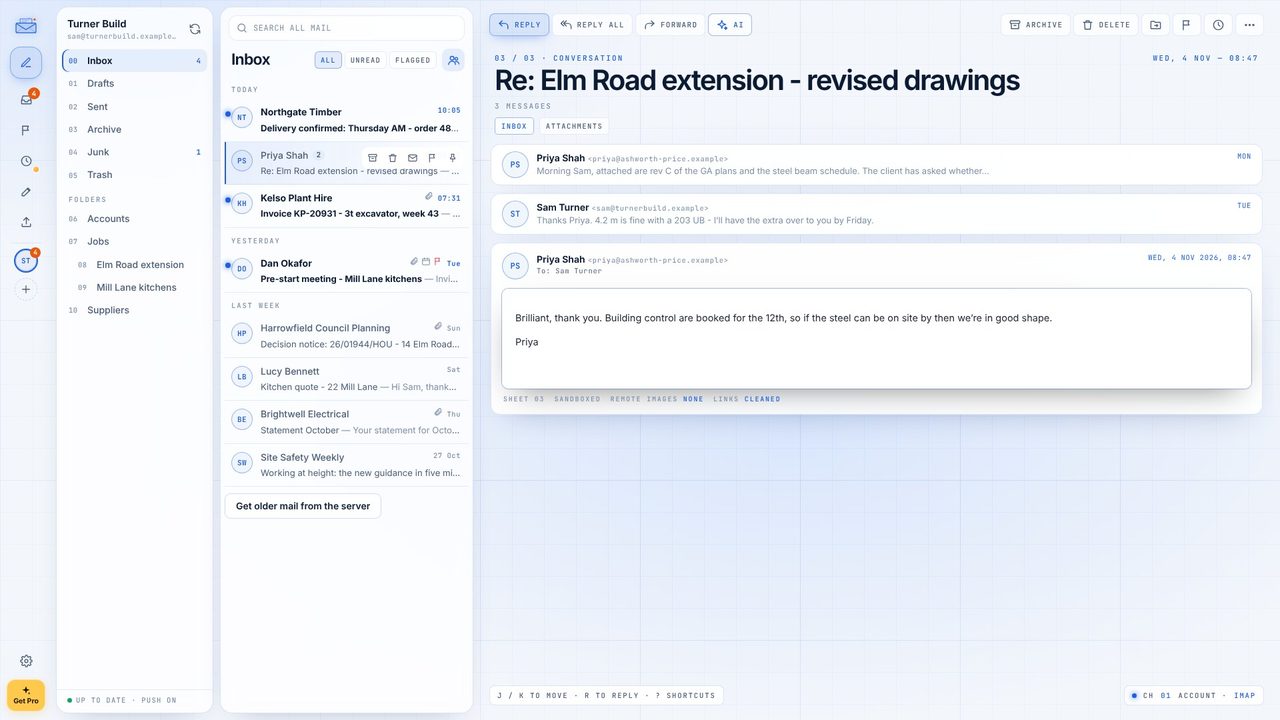
Light mode here: blueprint paper with ink-blue lines.
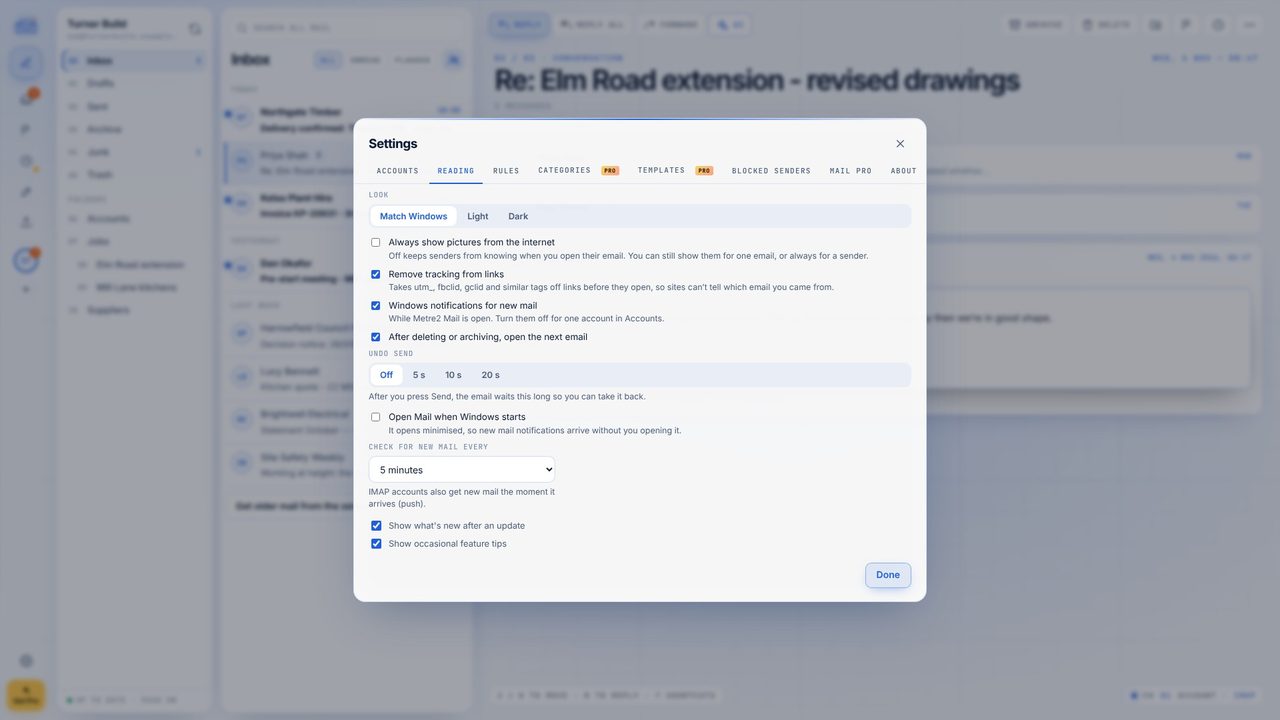
Click the cog at the bottom left and open the Reading tab.
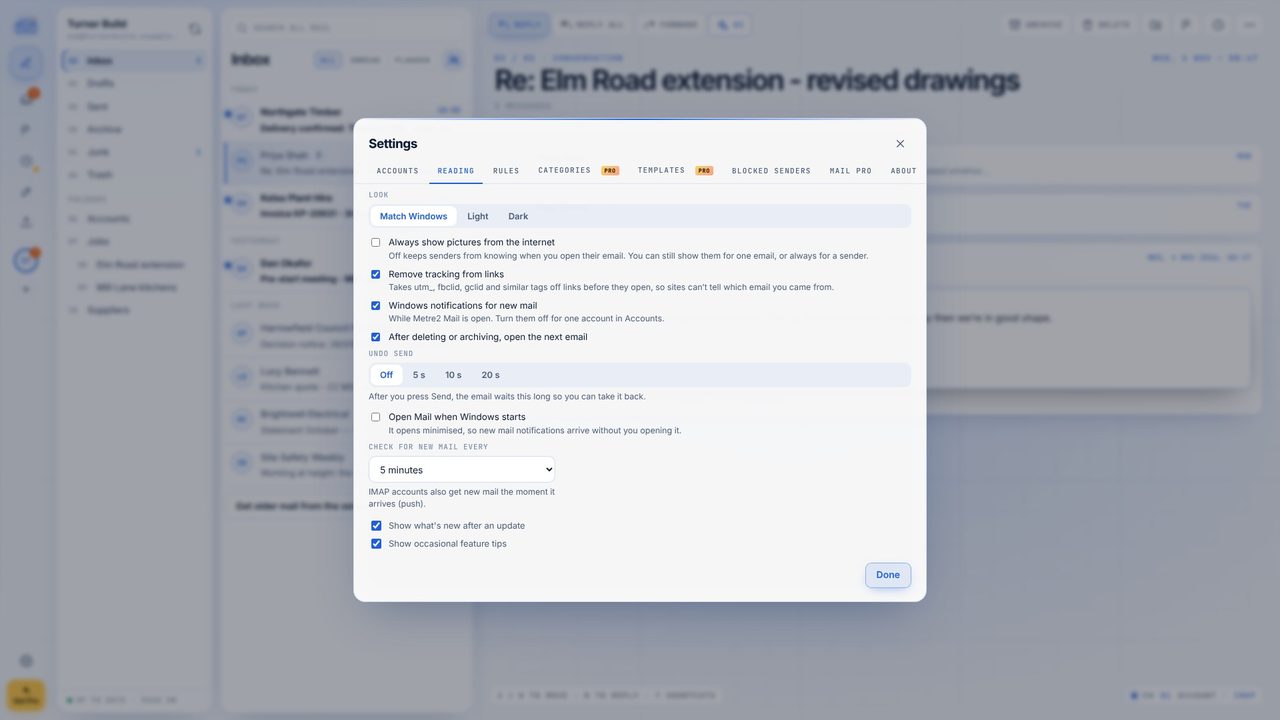
Under Look, choose Dark. The whole app turns deep navy with cyan lines.
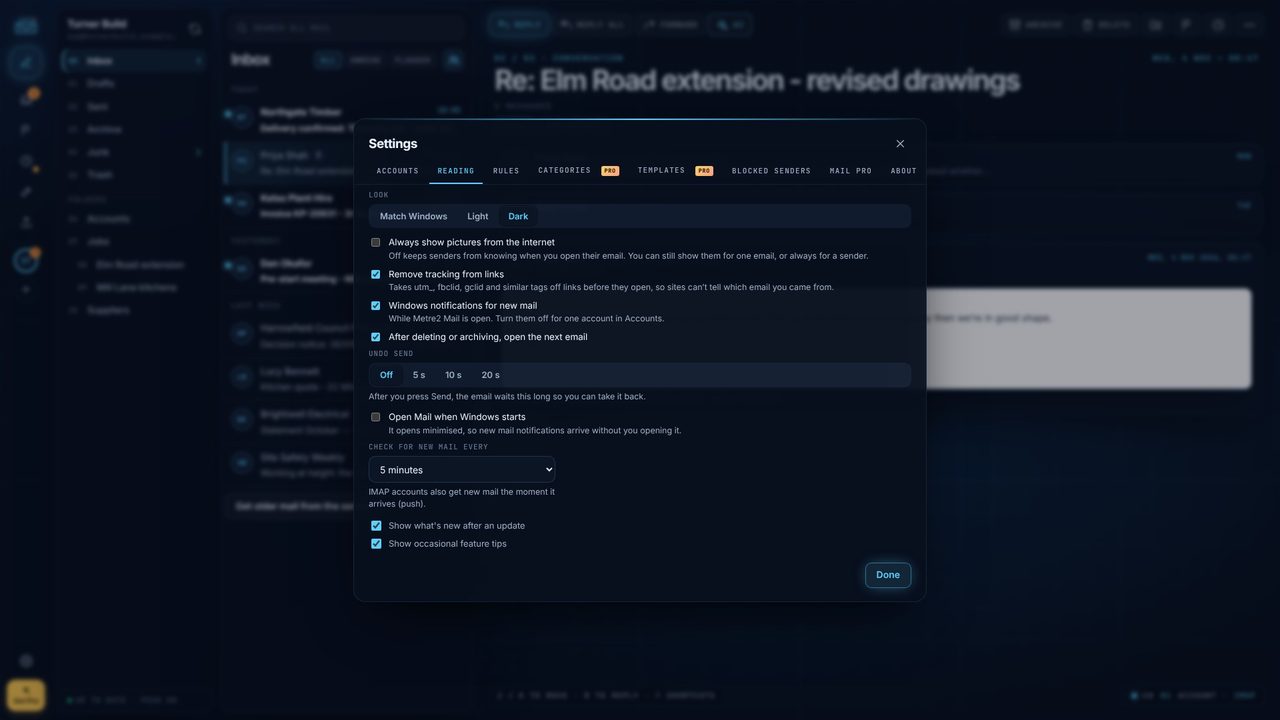
The email itself stays on white paper - pictures and signatures look right.
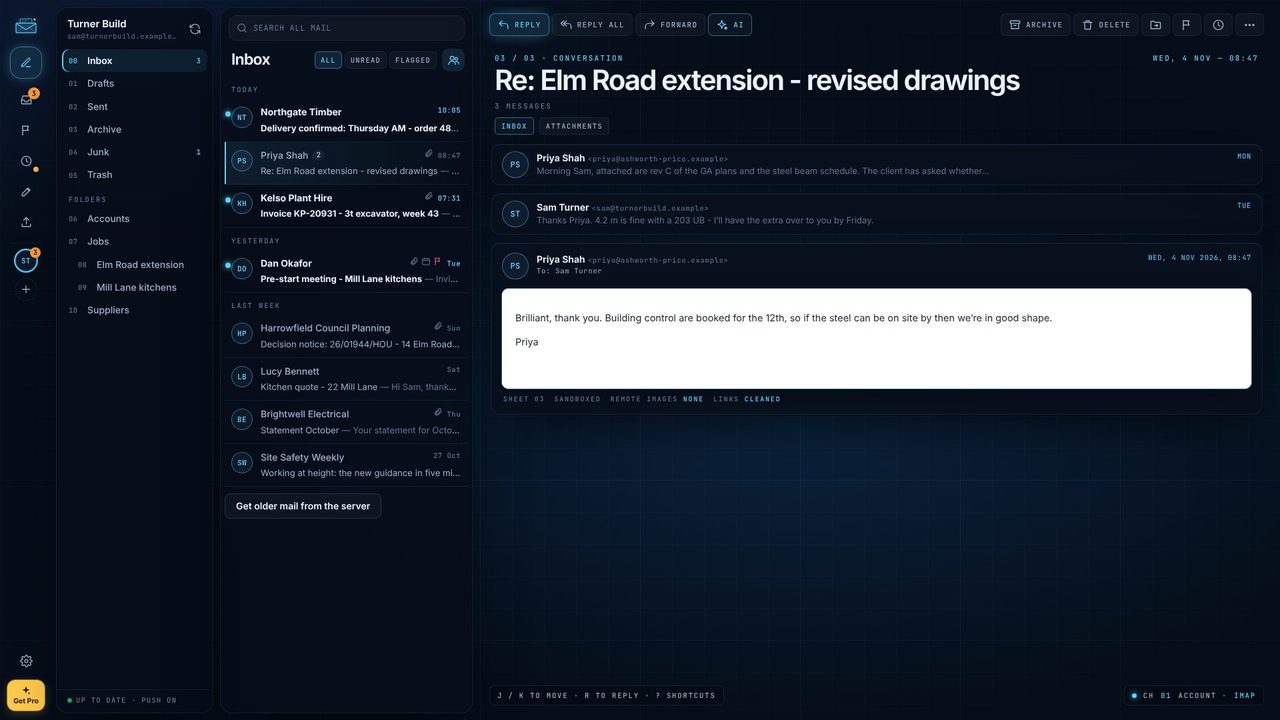
Choose Light any time.
Match Windows follows your Windows light or dark setting (Settings > Personalisation > Colours).
No - light and dark, plus Match Windows. That's deliberate, to keep it calm.
No. Each email stays on white paper so it looks as designed.
Yes.
