How-to guide
Emails saved out of Outlook as .msg files - into project folders, onto a shared drive, or exported from a document system - are hard to search: Windows can't see inside them and Outlook only searches its own mailbox. Metre2 Document Vault reads every .msg and .eml file in the folders you add, including the PDF, Word and Excel files attached to them, so one search finds the email or the attachment the answer is in. No Outlook needed, and it's free.
Click Add folder and pick the folder your saved emails are in. Outlook .msg files and .eml files (from Thunderbird, Apple Mail, Gmail downloads and most document systems) are both read, along with any other documents in the folder. You don't need Outlook installed.
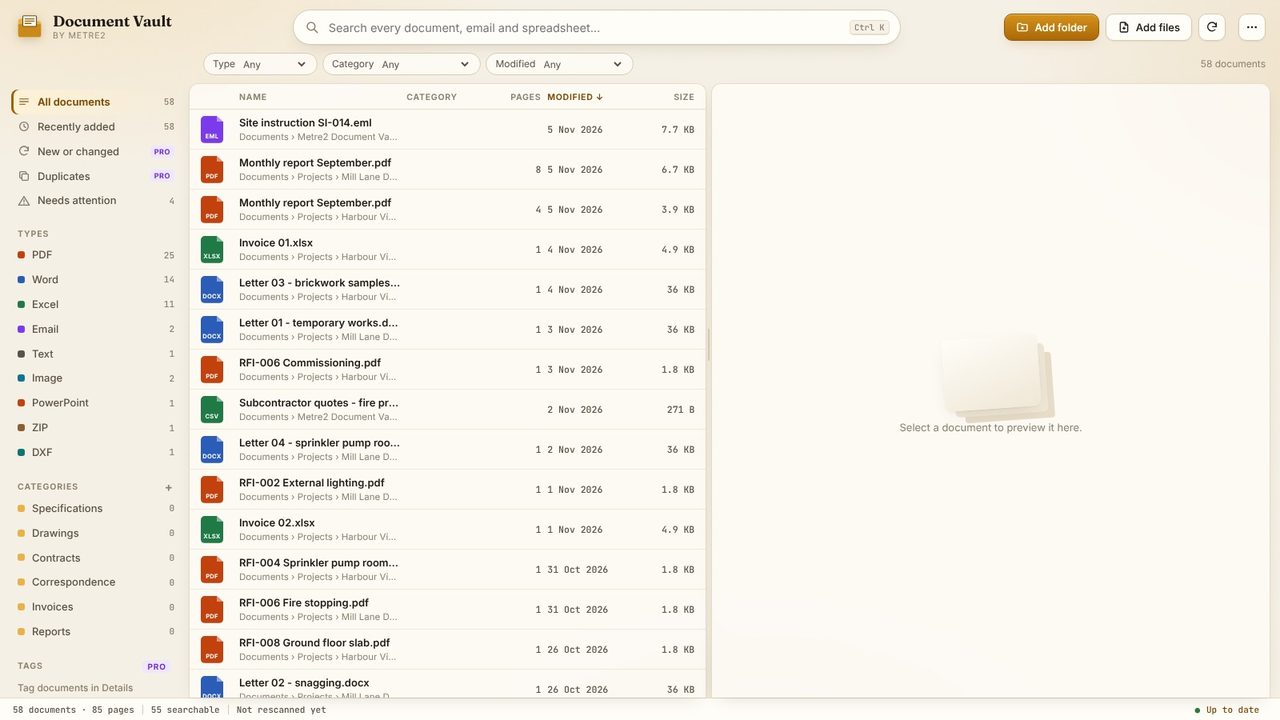
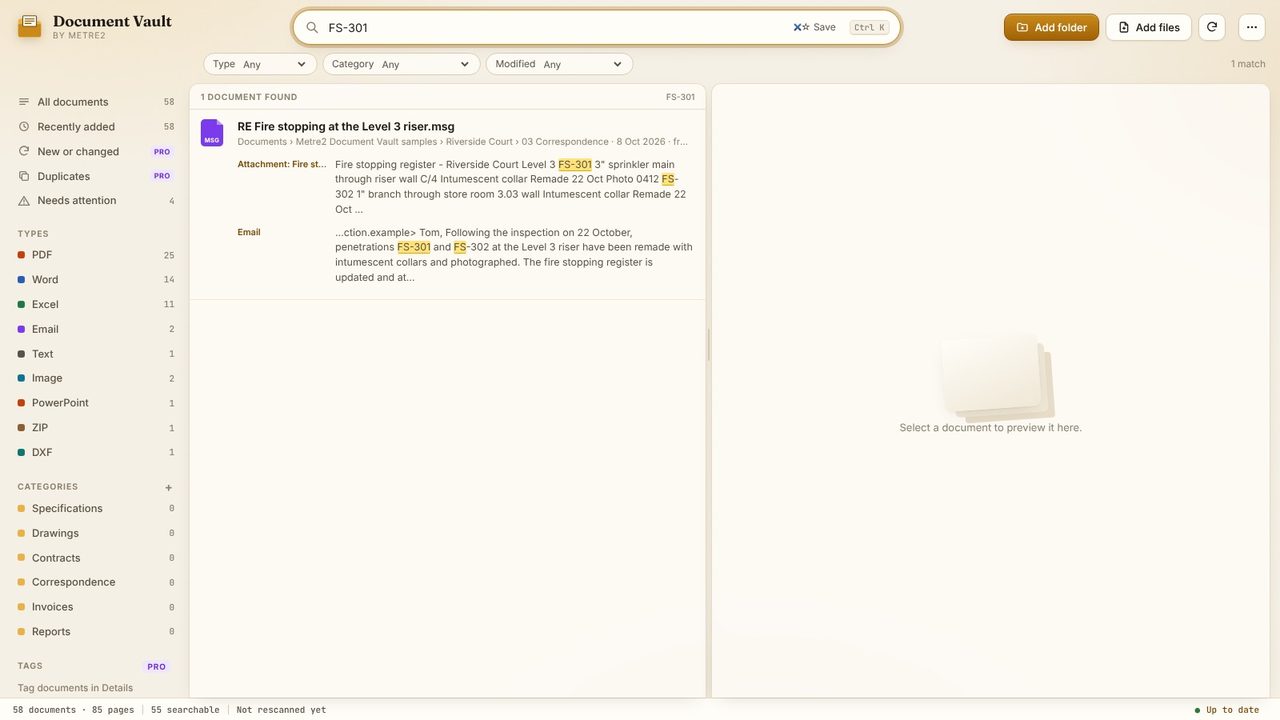
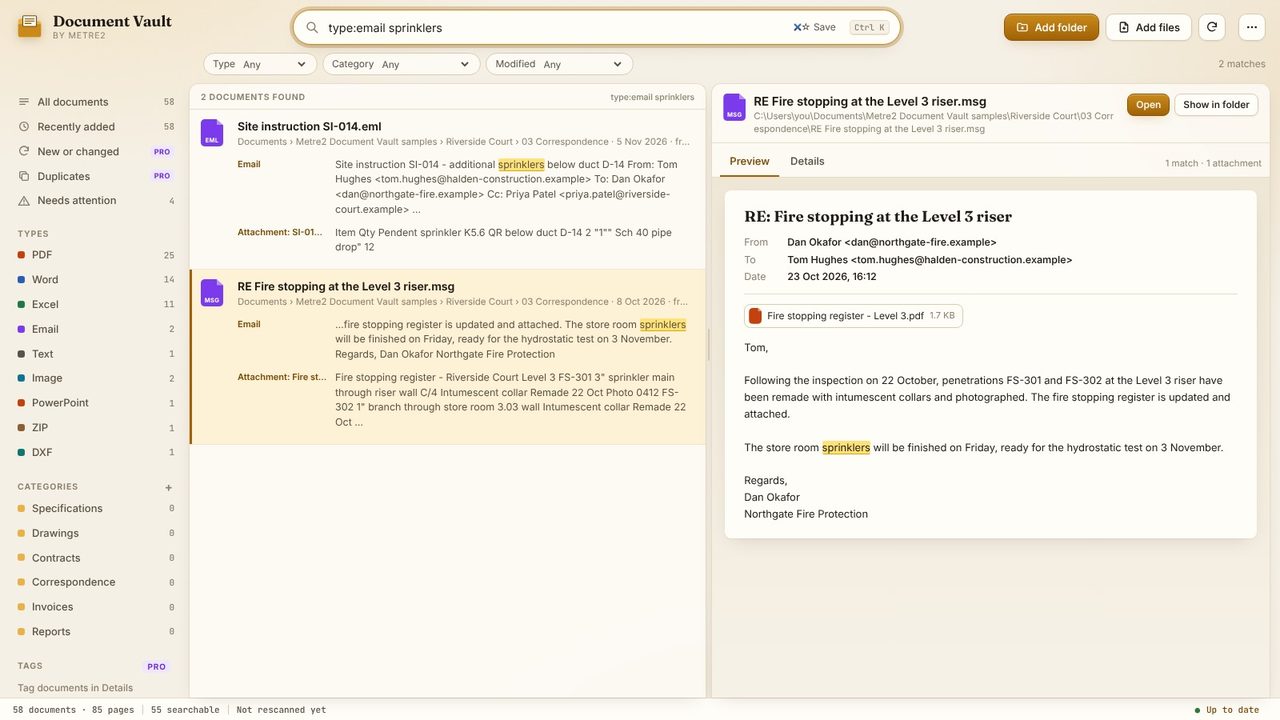
Type a word, phrase or reference - here FS-301, a penetration on a fire stopping register. Each email in the results shows where the words were found: the Email itself, or an Attachment by name.
Click the email snippet. The preview shows the subject, who it's from and to, the date and the attachments, with your search highlighted in the body.
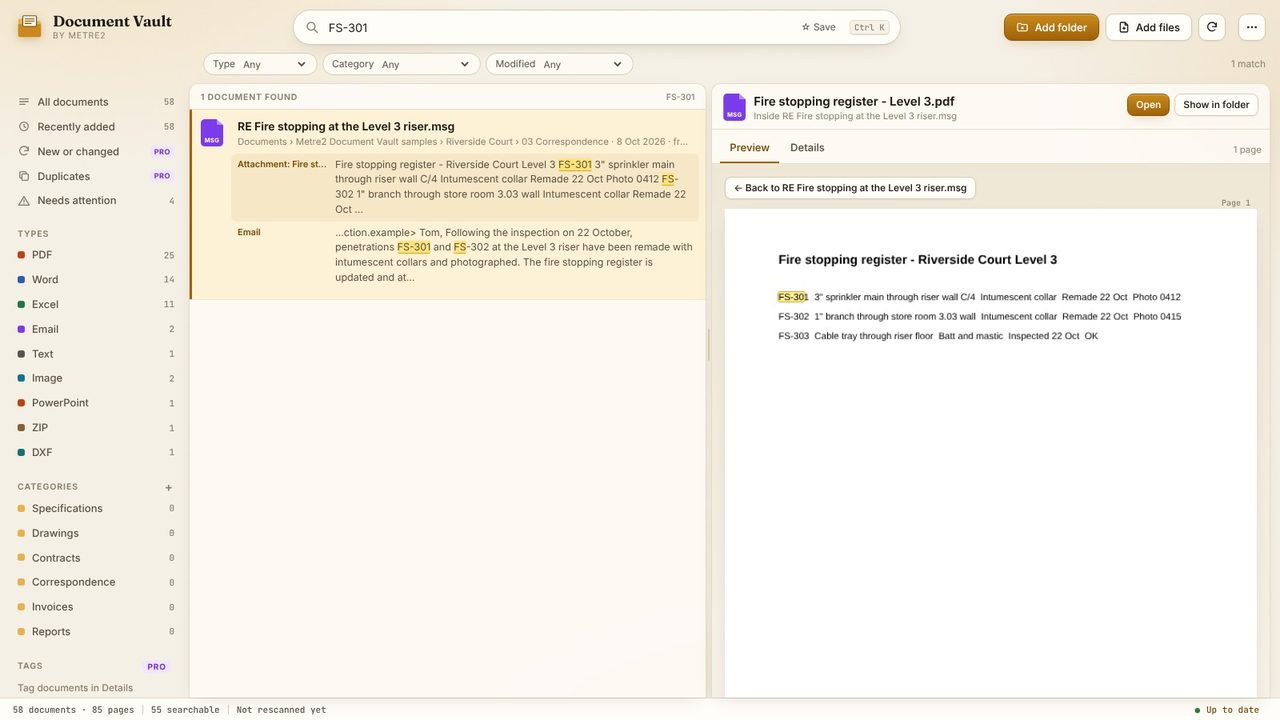
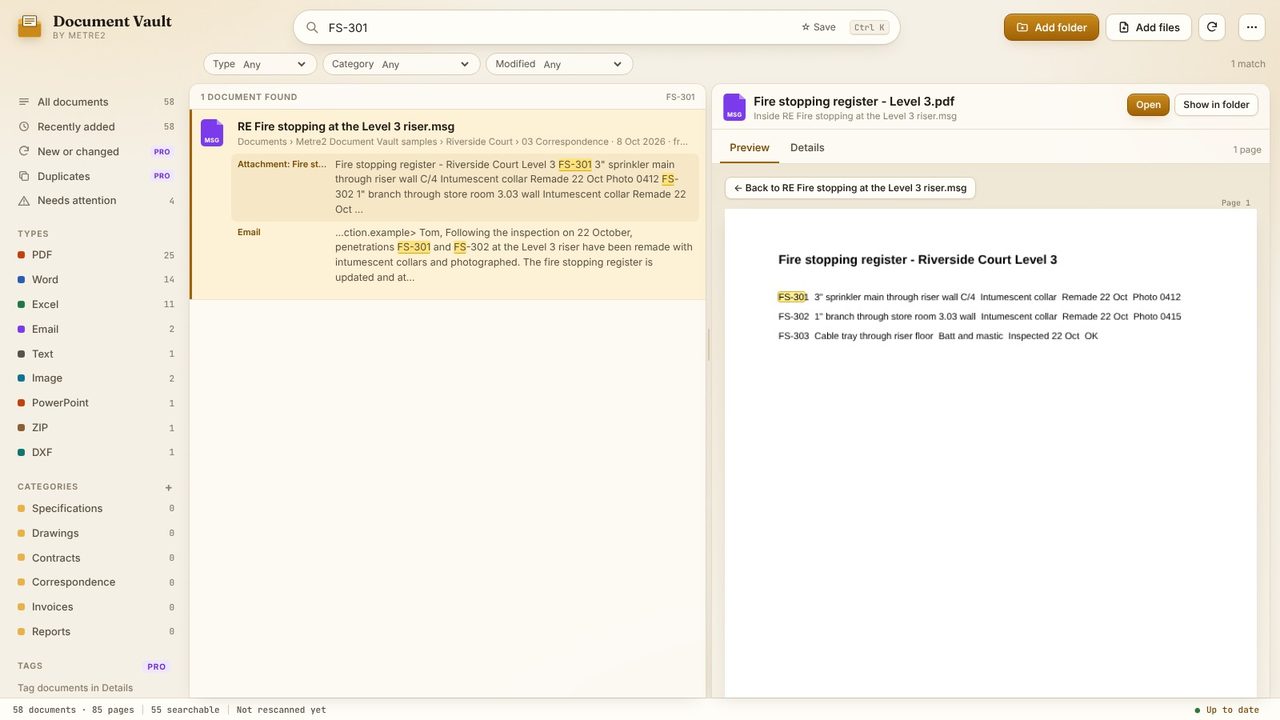
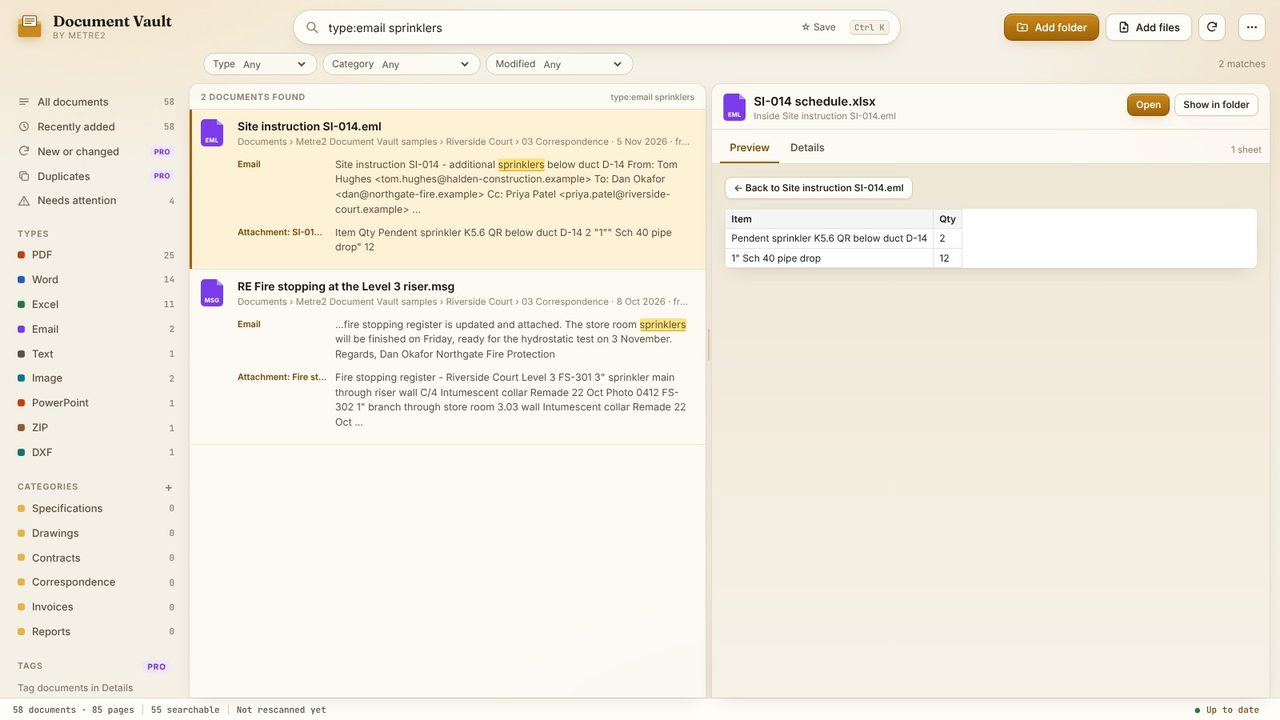
Click the Attachment snippet, or an attachment in the preview, and it opens inside the email - a PDF at the matching page, a Word document as pages, a spreadsheet as a grid. Back returns to the email.
Add type:email to the search to list emails only. Search results include the sender and recipients too, so a name or an email address finds every message they're on.
Attachments are previewed whatever they are: this site instruction's Excel schedule opens as a grid, with the cells that match highlighted. Open opens the email itself in your email program.
Yes. Document Vault reads .msg files itself - the subject, sender, recipients, date, body and attachments - so Outlook doesn't need to be installed or open.
Yes, free. PDF, Word, Excel and text files attached to a .msg or .eml file are read and searched, and open inside the email in the preview. With Document Vault Pro, attached PowerPoint files are read too.
No - it searches emails saved as files (.msg and .eml) in the folders you add. Drag emails out of Outlook into a folder to save them as .msg files.
No. The emails and attachments are read on your PC and stay where they are. There's no account and nothing is uploaded.
