How-to guide
BIM Explorer Pro turns an IFC model into lengths, areas and volumes by IFC type or by storey - from the model's quantity sets, and computed from the geometry where they're missing. Send the groups to a BOQ, type the rates and export: every row keeps the IFC objects it came from.
Open the .ifc file, or Load sample. Run the free Quantity check in Views first if you're not sure the model carries quantities.
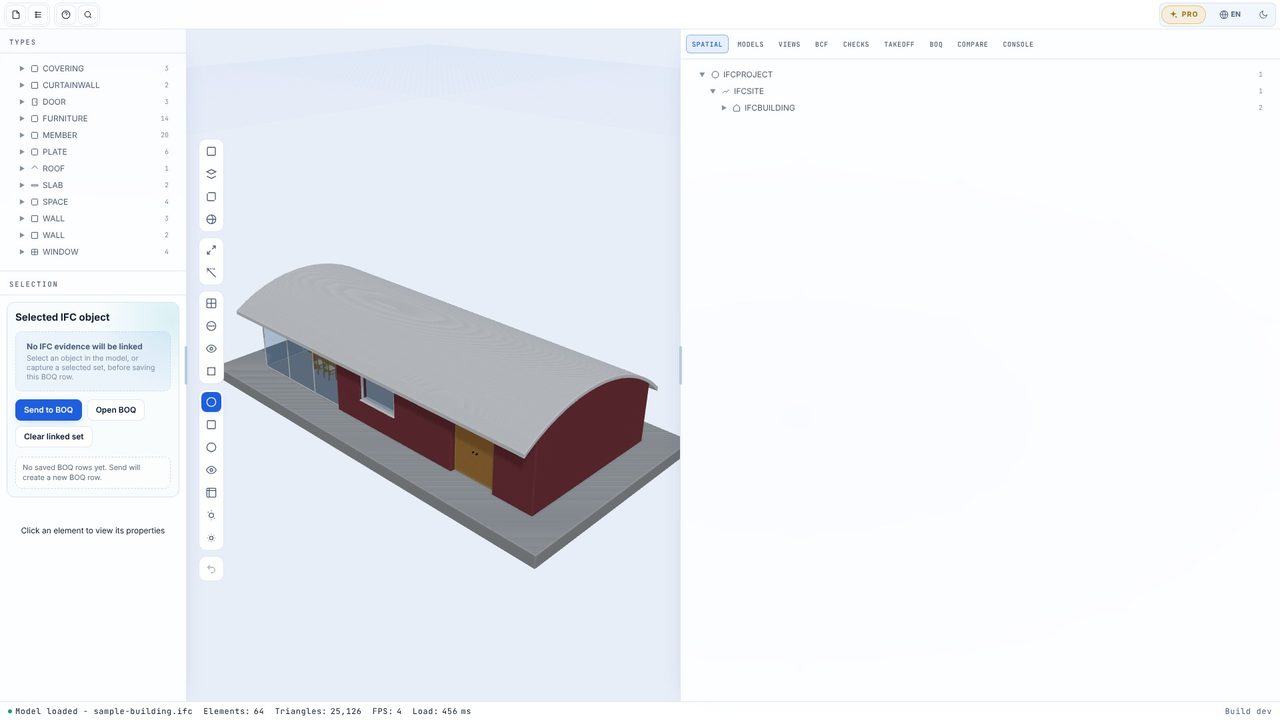
Open the Takeoff tab. Each group shows its count and its length, area and volume, with the main quantity as a badge.
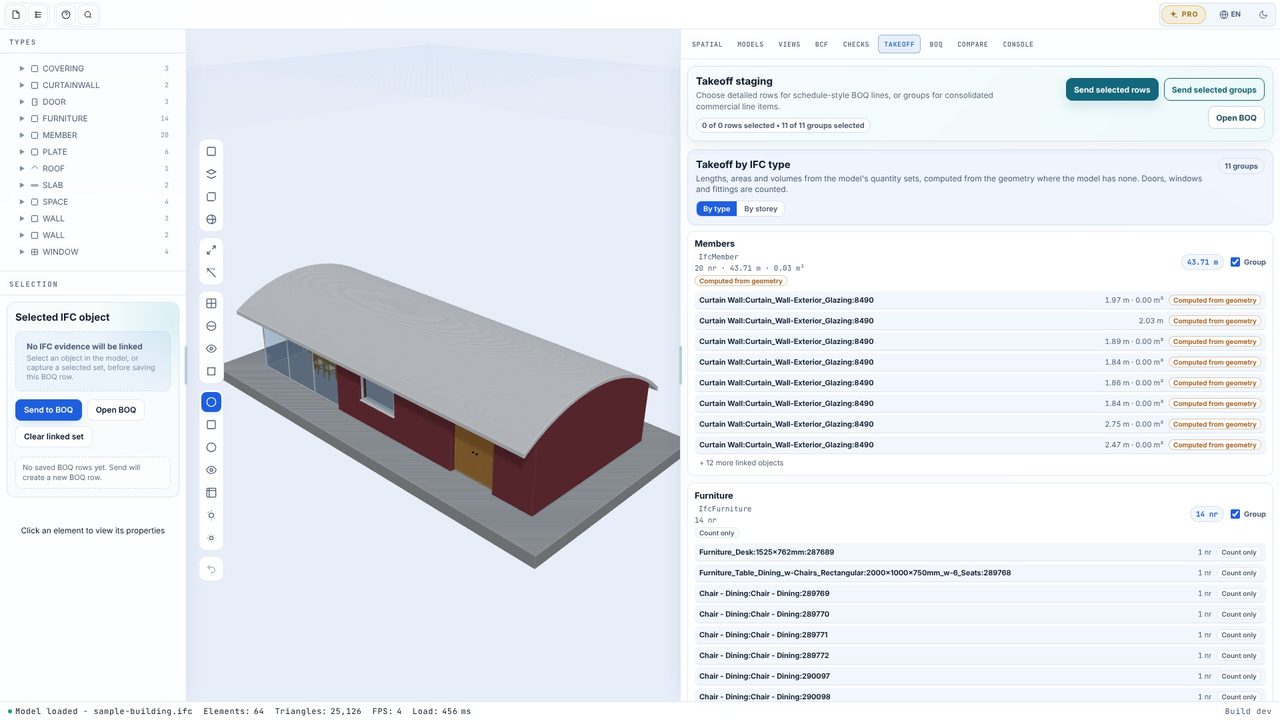
Choose By storey (or By type). Each row says where its number came from: From model (Qto), Computed from geometry or Count only.
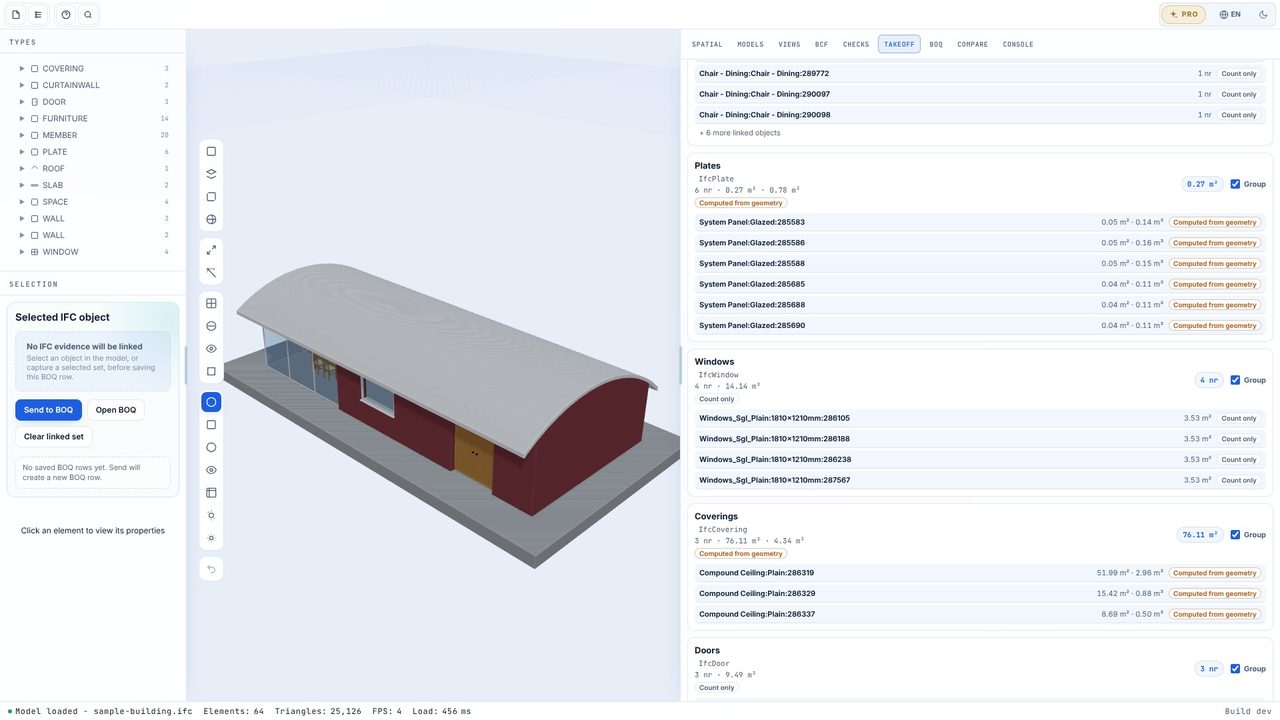
With the groups ticked, choose Send selected groups. Each becomes a BOQ row with its main quantity in m, m², m³ or nr to 2 decimal places, and the storey as the trade package.
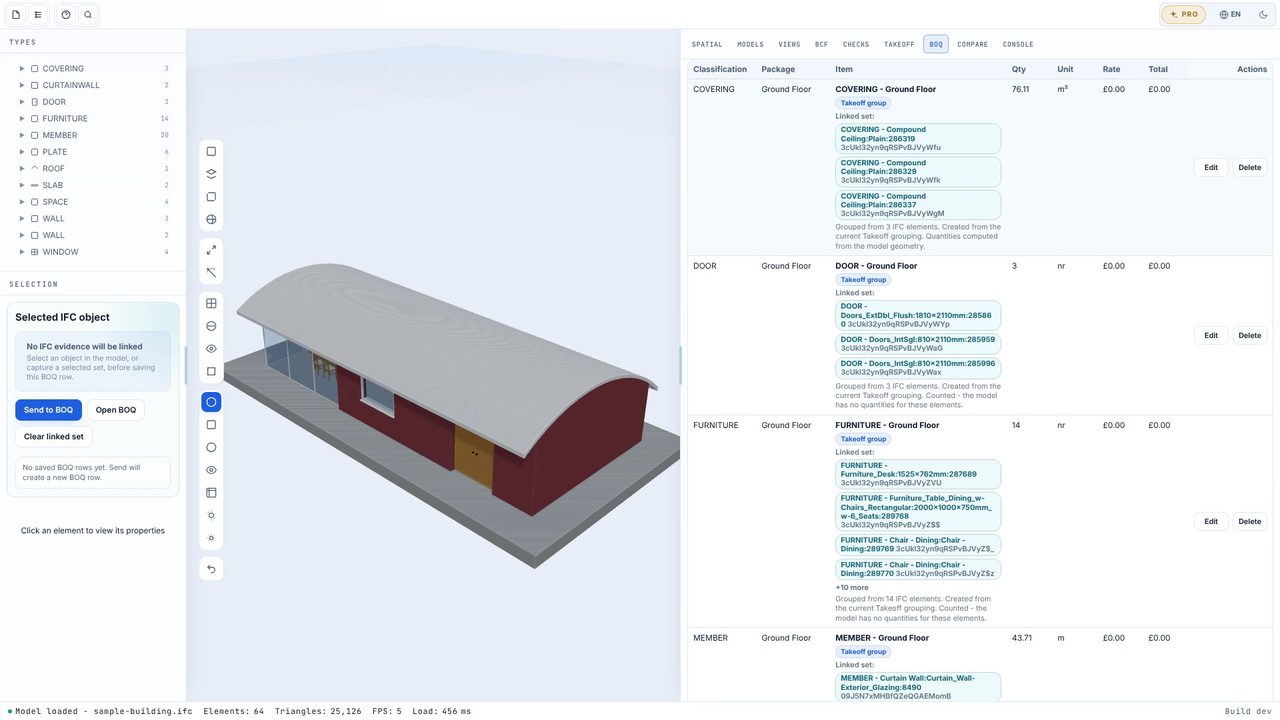
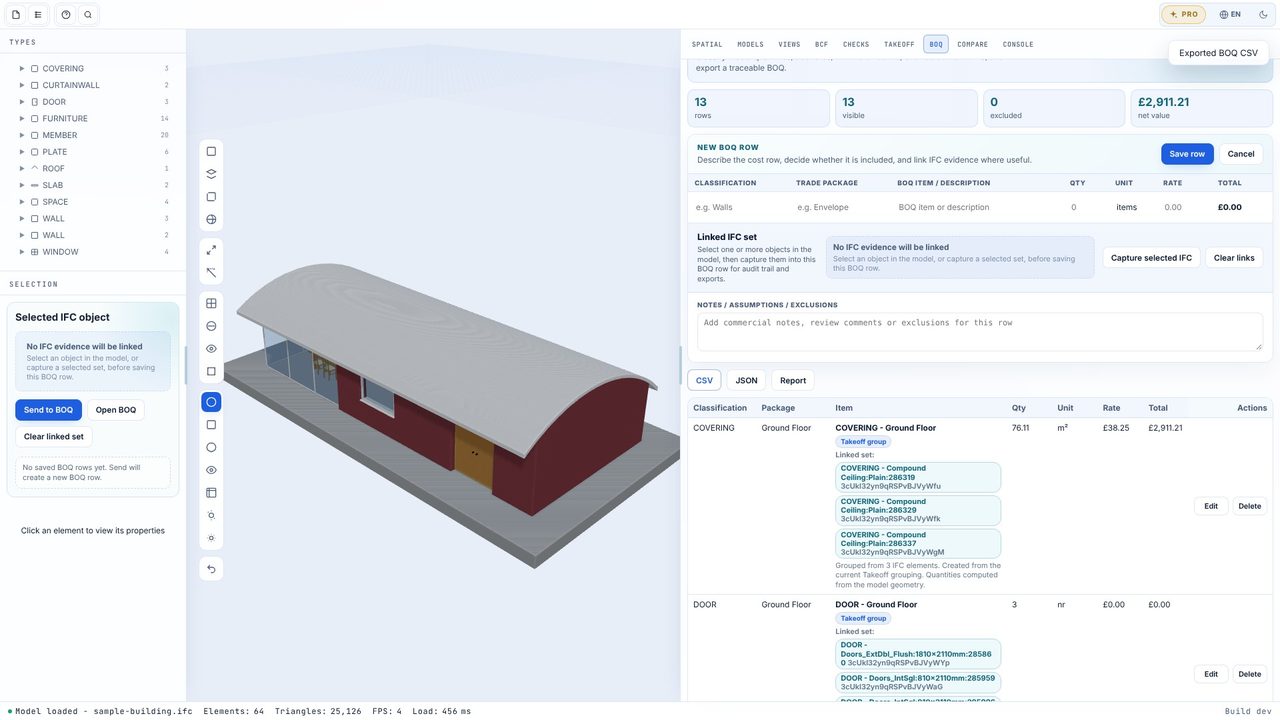
In the BOQ tab click Edit on a row, type the rate and Save row. The total works out as you type, and the net value updates.
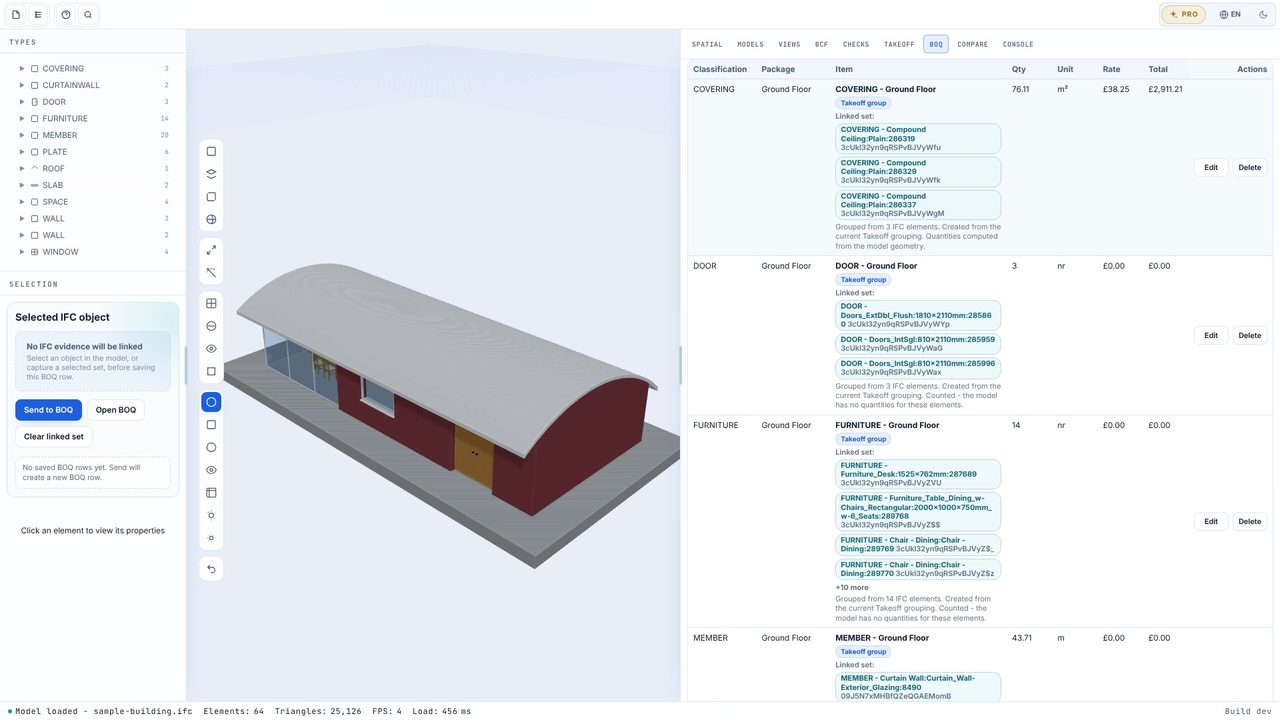
Export CSV, JSON or an HTML Report. Each row carries the ExpressIDs and GlobalIds of its objects - paste the CSV into the free BOQ template to collect it NRM-style.
The model's IfcElementQuantity sets first (Qto_ and BaseQuantities, matched on the quantity name and converted with the project units). Where an element's main quantity is missing it's computed from its geometry, and labelled as computed. Doors, windows and fittings are counted.
A one-off £29.99 through the Microsoft Store - no subscription, no account. You can try every Pro feature free for 7 days first, once per PC.
No. BIM Explorer works offline and models are kept on your PC.
