How-to guide
Tag events by project and log the hours as you go (free). Calendar Pro's Project Report adds them up: planned against logged hours, how many are done, and a CSV for your timesheet.
Click Report in the toolbar.
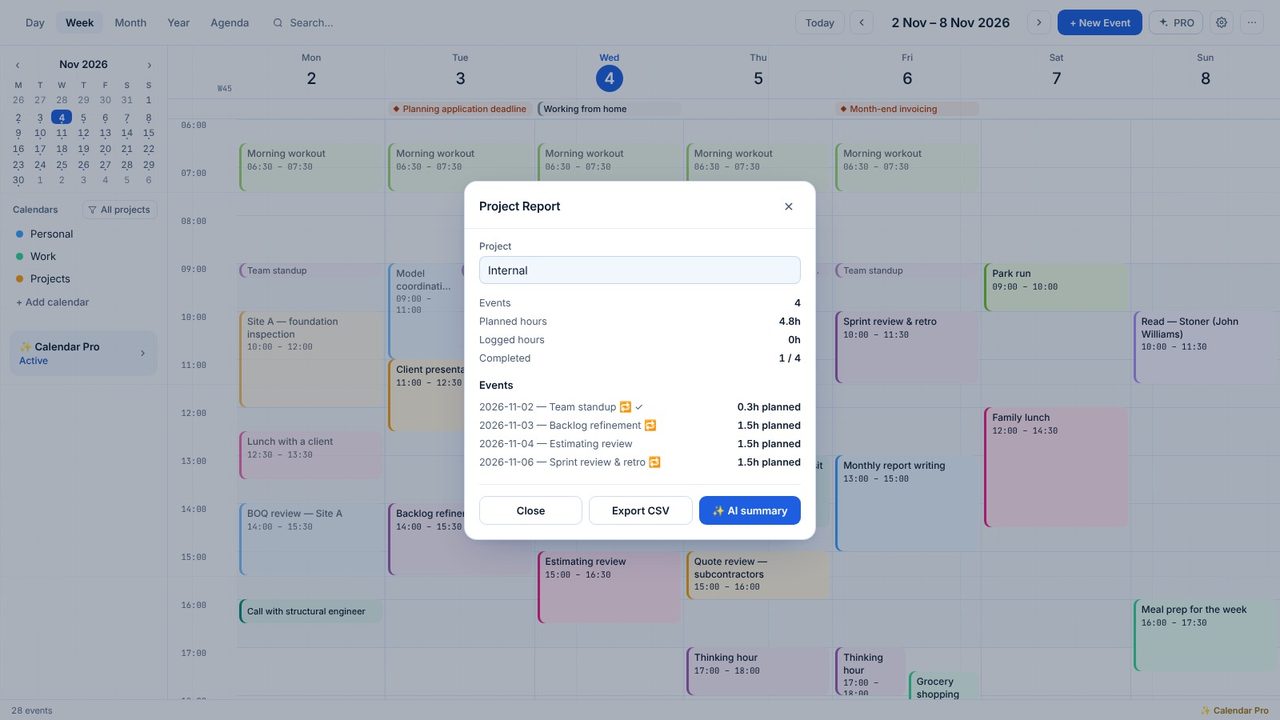
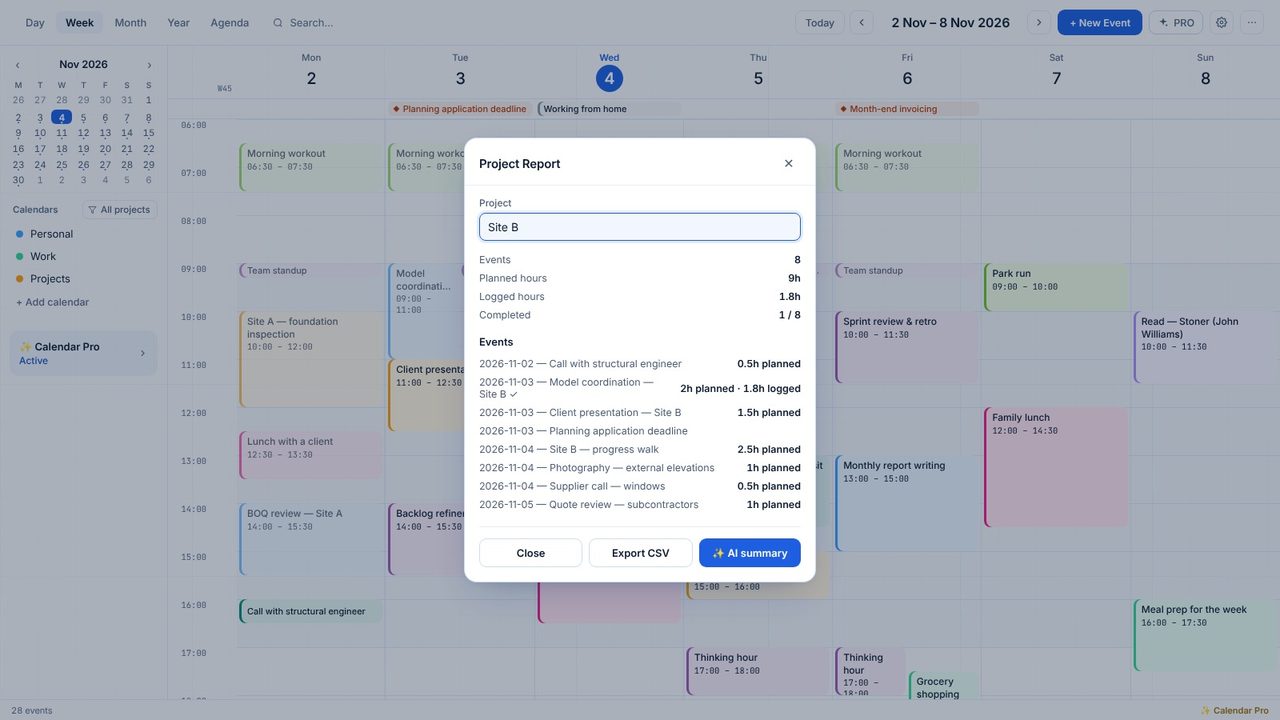
Events, planned hours, logged hours and completed - then every event with its date and hours.
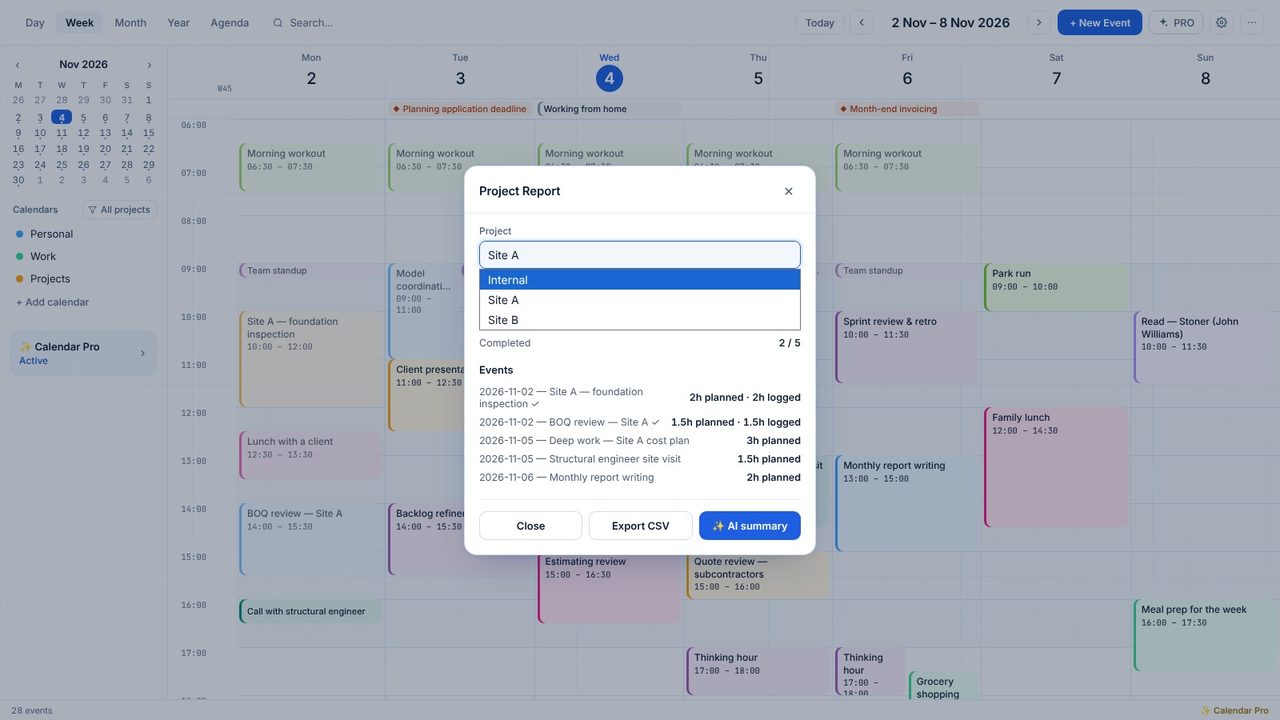
Pick another project from the list.
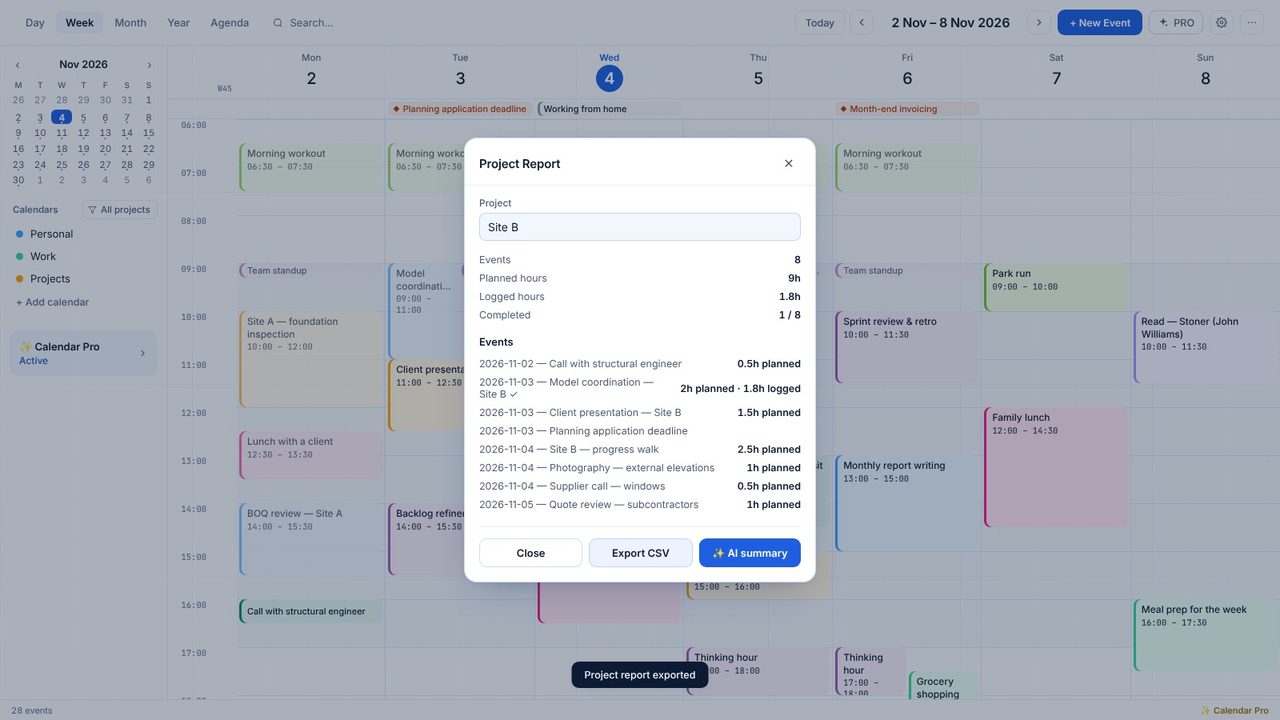
Export CSV saves date, title, category, times, hours, completed and description - ready for a spreadsheet.
Planned hours from each event's times; logged hours from the Actual duration you enter.
Yes - Calendar Pro has a 7-day free trial in the app.
