How-to guide
Calendar Pro prints your calendar as a day page, a week, a month or a 12-month year wall planner - with your events, UK bank holidays and ruled lines, in three styles.
Choose Export > Printable planner (or Wall planners in the sidebar).
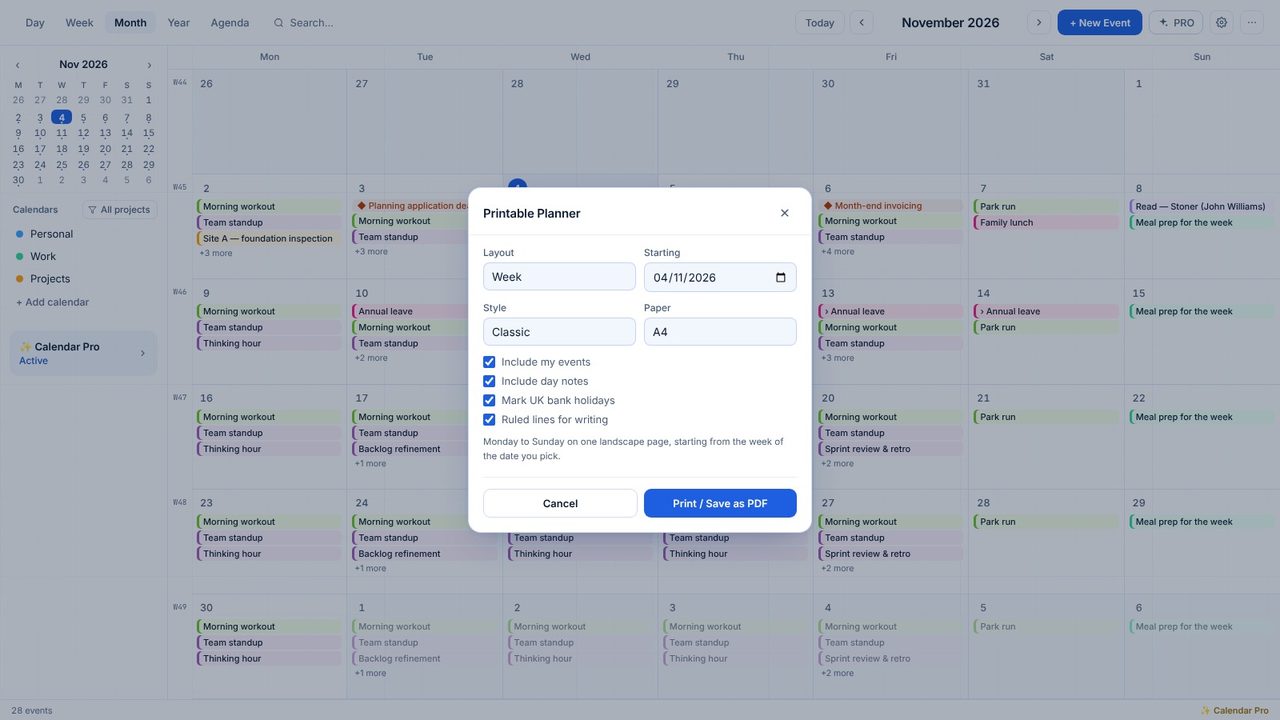
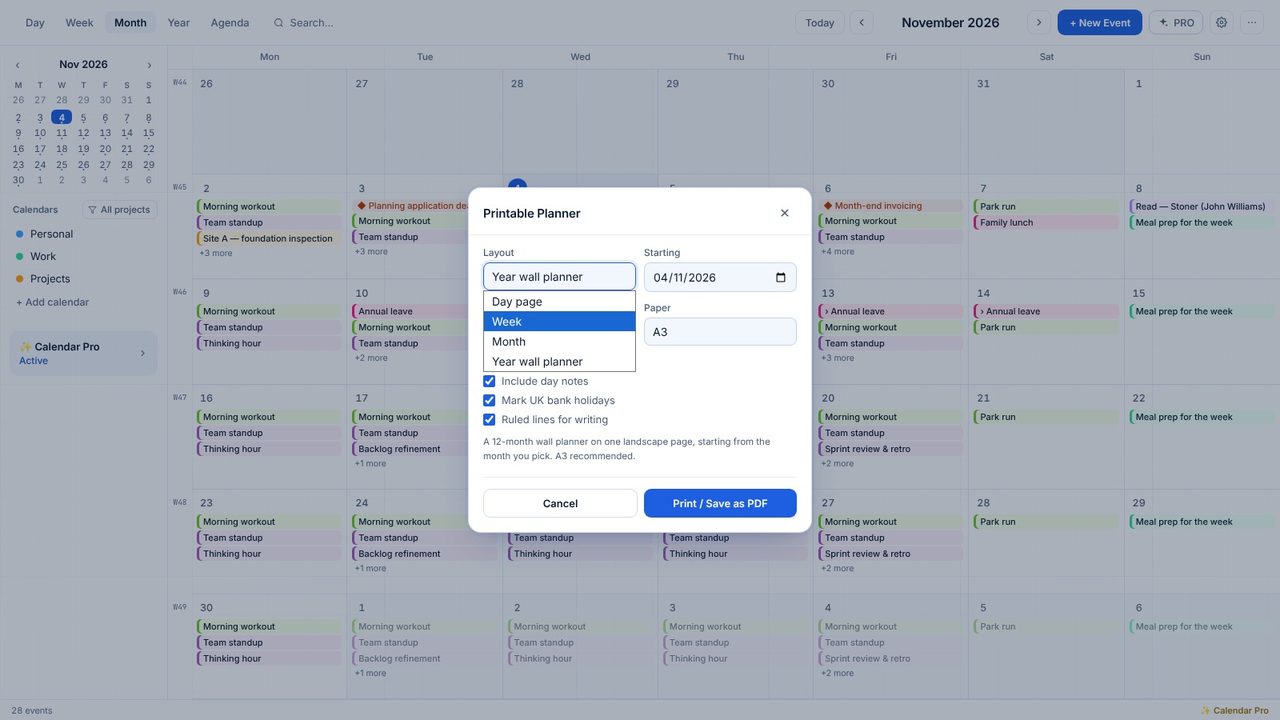
Pick Year wall planner and the month it starts from.
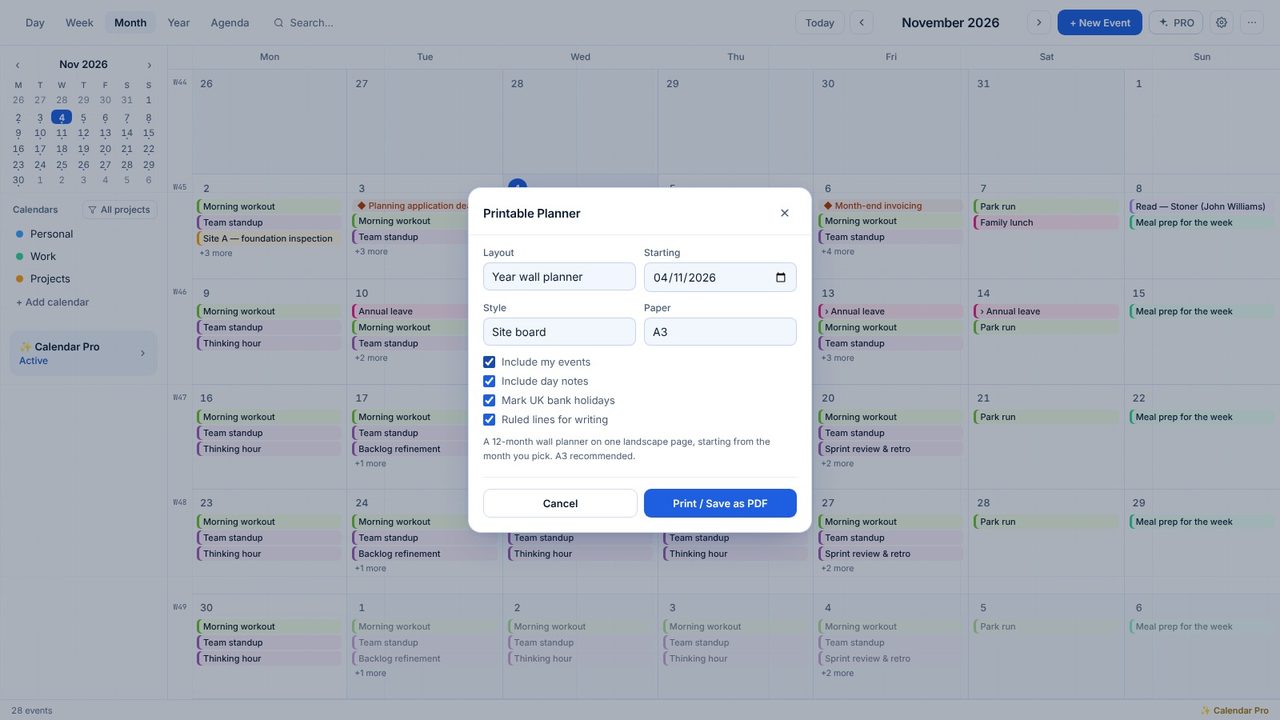
Classic, Minimal or Site board, on A4, A3 or Letter. Choose whether to include your events, day notes, bank holidays and ruled lines.
Click Print / Save as PDF and choose your printer, or Microsoft Print to PDF.
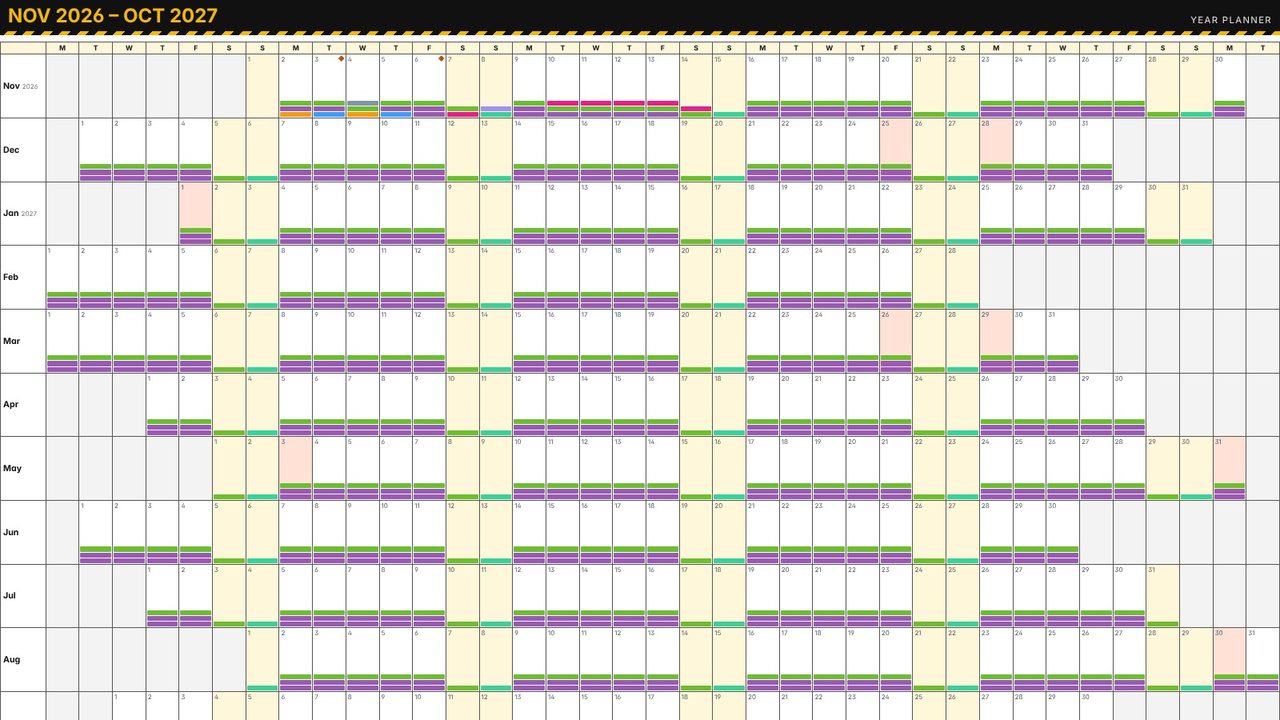
England and Wales, worked out for every year.
Yes - Calendar Pro has a 7-day free trial in the app.
