How-to guide
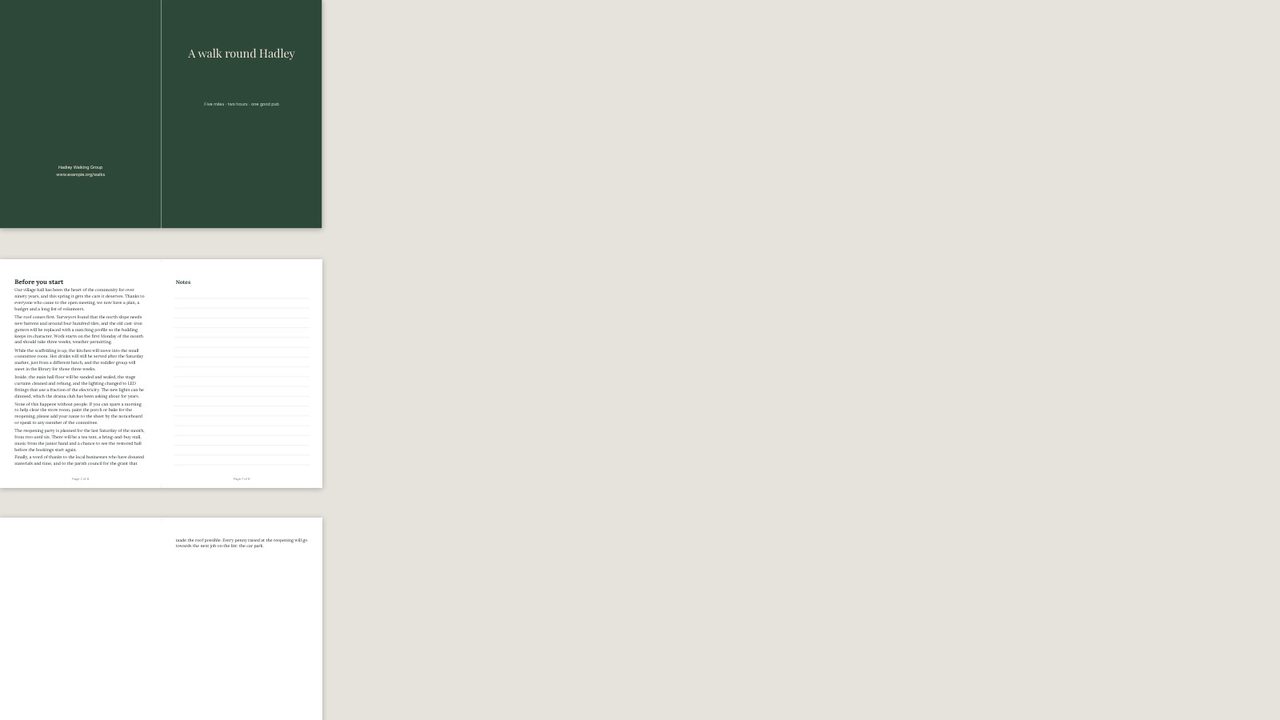
Lay your pages out in reading order; Desktop Publishing puts them two to a sheet in fold order, ready to print double-sided, fold and staple.
Make your pages in reading order - the 8-page booklet template is a good start. Use a multiple of four pages; blanks are added if not.
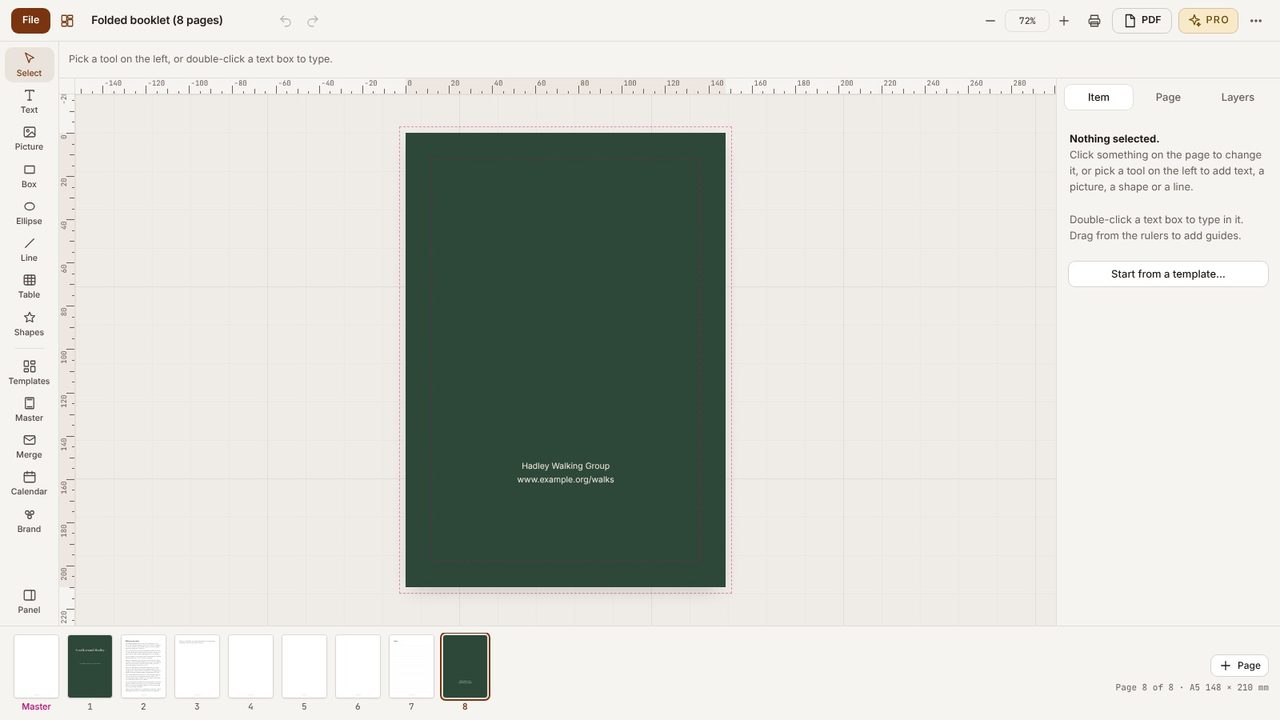
Click PDF (or Print).
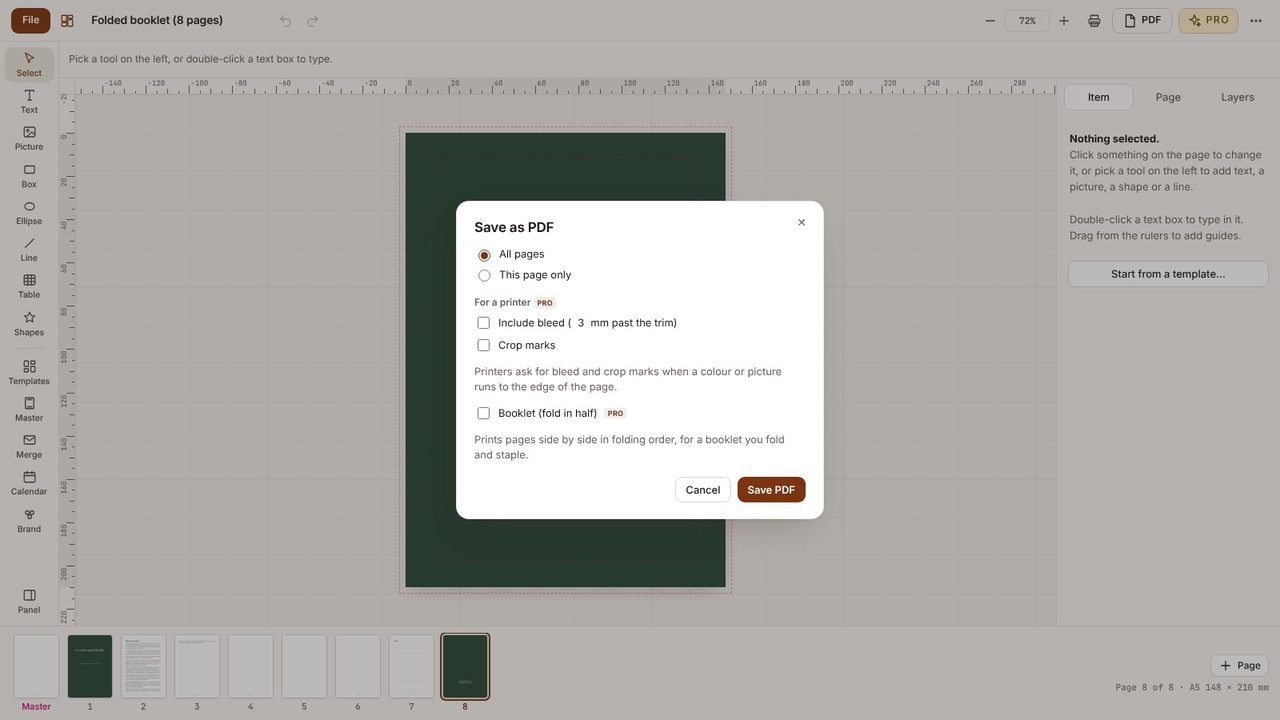
Tick Booklet (fold in half). The pages are placed two to a sheet, in the order that folds correctly.
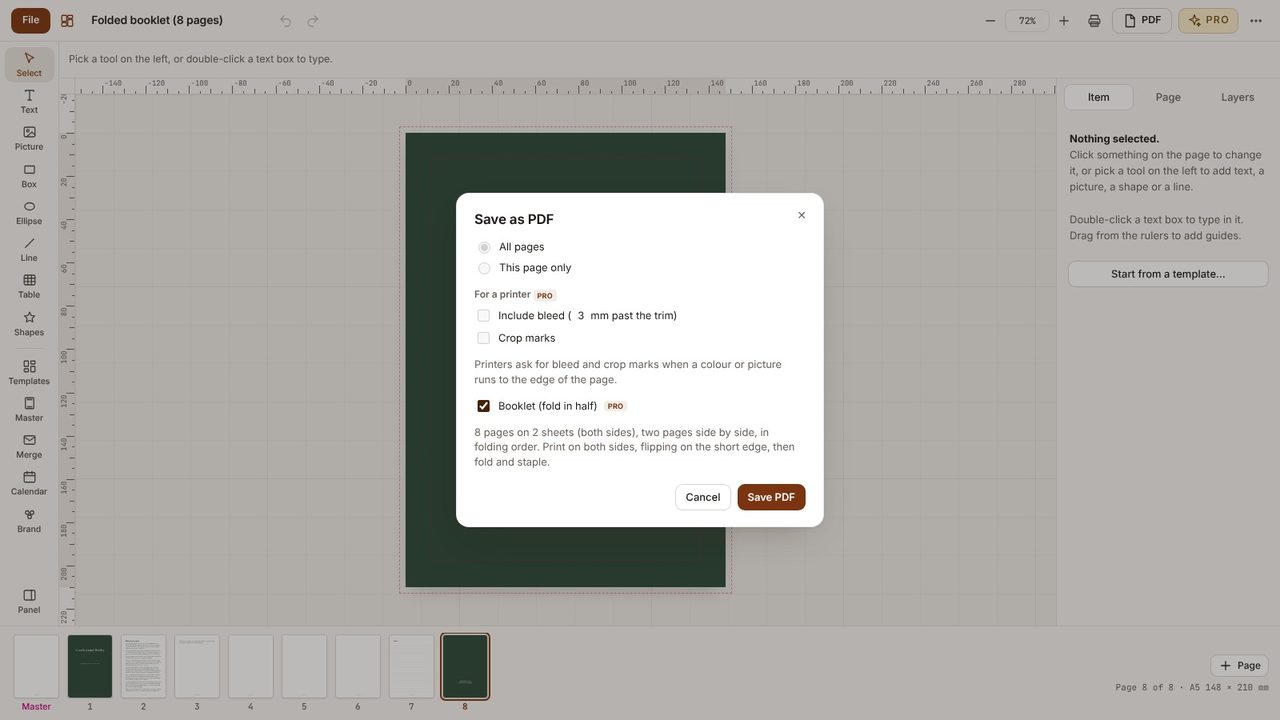
Save or print double-sided, flipping on the short edge. Fold the stack in half and staple the spine.
Any number; it's rounded up to a multiple of four with blank pages.
Yes - Desktop Publishing Pro has a 7-day free trial in the app.
