How-to guide
Preflight is checking a PDF before it goes to press: is there bleed, are the fonts embedded, is anything RGB in a CMYK job, are the images sharp enough at the size they're placed? Catching it now saves a reprint. This guide preflights a two-page A5 flyer in Metre2 Print Imposition and finds five problems, free in your browser. It reports and never changes the artwork.
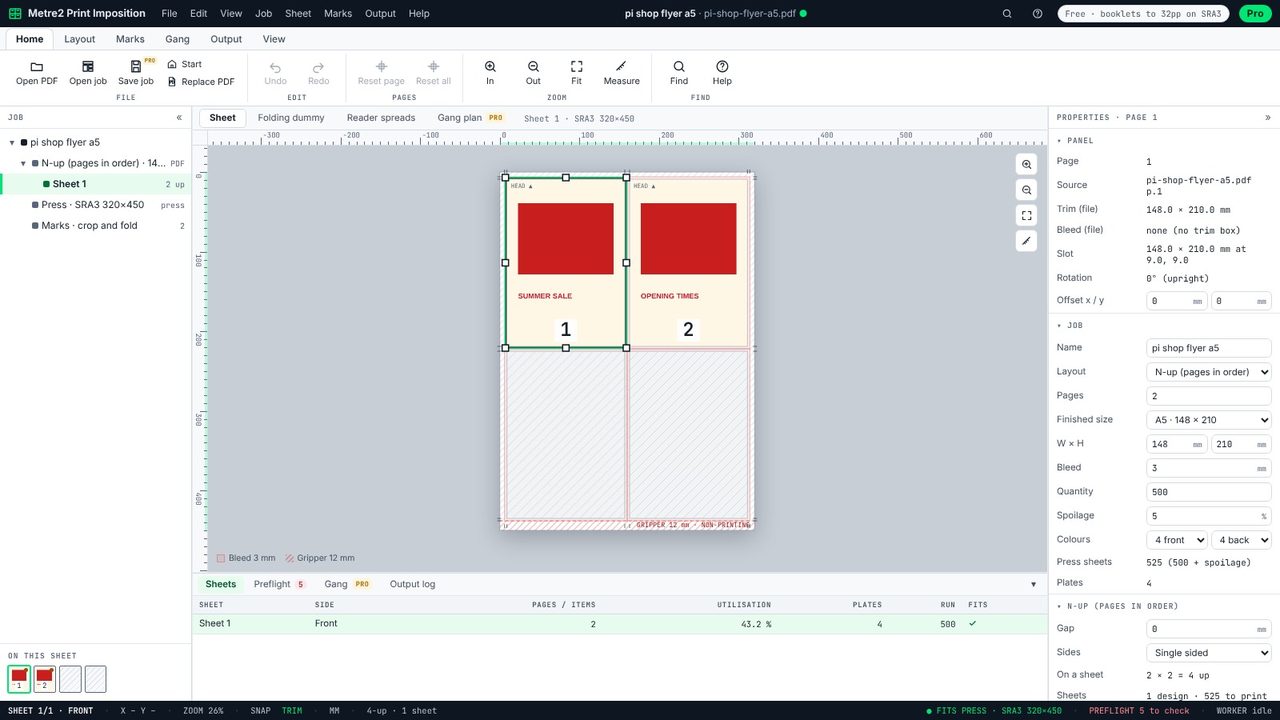
Open the PDF you were sent. Print Imposition reads every page and checks it straight away; the status bar shows PREFLIGHT 5 to check.
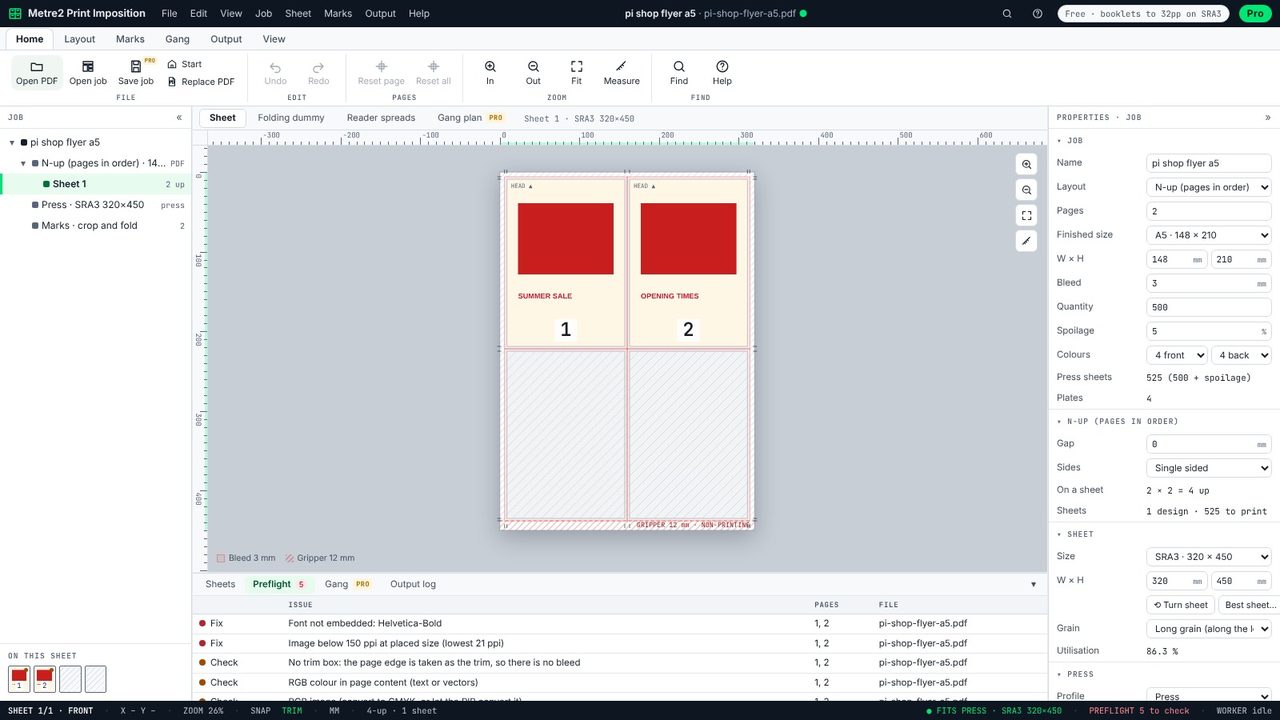
The Preflight tab lists what affects printing, worst first. This flyer has two problems to fix - a font that isn't embedded (Helvetica-Bold) and an image below 150 ppi - and three to check: no trim box, RGB colour in the text, and an RGB image.
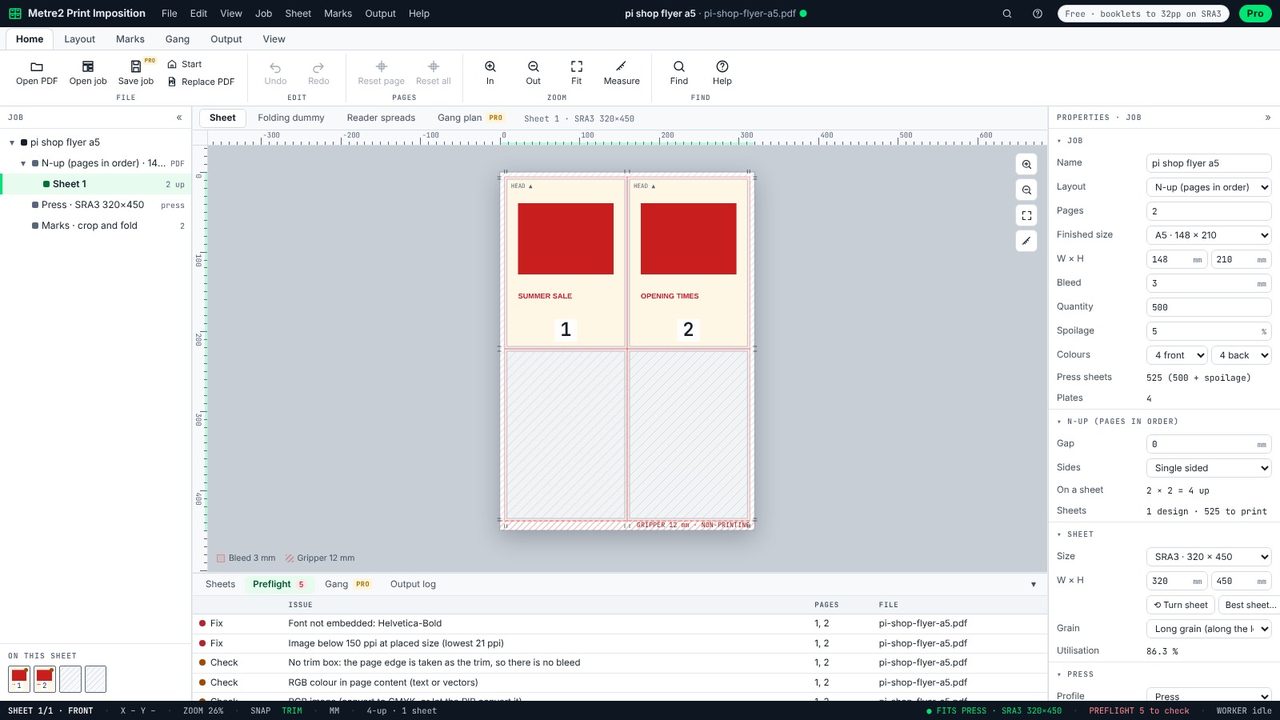
Click an issue to go to the page it's on. The image here is 100 pixels across stretched over 120 mm: 21 ppi at its placed size, so it will print blurred and blocky. Around 300 ppi is the usual aim.
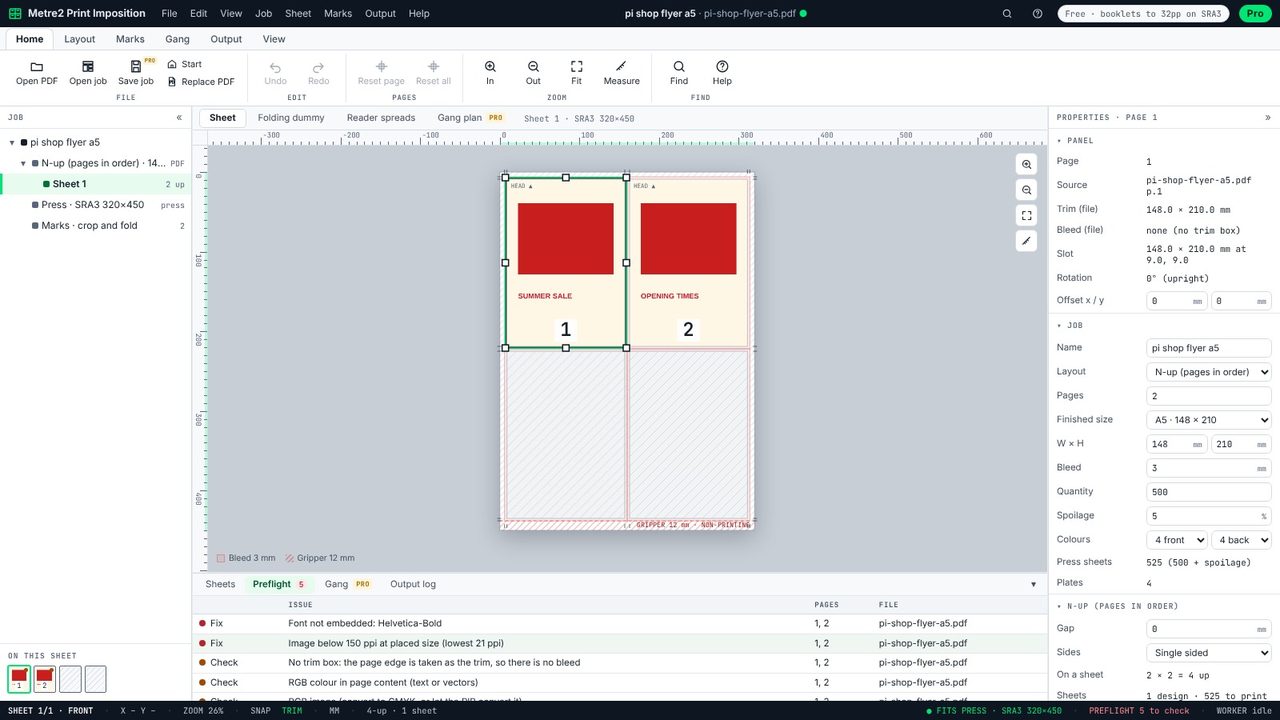
No trim box means the PDF was saved without bleed: the page edge is the trim, so anything meant to run off the edge will show a white line after cutting. Ask for the PDF again with 3 mm bleed and crop marks on, or a PDF/X export.
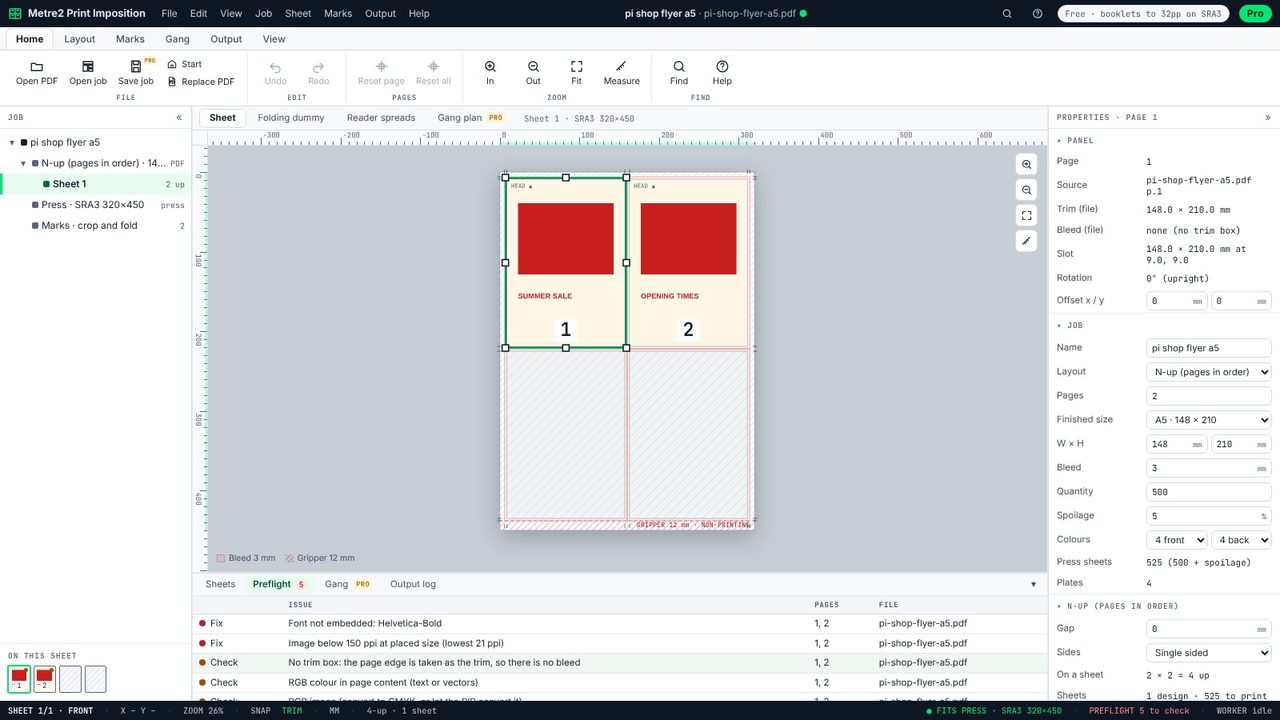
Preflight reports; it never changes your artwork. Send the list back to the designer, then open the corrected PDF with Replace PDF: the layout stays and preflight runs again.
Trim and bleed boxes, page sizes that don't match the job, fonts not embedded, RGB images and RGB colour, image resolution at the placed size (below 250 ppi is flagged, below 150 must be fixed), spot colours, transparency and the PDF/X output intent.
If a font isn't embedded, the printer's system substitutes another one, which can change the spacing and line breaks or show the wrong characters.
Presses print in CMYK. RGB images and colours are converted by the RIP, which can shift bright colours. It is a warning to check, not always an error.
No. Preflight only reports. The imposed PDF places your pages exactly as they are.
