How-to guide
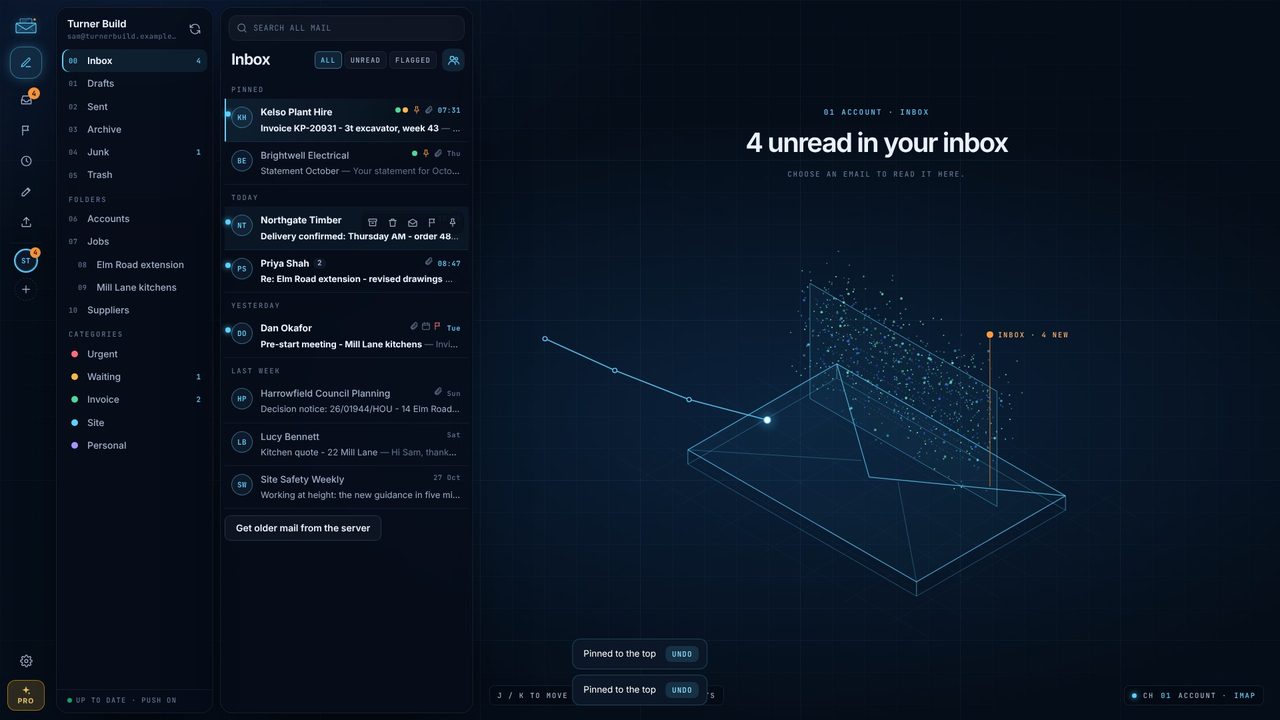
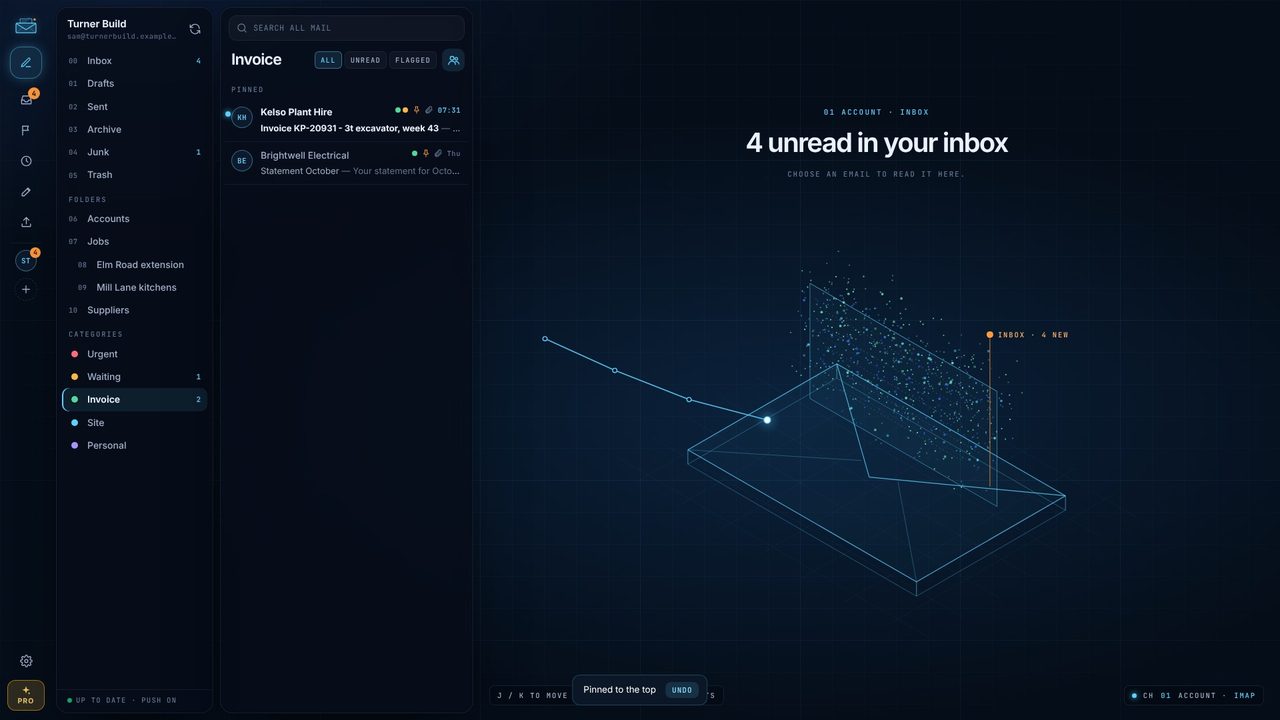
The emails that matter sink under the ones that don't. In Metre2 Mail, pin them and they stay on top until you're done - free. With Mail Pro, tag them in colour - Invoice, Waiting, Site - and see every email in a category with one click.
Hover over an email and click the pin, or choose Pin to top from the right-click menu. It moves under PINNED at the top.
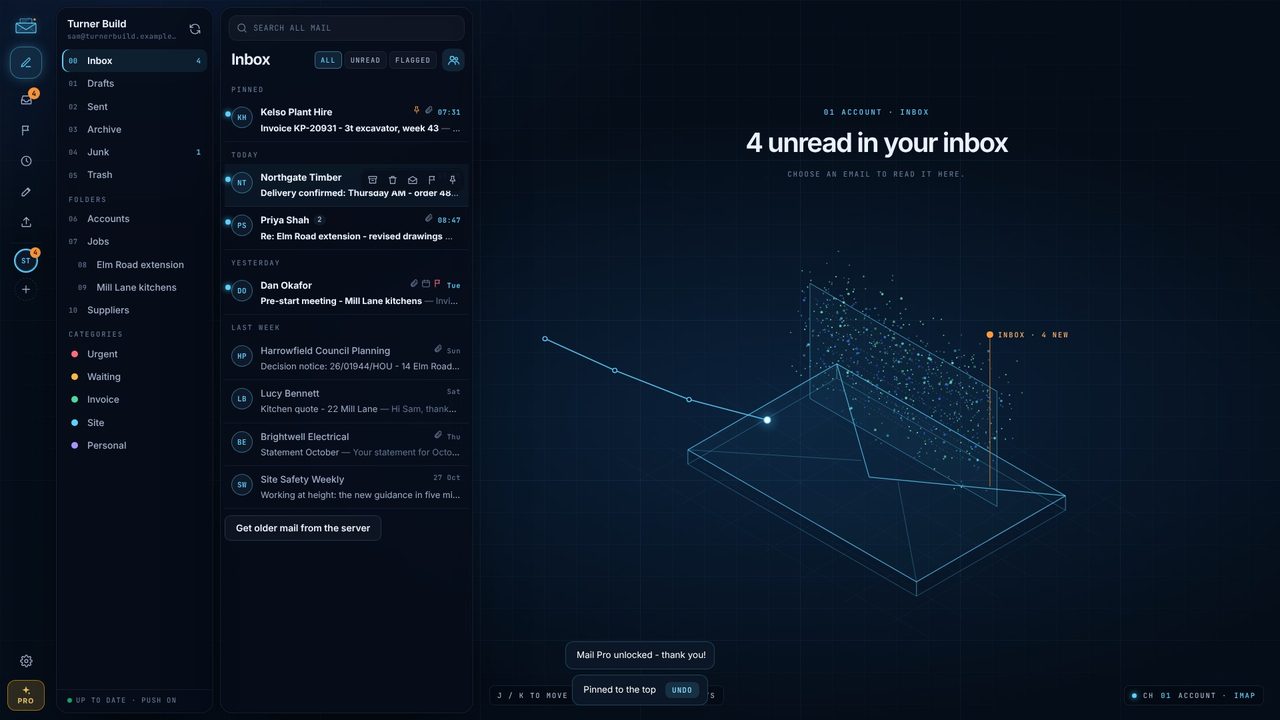
Select an email and press P. Pinning doesn't mark it read.
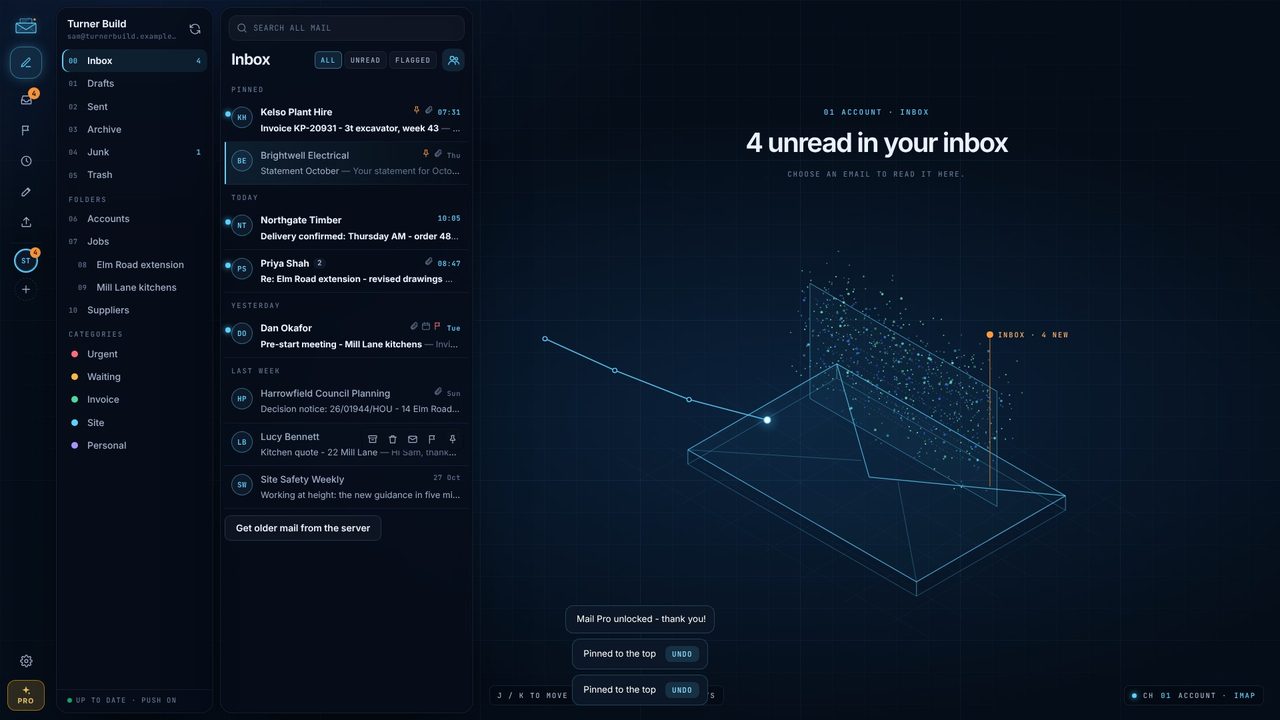
Press C and tick categories - Invoice, Waiting. Make your own in Settings > Categories; Add starter set gives you five.
Click a category under CATEGORIES on the left to see every email in it.
Yes. Pin to top is free; coloured categories are part of Mail Pro.
Where your provider allows it, pins and categories are saved with the email on the server. For POP3 and Microsoft 365 mode, pins stay on this PC.
As many as you like, in eight colours.
