How-to guide
Someone has sent you an .ifc model and you don't have Revit, ArchiCAD or a BIM licence. You can still open it, look round it and read every element's properties - free on Windows with BIM Explorer, and the model never leaves your PC.
Drag the .ifc file onto BIM Explorer, or browse for it. Large models are prepared in stages and you'll see the progress. No model to hand? Load sample opens a small building to try everything on.
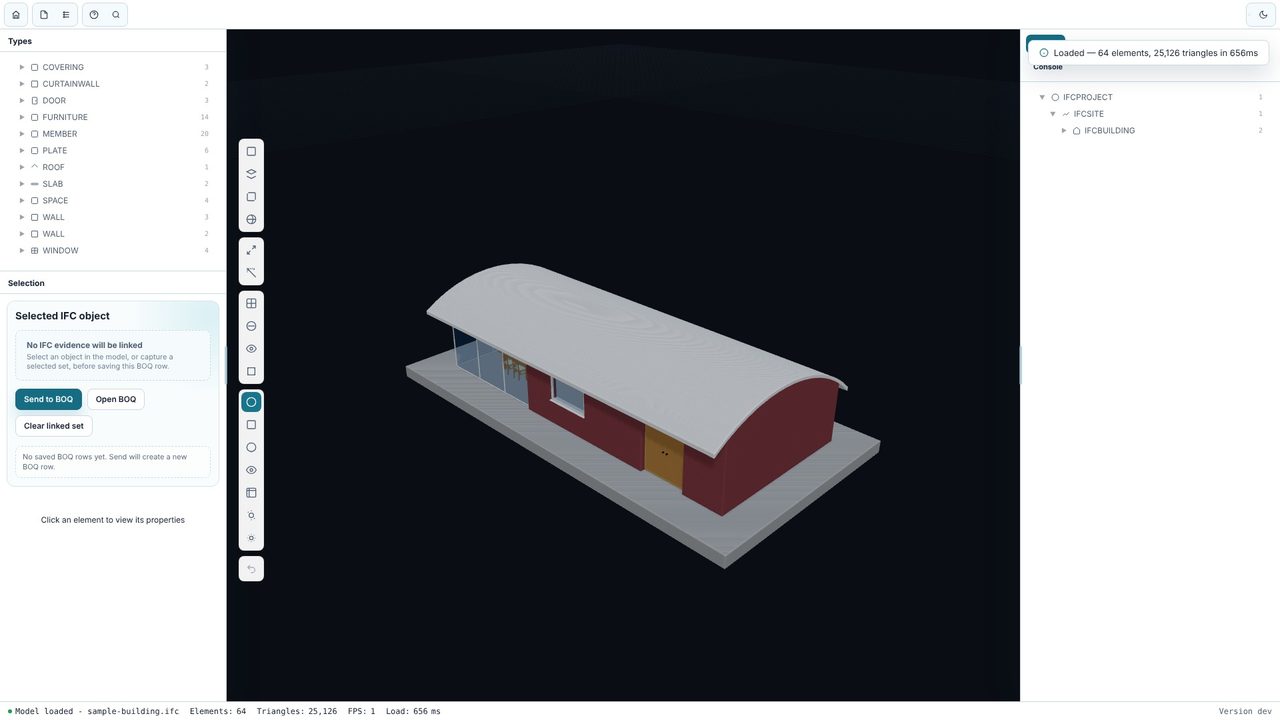
Click a wall, door, slab or fitting to select it. The model tree shows where it sits in the building's structure - site, building, storey, space - so you always know what you're looking at.
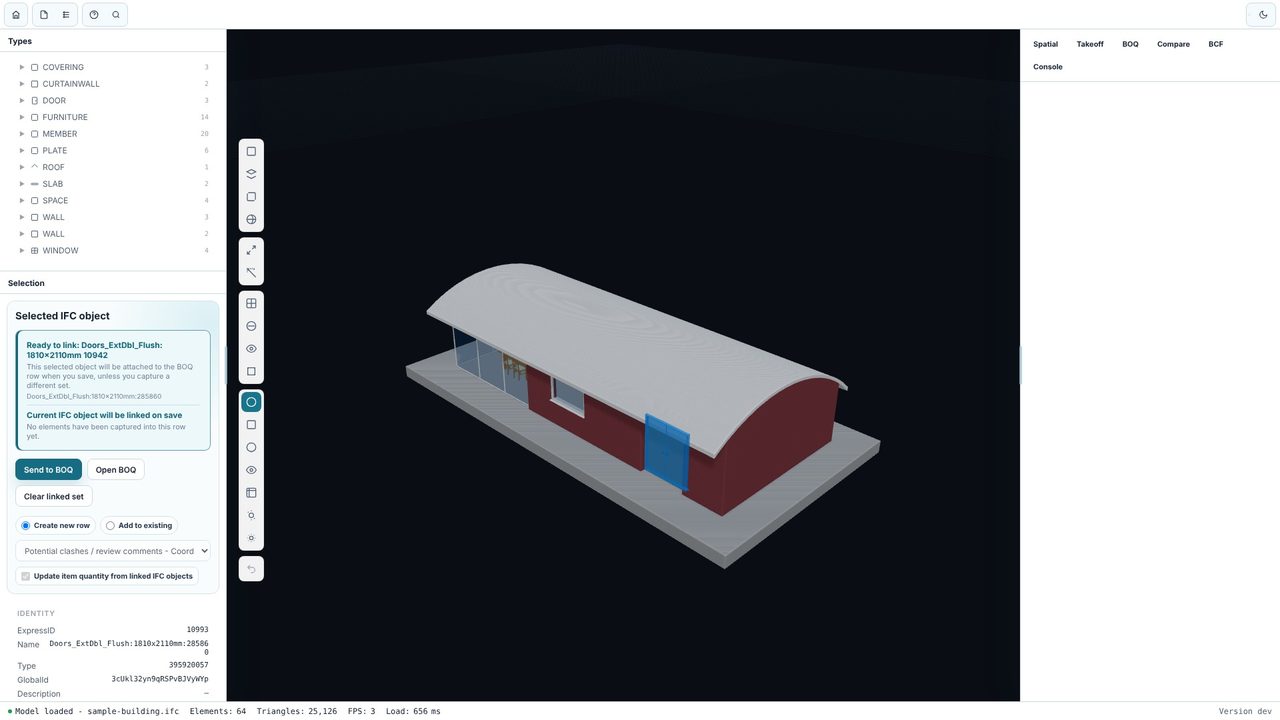
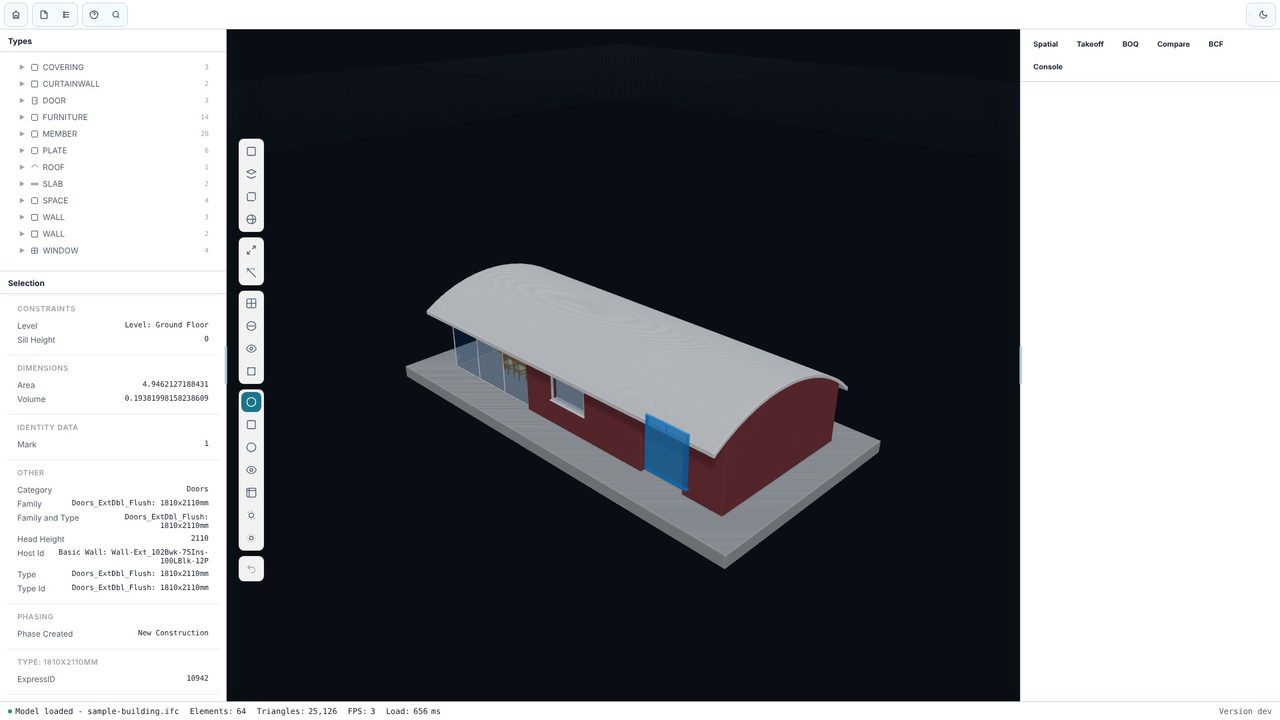
The properties panel shows everything the model holds for that element: name, IFC type, GlobalId, materials and every property set. Scroll down for fire ratings, U-values, manufacturer data - whatever the designer put in.
Drag to orbit, scroll to zoom and use the rail on the left for front, top and side views, perspective and fit-to-view. Add a section plane to cut through the building, or measure between any two points.
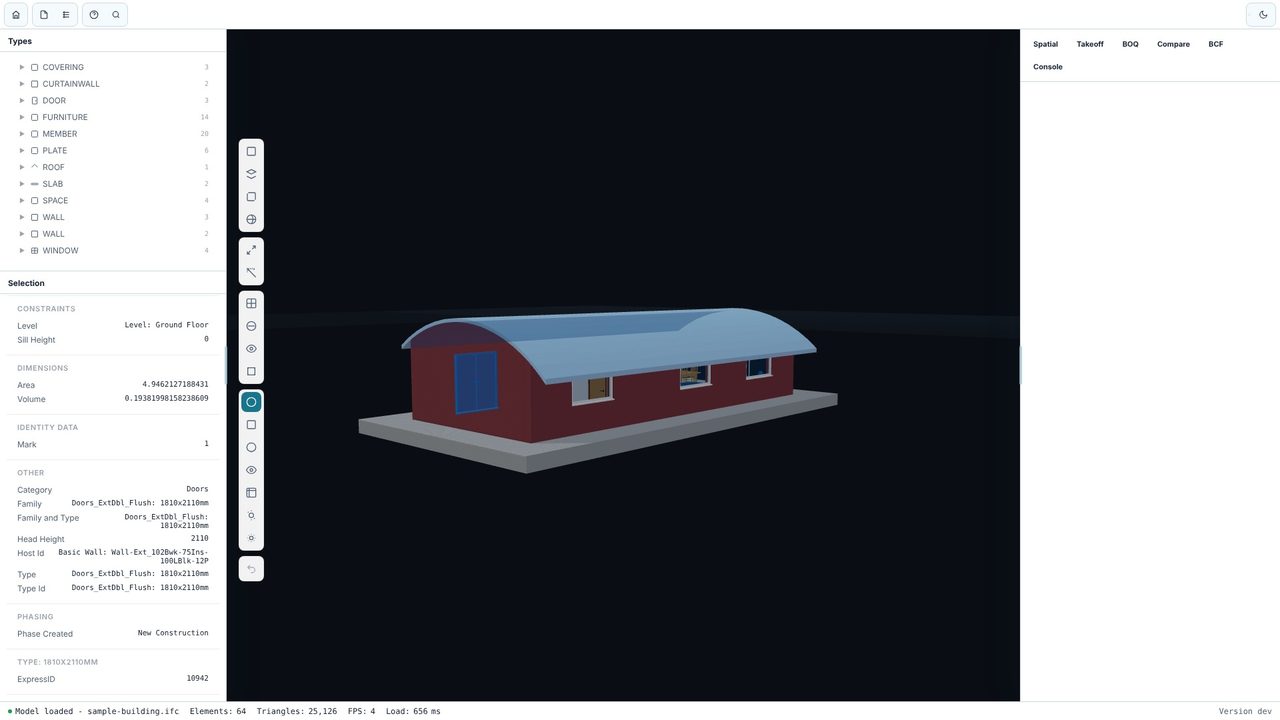
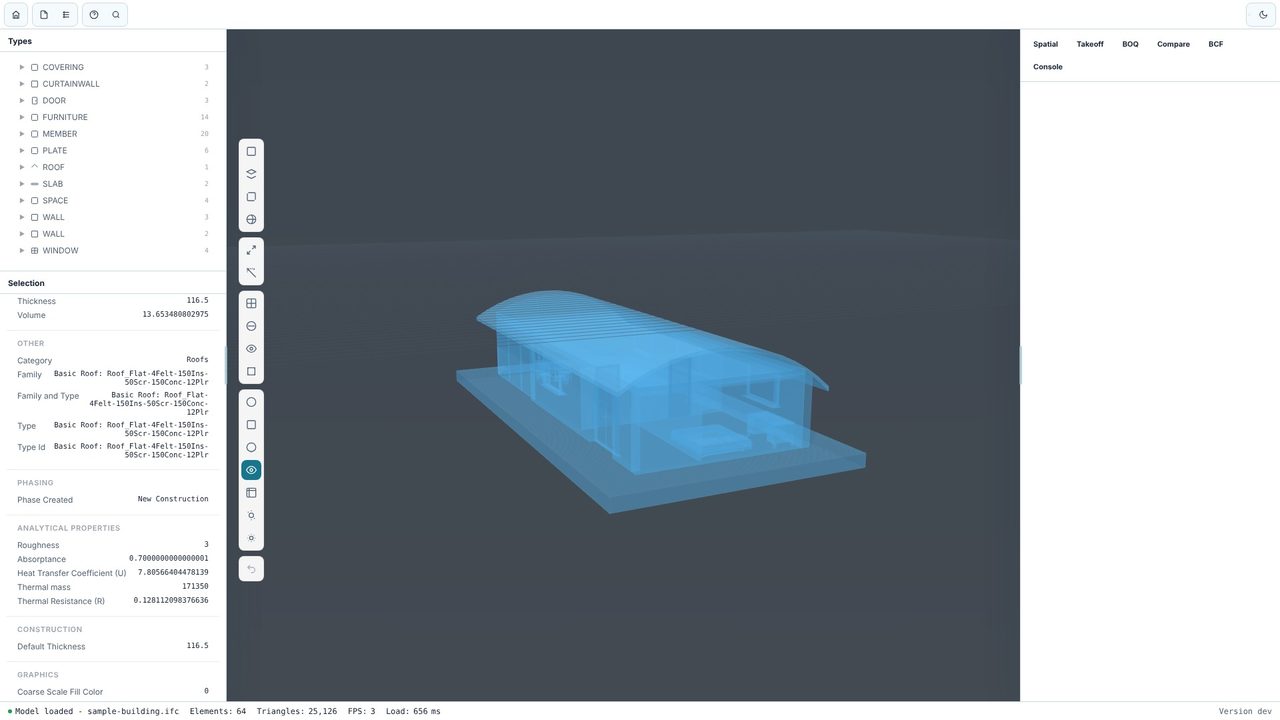
Switch the display mode to X-ray to see furniture, spaces and services through the walls. Clay, white, blueprint, warm and realistic modes are there too - clay is good for clean screenshots in a design review.
Yes. The viewer, model tree, properties, display modes, sections, measuring, search and the model library are free, with no account and no subscription. BIM Explorer Pro is an optional one-off £29.99 upgrade for quantity takeoff, a linked BOQ, revision compare, BCF review and exports.
IFC models (.ifc), including large ones. It doesn't open native Revit (.rvt) or ArchiCAD (.pln) files - ask for an IFC export, which every BIM authoring tool can produce.
No. BIM Explorer works offline and models are kept on your PC.
