How-to guide
Filing the same supplier's invoices by hand every week? In Metre2 Mail, free on Windows, one right-click makes a rule: every email from that sender goes straight to the folder you choose - and the ones already in your inbox can go too.
Find an email from the sender - a plant hire invoice here.
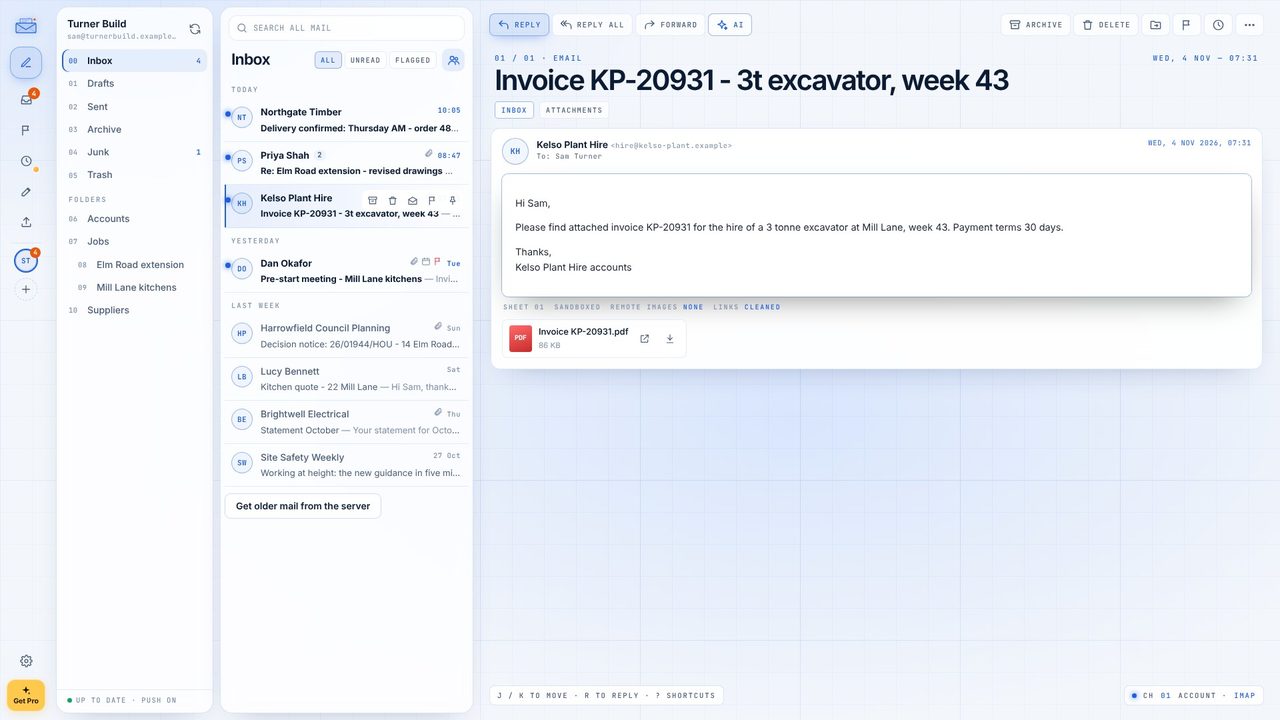
Right-click the email in the list, or open More in the toolbar.
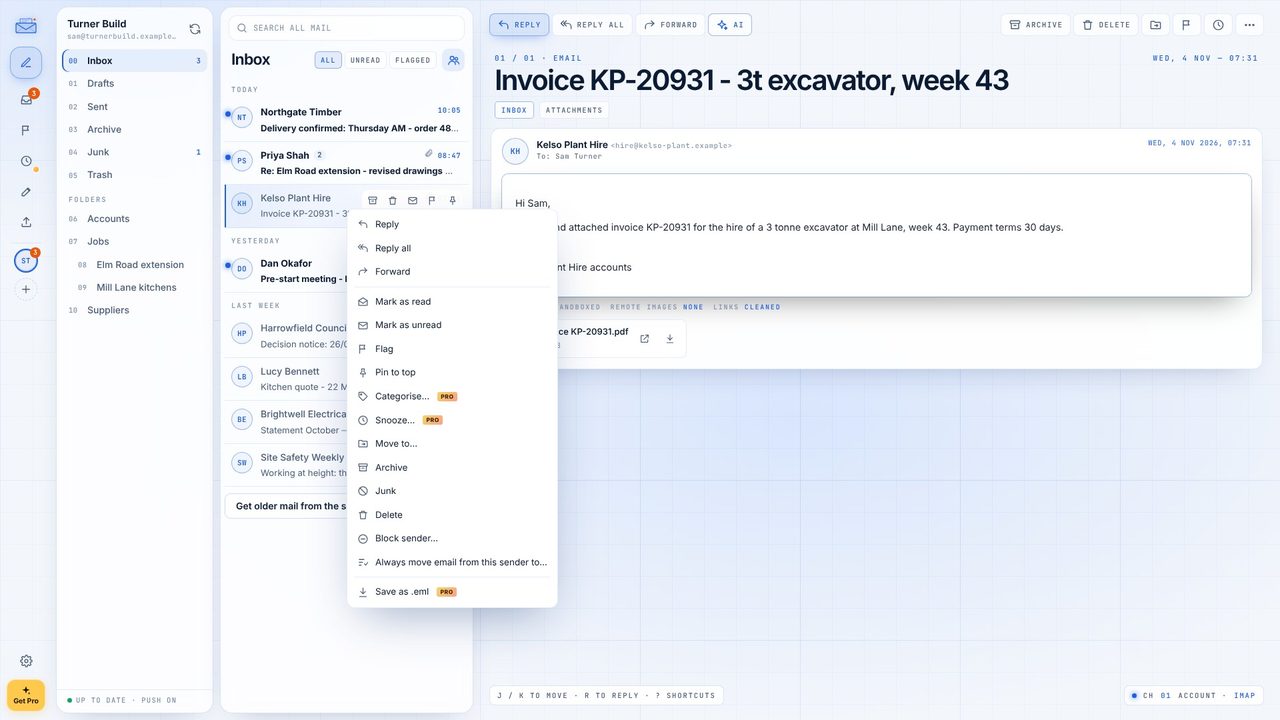
Choose Always move email from this sender to...
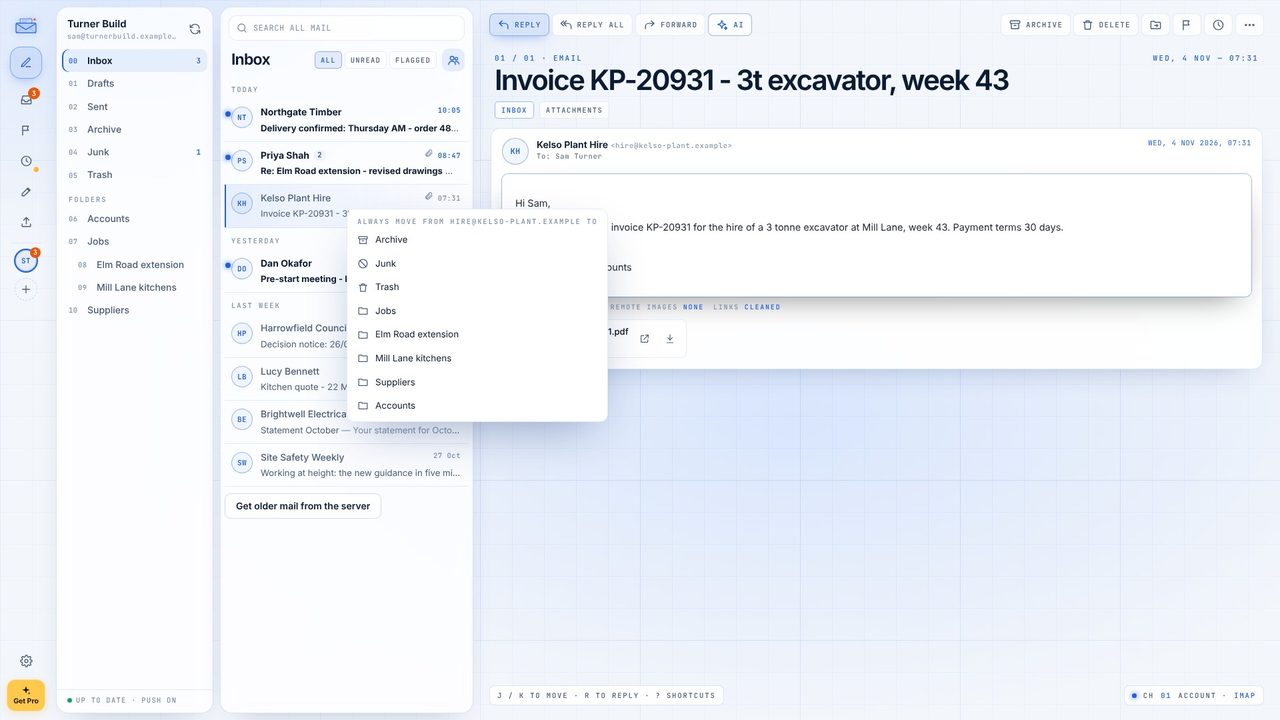
Choose the folder - Accounts here. The rule is made straight away.
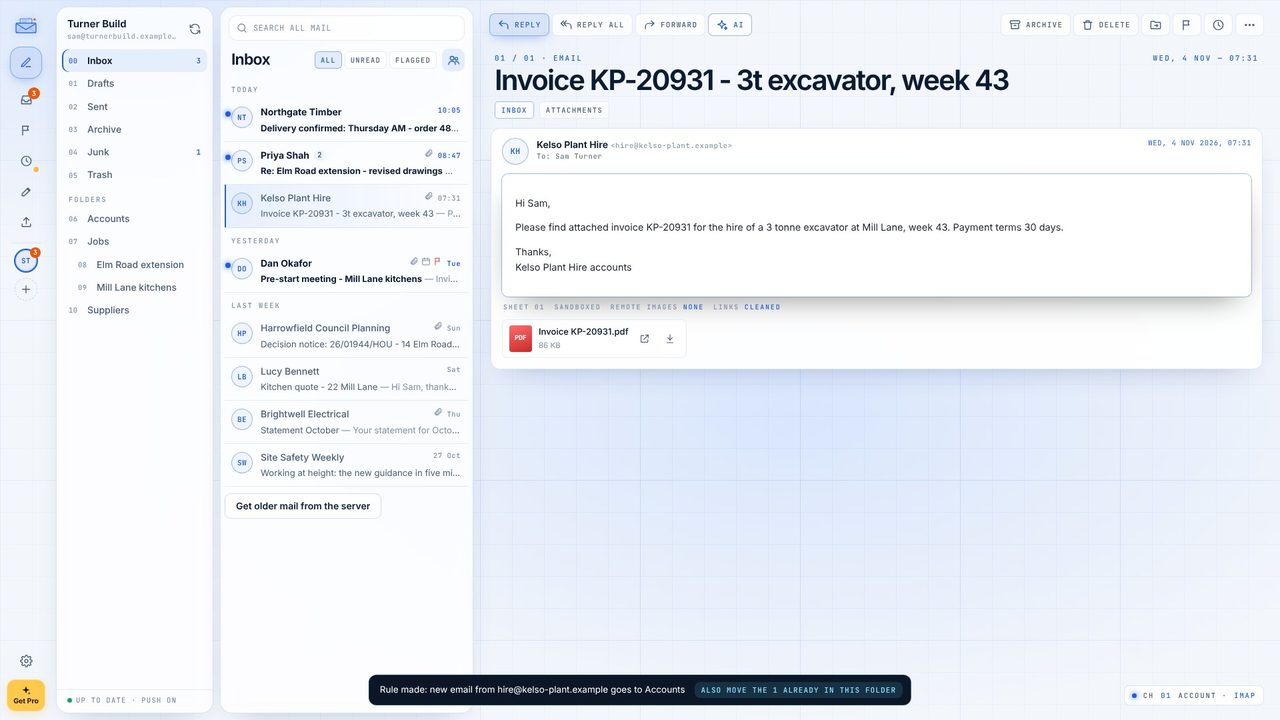
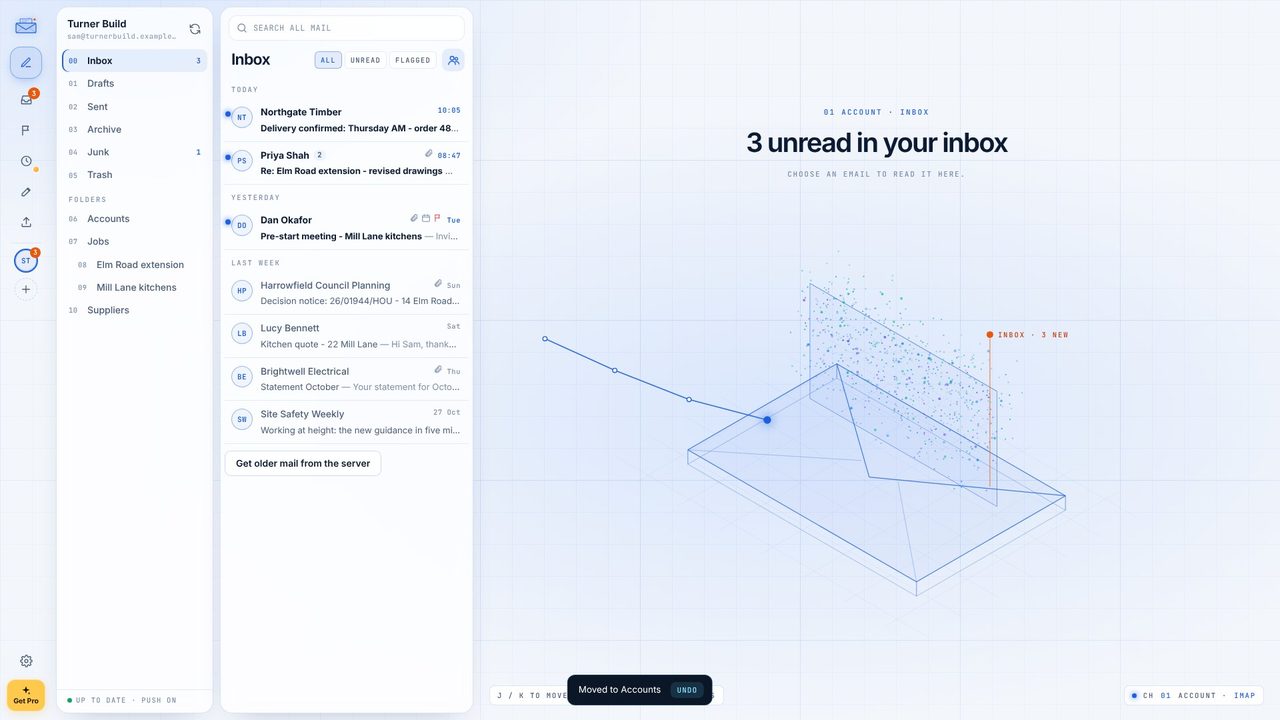
The message at the bottom offers to move the emails from that sender already in the folder. One click.
Settings > Rules lists the rule. Edit it to add conditions or actions - mark read, flag, archive.
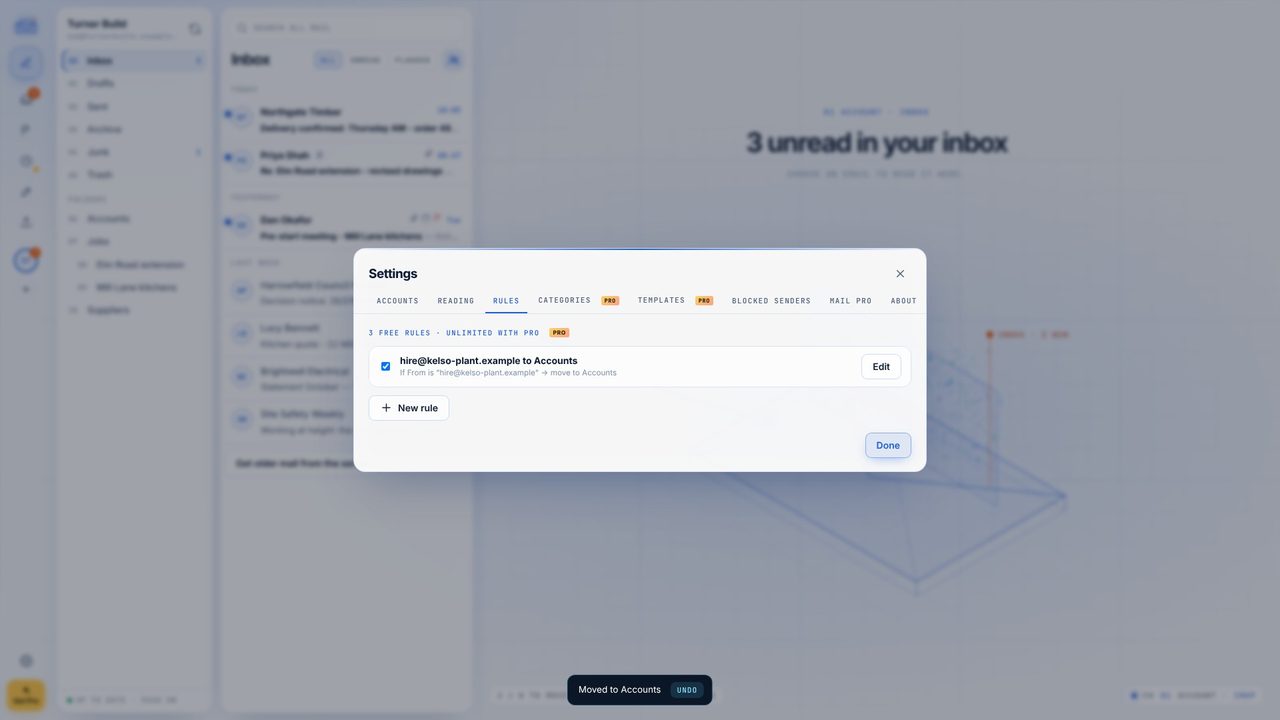
Three are free, including these one-click rules. Mail Pro (a one-off £9.99) has no limit.
Yes - rules run on new mail in the Inbox in Microsoft 365 mode too.
Nothing is deleted. The first three rules keep running and the others are paused until Pro is on again.
