How-to guide
The calendar maker builds a month to a page, twelve months, or a whole year on one page - with bank holidays marked and room for a photo.
Click Calendar on the left (or ··· > Make a calendar). Choose the year and the month.
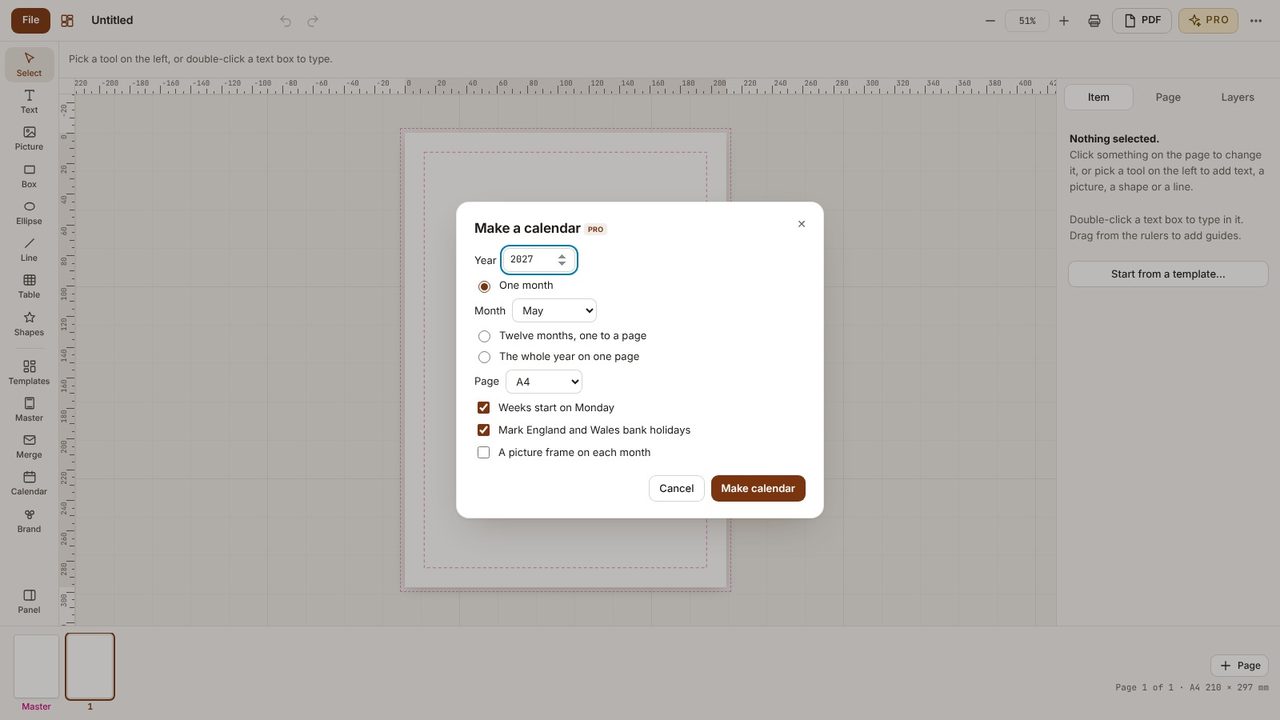
Pick whether weeks start on Monday, whether to mark England and Wales bank holidays, and whether to add a picture frame for each month.
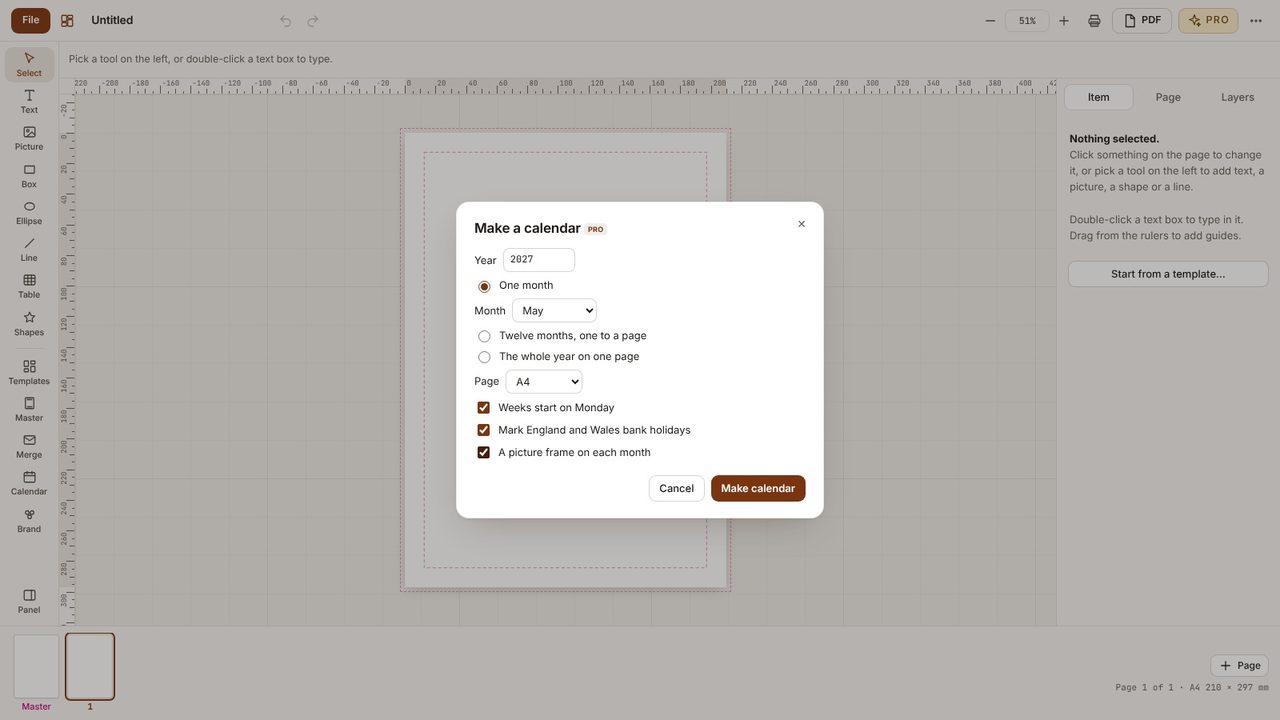
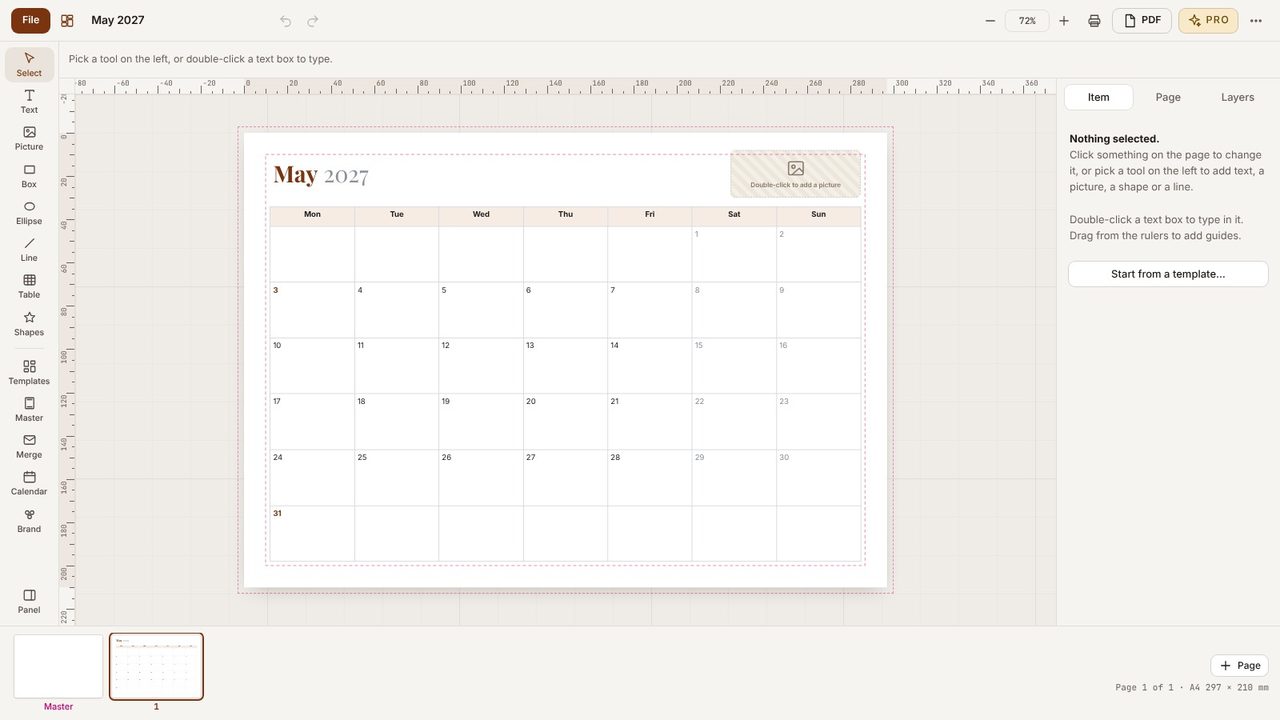
Click Make calendar. Every day, heading and picture frame is ordinary text and shapes, so you can add birthdays and events.
Choose Twelve months, one to a page for a wall calendar, or The whole year on one page.
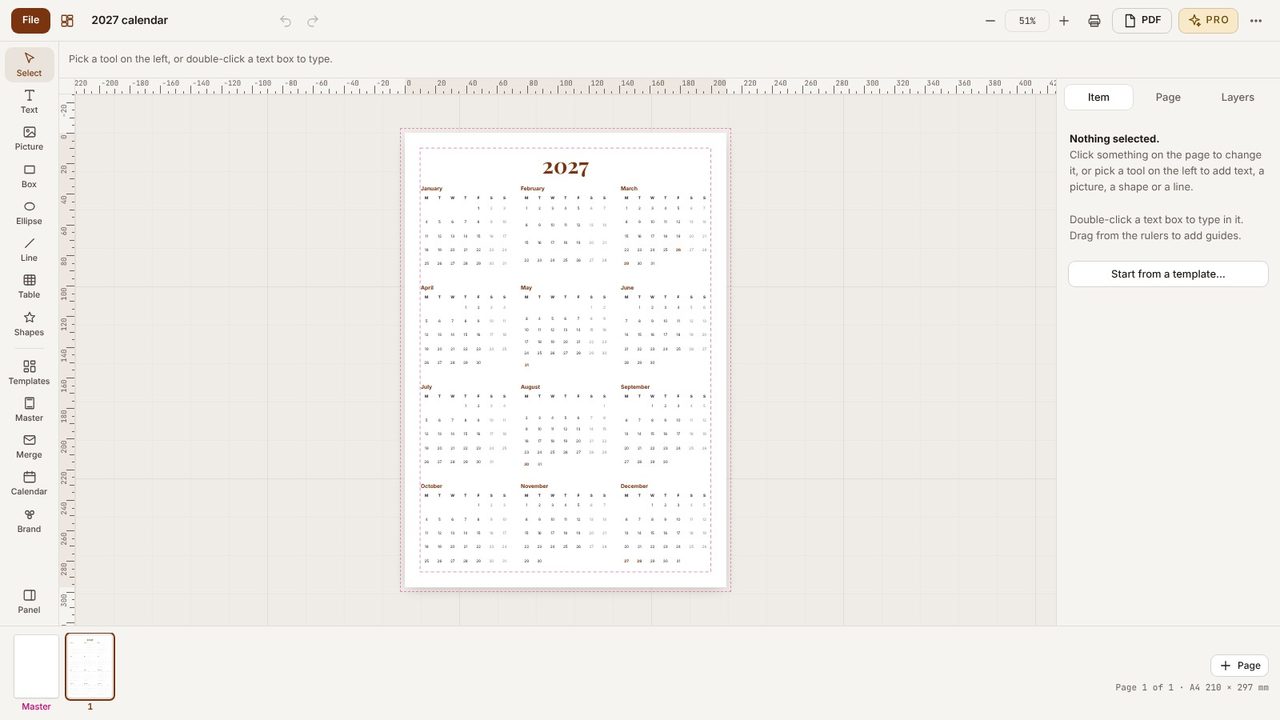
England and Wales, worked out for any year.
Yes - Desktop Publishing Pro has a 7-day free trial in the app.
