How-to guide
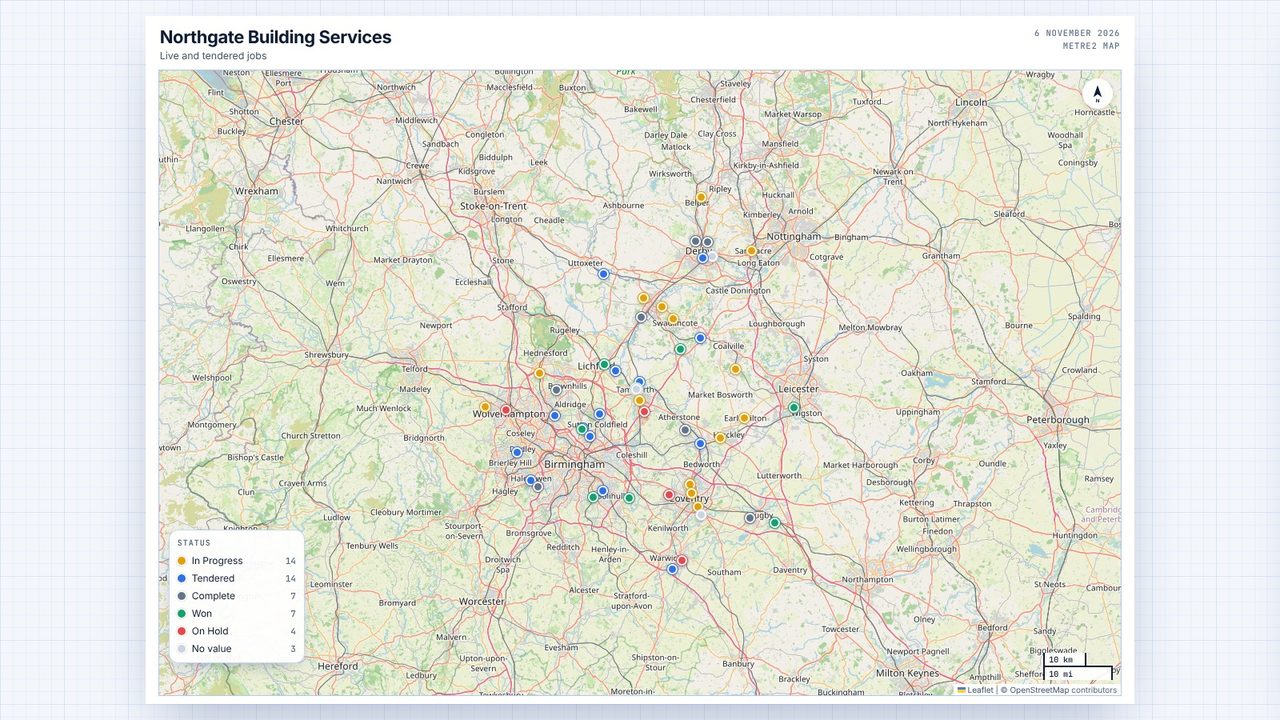
Turn what is on the map into a clean poster: your title and subtitle, the legend, a scale bar and a north arrow, with the map data credited. Print it, save it as a PDF, or save a PNG for an email or a report.
Choose Export → Poster map (PDF or PNG).
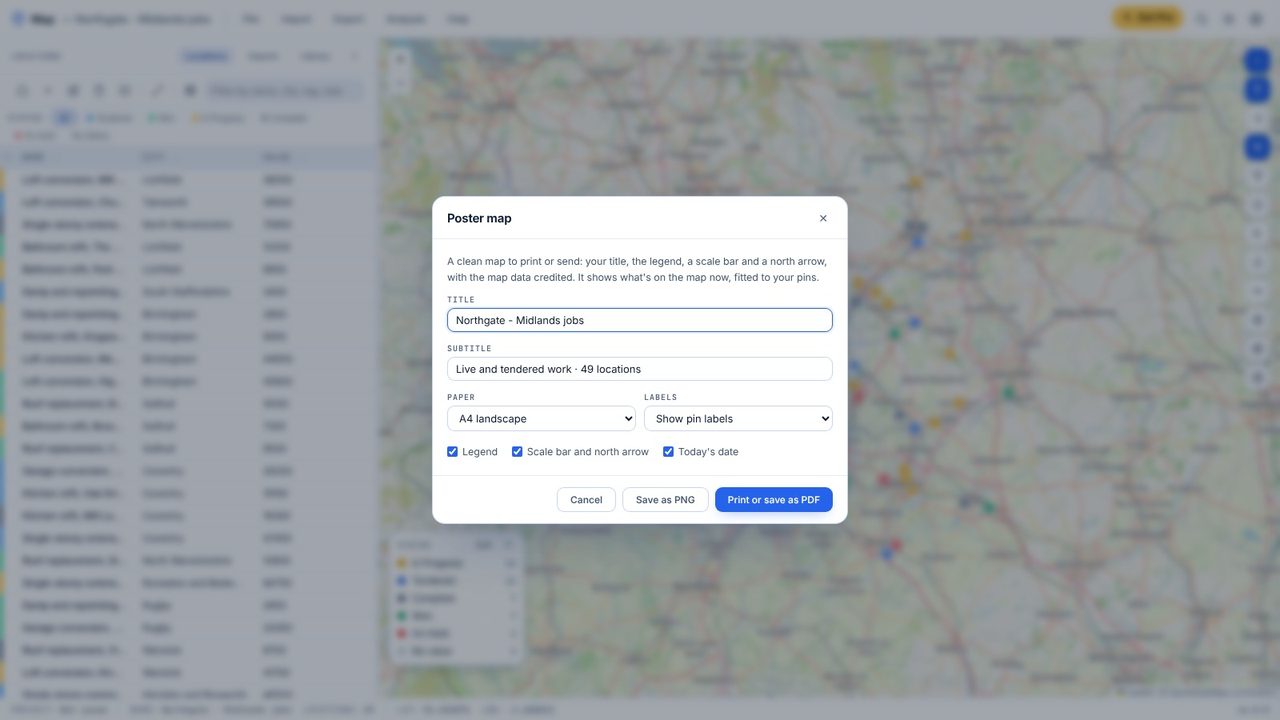
Type a title and a subtitle - the project name and the number of locations are filled in to start with.
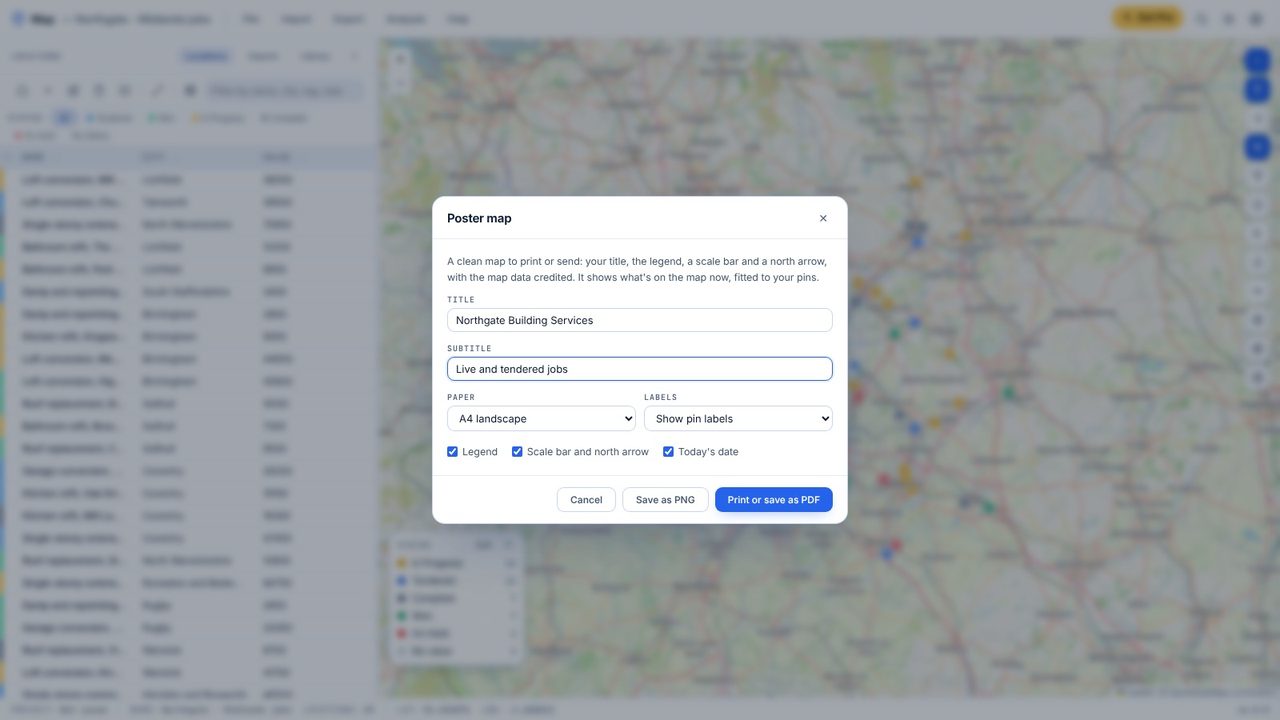
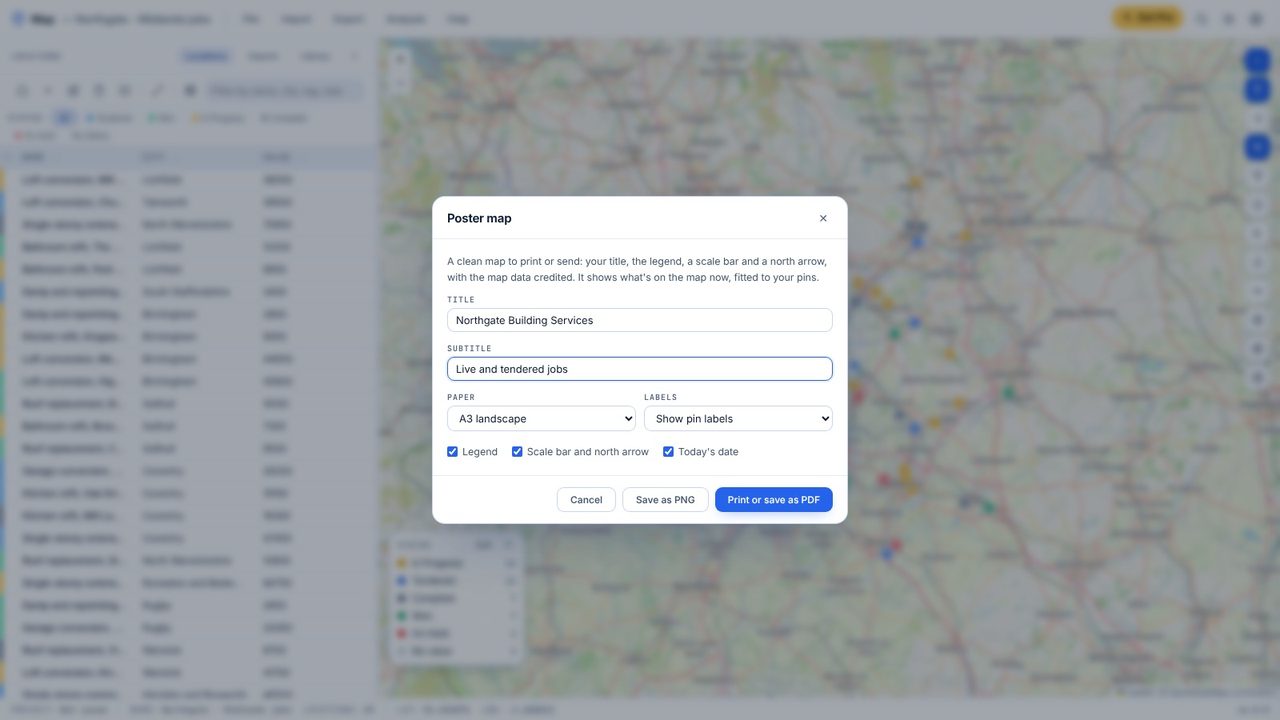
A4 or A3, landscape or portrait, with or without labels, the legend, the scale bar and today's date.
Print or save as PDF opens the print window with the poster laid out on the page; Save as PNG saves a picture.
Yes. Poster maps are free in Map.
Yes. The map data is OpenStreetMap's, which you can use with the credit that is printed on the poster.
