How-to guide
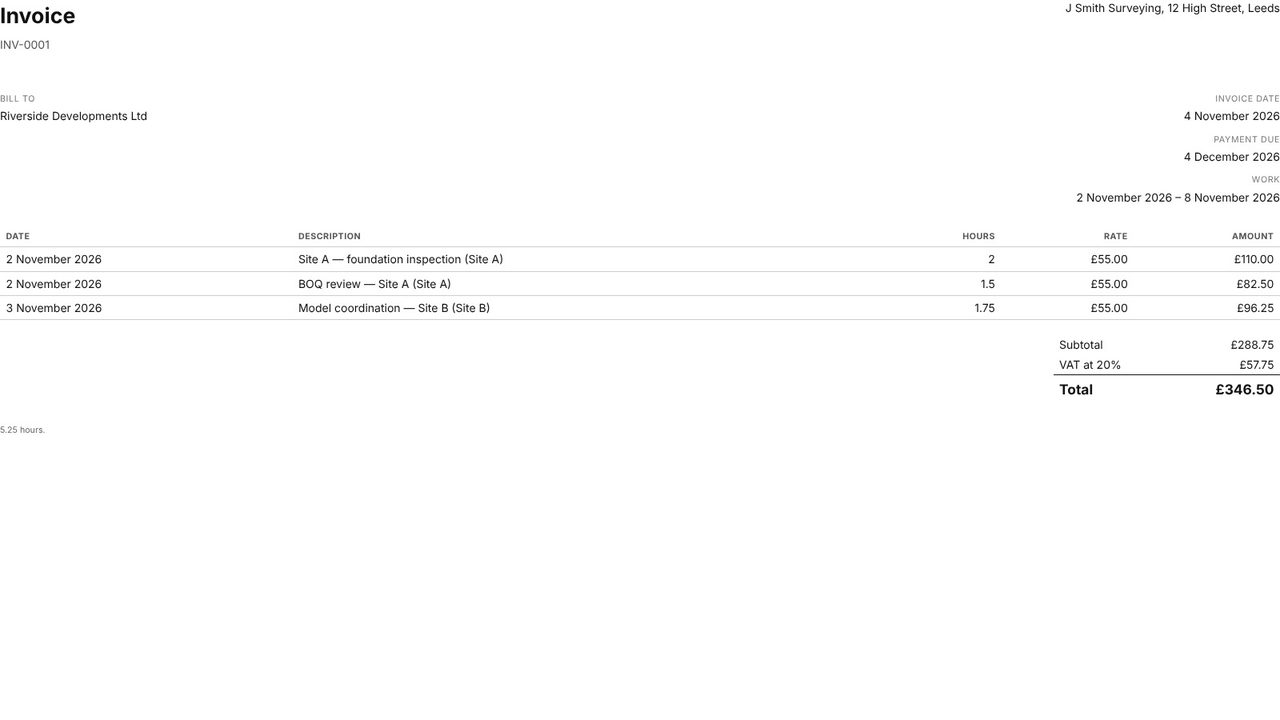
If you log the hours you work in Metre2 Calendar, Calendar Pro turns them into a timesheet and an invoice - your rate, VAT, your details and the client, numbered - ready to print or save as a PDF.
Export > Timesheet: the week's logged hours by project and day.
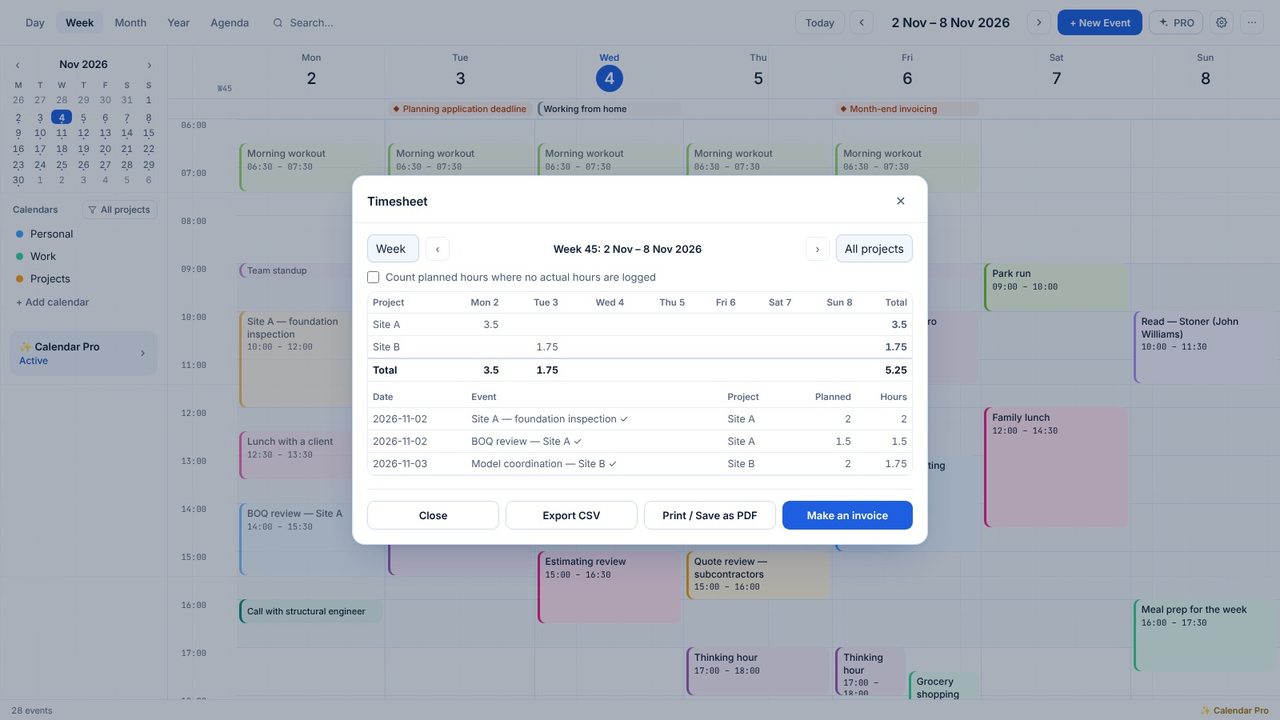
Click Make an invoice. The dates and project come with it.
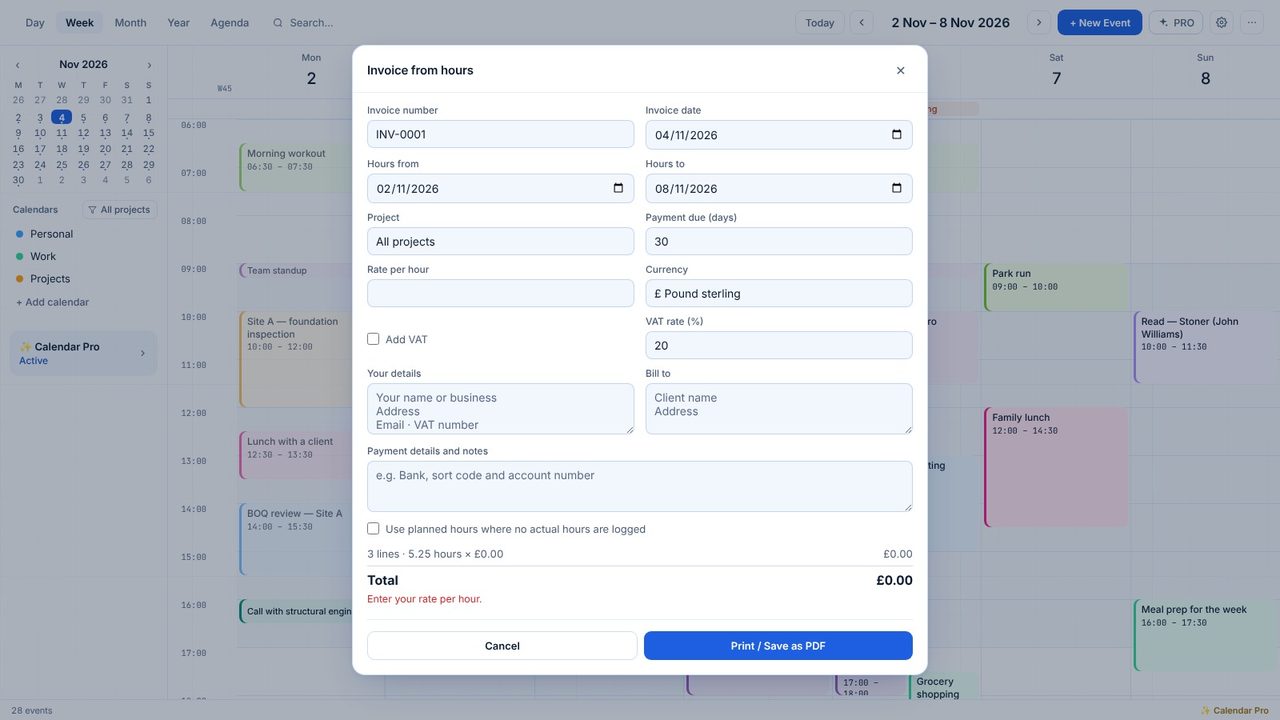
Type your rate per hour and tick Add VAT if you charge it (20% by default). Pounds by default; other currencies too.
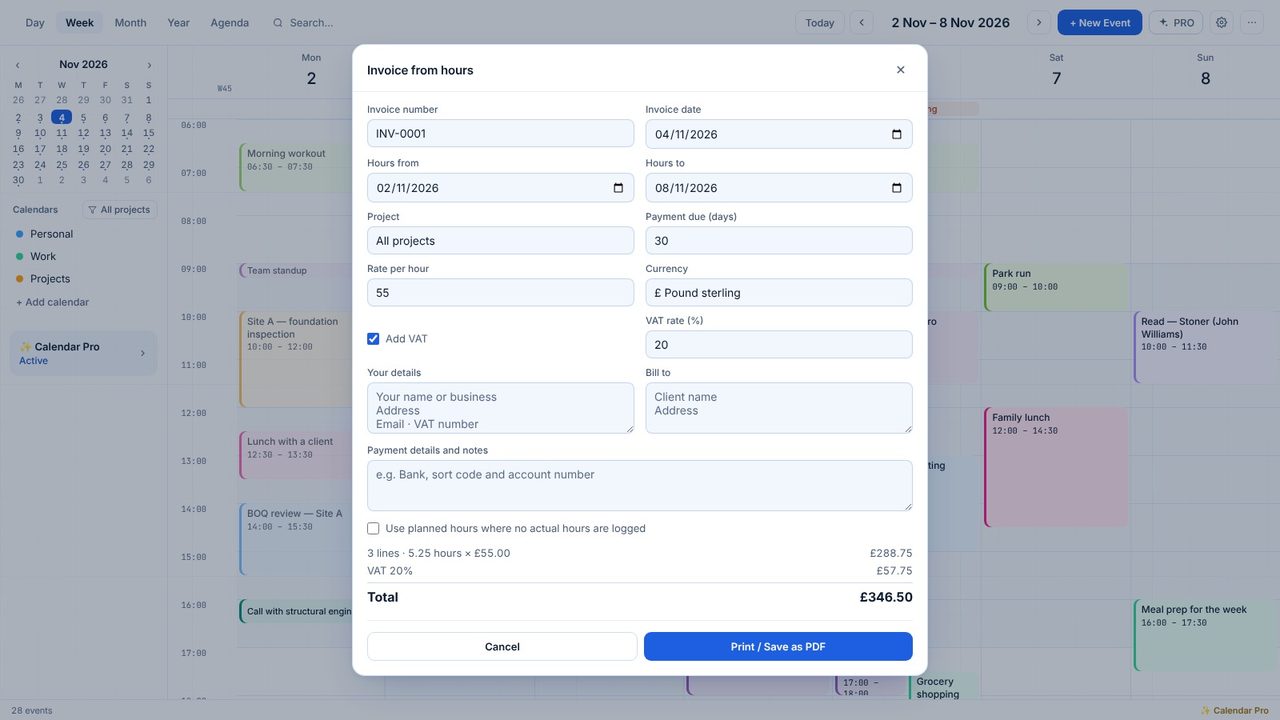
Fill them in once - Calendar remembers them, and the next invoice number.
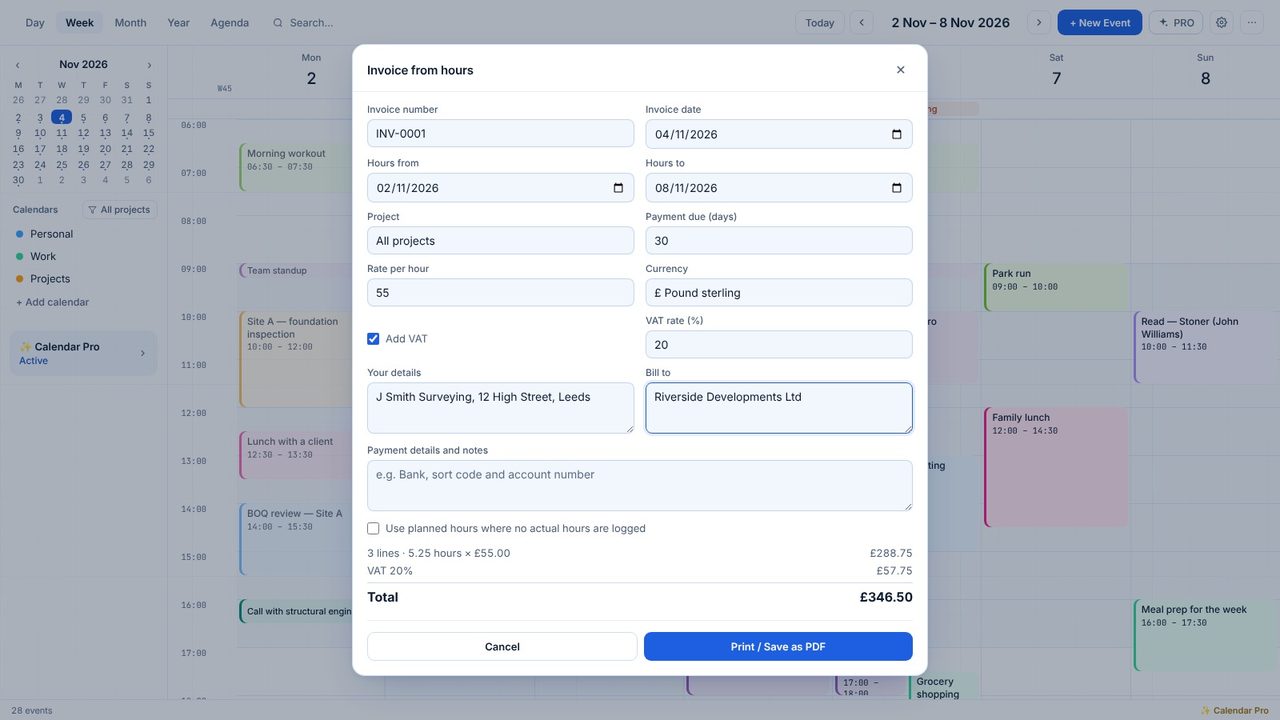
Print / Save as PDF, then choose your printer or Microsoft Print to PDF.
No - it's a simple invoice from your hours. Check it meets your own accounting needs.
Yes - Calendar Pro has a 7-day free trial in the app.
