How-to guide
Someone has marked up a drawing in Bluebeam Revu and sent you the PDF. You don't need Bluebeam to use their measurements: Takeoff Studio, which is free on Windows, reads the markups saved in the PDF and turns them into measurements you can total, edit and add to. Your drawing never leaves your PC.
Start Takeoff Studio and choose Load PDF, or drag the PDF onto the window. You'll see Bluebeam's markups on the drawing straight away - at this point they're still just part of the PDF.
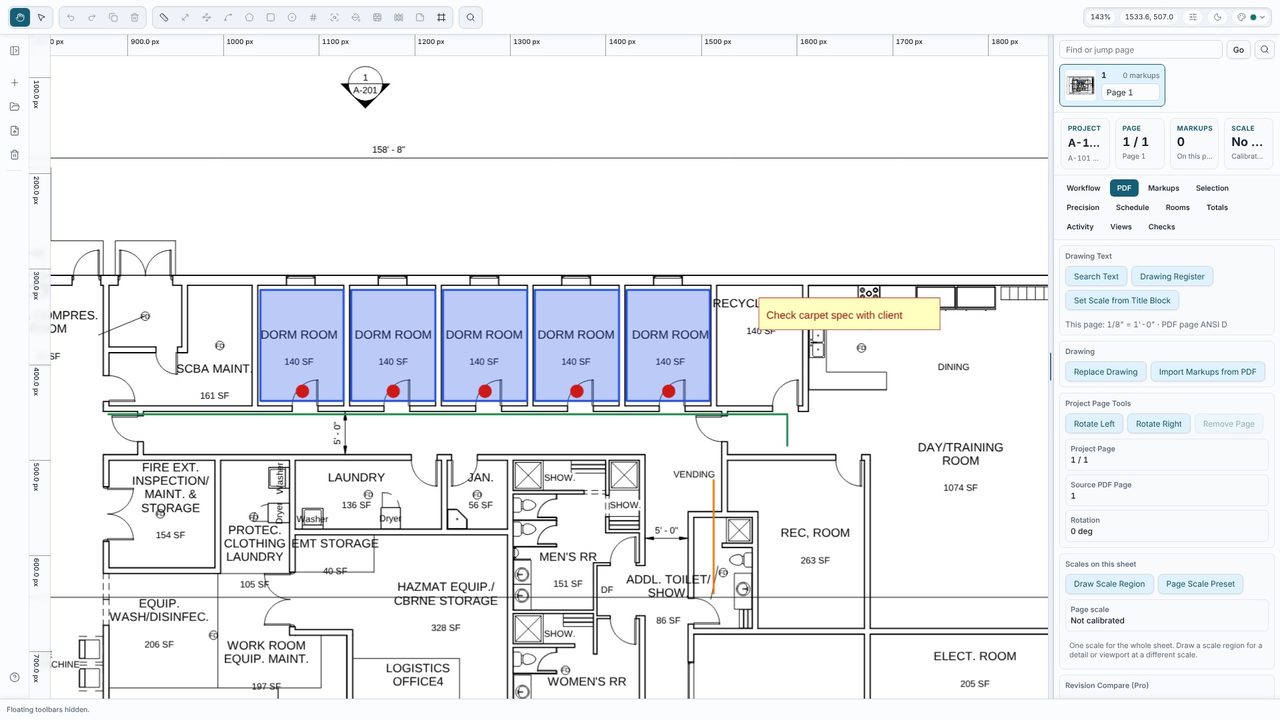
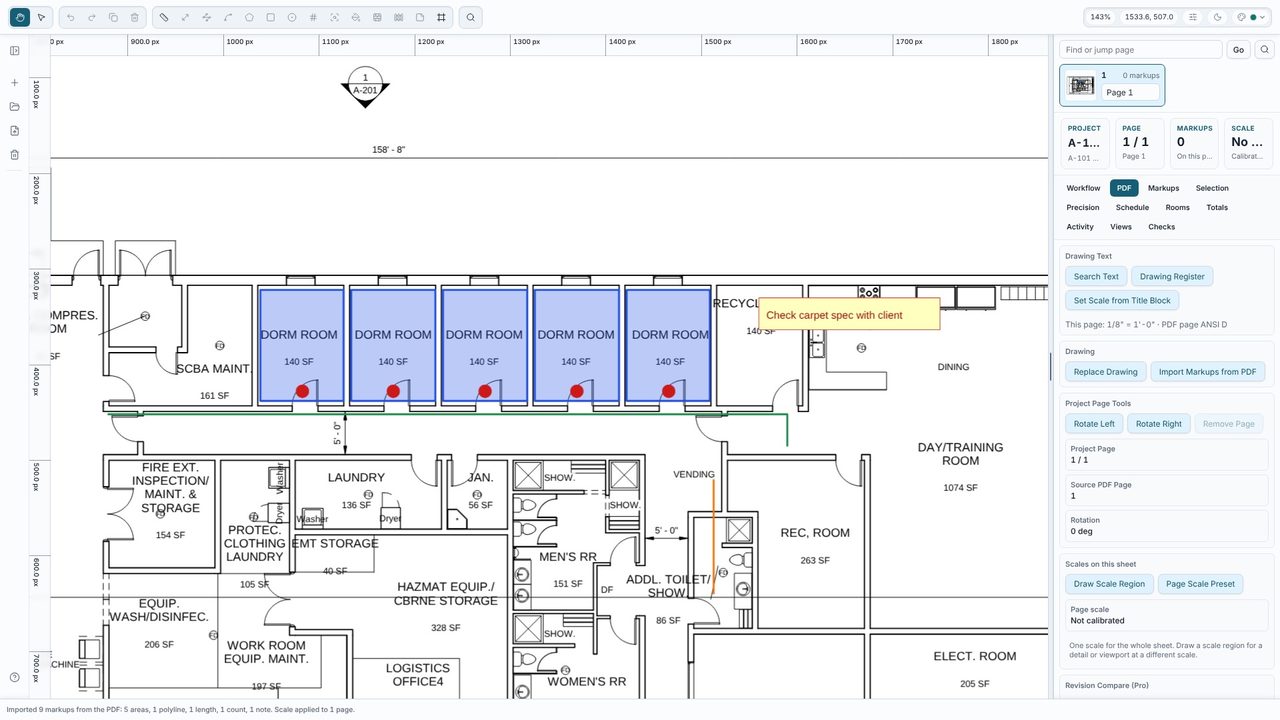
Open the PDF tab and choose Import Markups from PDF (it's also in the command palette, Ctrl+K). Lengths and lines become lengths, polylines become polylines, polygons and rectangles become areas, circles stay circles, counts stay counts, and text boxes and sticky notes become notes. On this plan, 9 markups came in: 5 room areas, a polyline, a length, a count of 5 doors and a note.
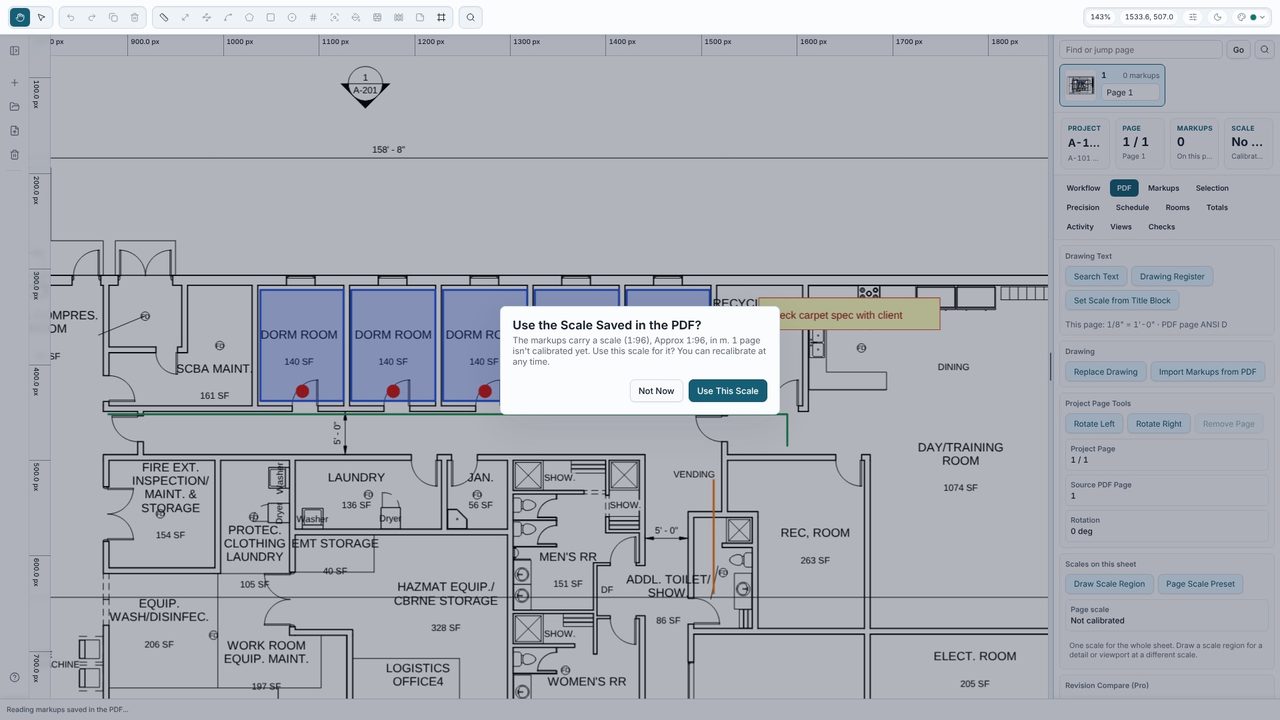
If the markups carry a scale and the page isn't calibrated yet, Takeoff Studio offers to use it. Say yes and the imported measurements show real quantities. You can still Calibrate (R) from a dimension on the drawing at any time.
Each markup keeps its label or subject as its name, and its colour. They're tagged PDF import, so you can find them in the Markups list. Their quantities are added to the Totals, and you can edit them or measure more alongside them.
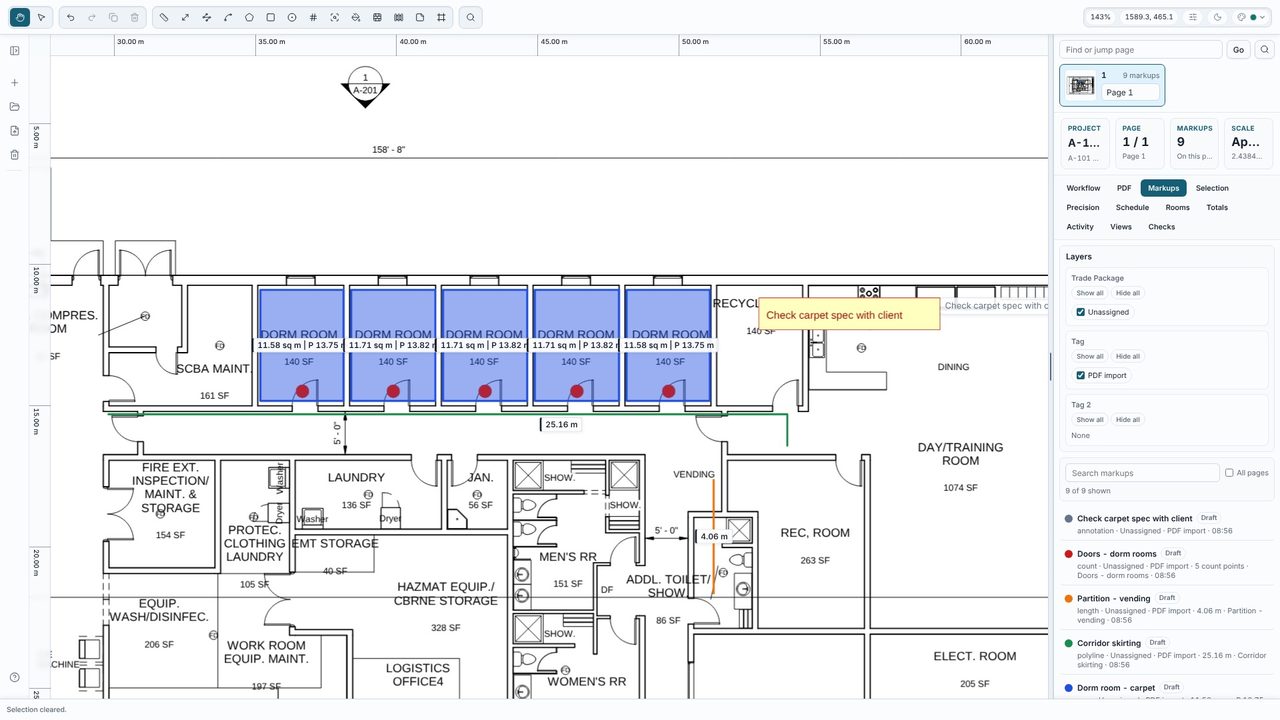
PDF import tag in the Markups tab's layers.Yes. Opening PDFs, importing markups, calibrating, every measuring tool and the live totals are free, with no account. Takeoff Studio Pro (£24.99 a month or £199.99 a year, first month free) adds auto-count, costed schedules, Excel, CSV and PDF exports and Send to BOQ.
No. Takeoff Studio reads the markups straight from the PDF file.
Yes, if they save standard PDF markups - most PDF markup tools do. Scale is read where the tool saves it with the markups, as Bluebeam does.
No. Takeoff Studio is a Windows app and works offline - the PDF and your measurements stay on your PC.
