How-to guide
Printing 4-up means four pages on each sheet, so one SRA3 sheet gives four A5 flyers after trimming, and a 16-page PDF needs four sheets instead of sixteen. N-up keeps the pages in order: the first sheet takes pages 1 to 4, the next 5 to 8. This guide lays a 16-page A5 PDF out 4-up on SRA3 in Metre2 Print Imposition, single and double sided, and saves the PDF, free in your browser.
Open your PDF with Open PDF, or follow along with the 16-page A5 sample. A1, A4, A5 and A6 pages all work; set the finished size in Properties if the PDF has no trim box.
On the Layout tab choose N-up. Print Imposition fits as many pages as it can on the sheet, turning them 90° if more fit that way: A5 on SRA3 is 4-up, A4 on SRA3 is 2-up.
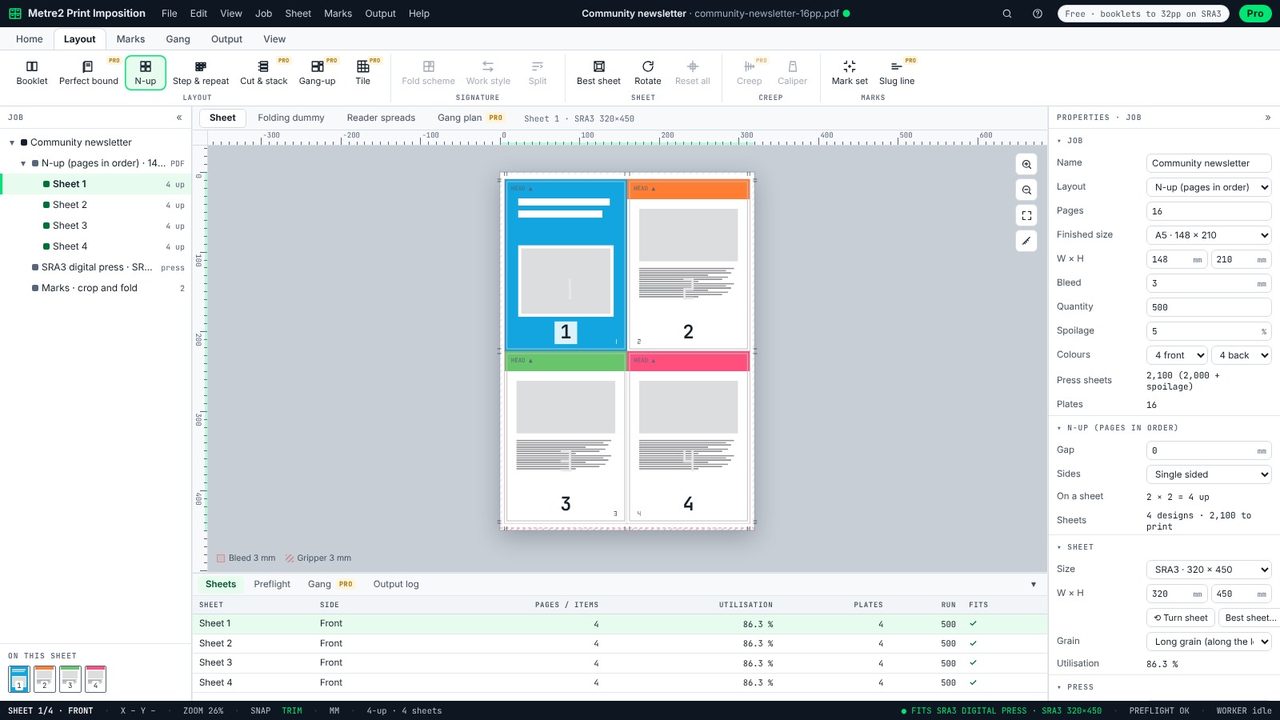
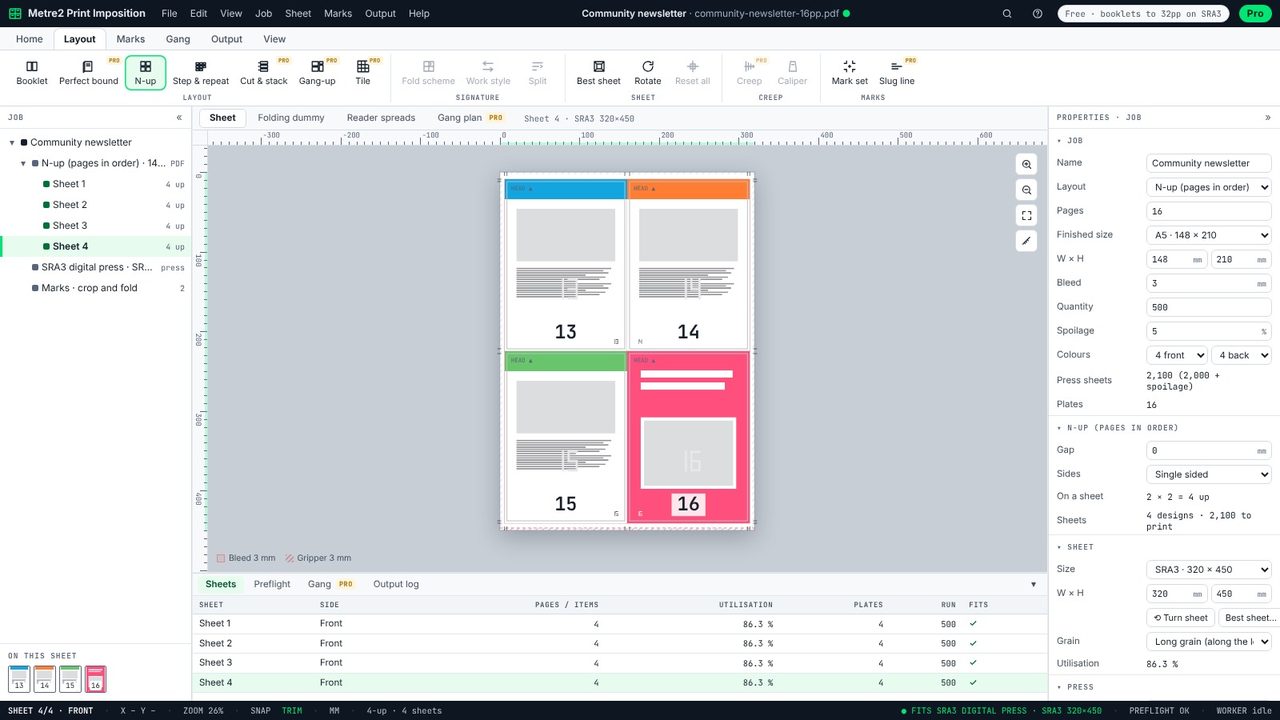
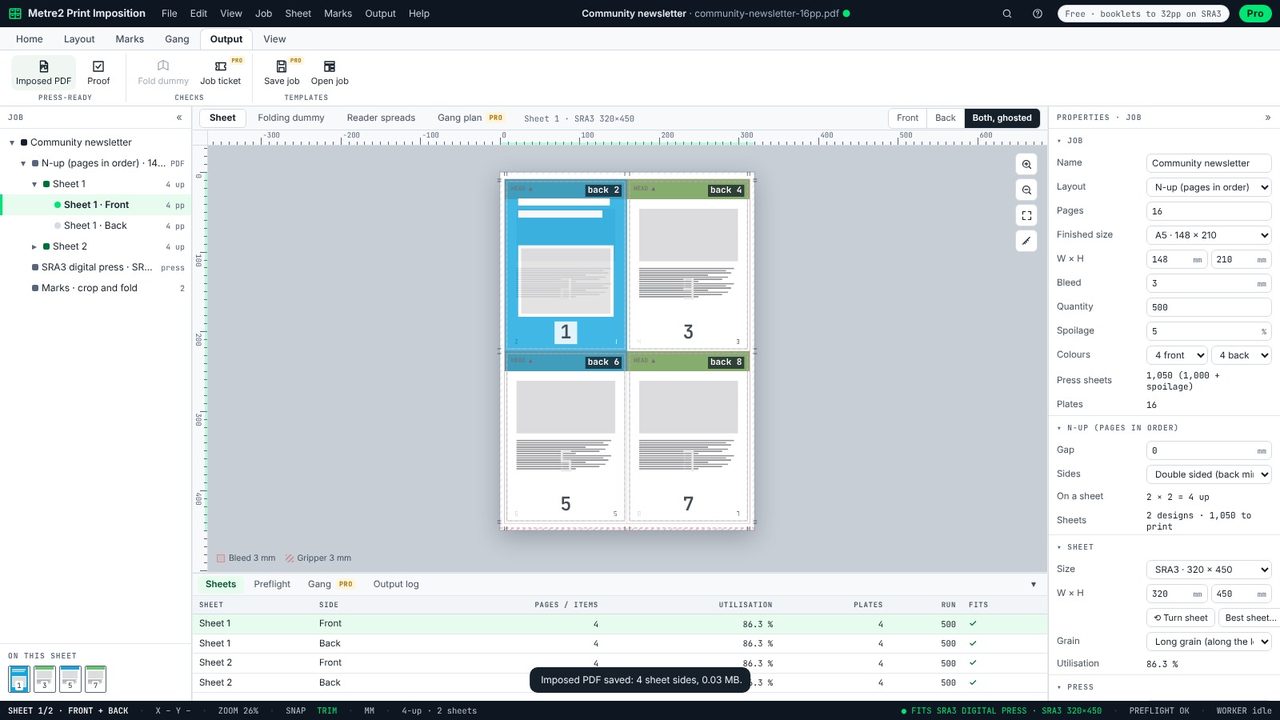
Press Page Down on the sheet, or pick a sheet in the Job panel. The first sheet carries pages 1 to 4, the next 5 to 8, so 16 pages need four sheets. The Sheets table at the bottom lists each sheet with its utilisation.
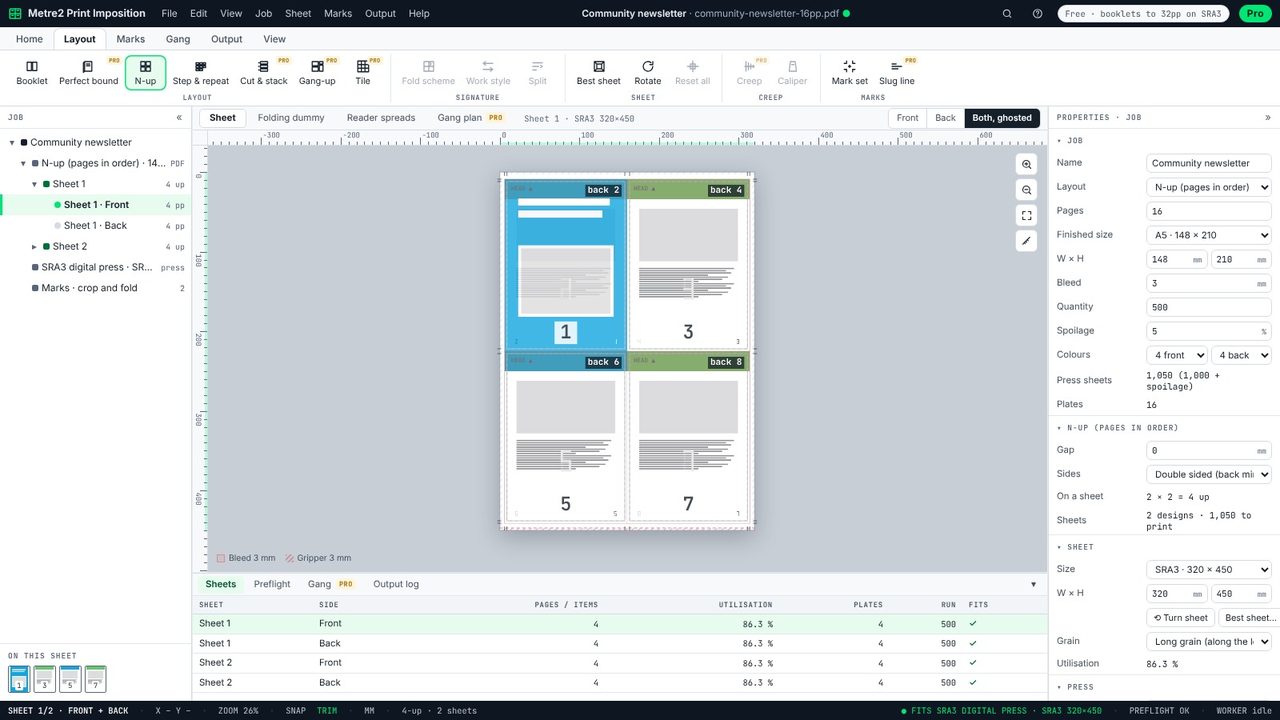
Set Sides to double sided in Properties. Pages then go in pairs - 1 on the front, 2 on the back of the same slot - and the back is mirrored so each page backs up exactly. Both, ghosted shows the backs through the fronts to check.
Output > Imposed PDF saves the sheets with crop marks at every trim. Cut on the marks and the pages come out in order.
Four copies or pages printed on one sheet, which is then cut into four. It saves paper and press time against printing one page per sheet.
N-up puts different pages on each sheet in order (pages 1 to 4, then 5 to 8). Step and repeat fills the sheet with copies of the same page, as for business cards.
Choose double sided. The back of each sheet is mirrored, so the page on the back of a slot sits exactly behind its front when the sheet is turned over.
Yes: 2-up and 4-up, single or double sided, with crop marks and no watermark.
