How-to guide
A sprinkler hydraulic calculation works back from the most remote sprinkler to the water supply: each sprinkler's flow from Q = K√P, friction in every pipe by Hazen-Williams, elevation, fittings and valve losses, until you know the flow and pressure needed at the supply and the margin you have left. Metre2 Sprinkler Design does the whole calculation for you, and it's free in your browser for tree systems up to 25 sprinklers. This guide takes a small office from a blank project to a checked worksheet in under a minute.
Pick Blank on the Start screen, then Branch lines. Enter the number of lines, the line spacing, the sprinklers per line and their spacing, the branch and cross main sizes and the sprinkler type. Four lines of five sprinklers at 12 ft × 12 ft gives 20 sprinklers on a cross main in one click.
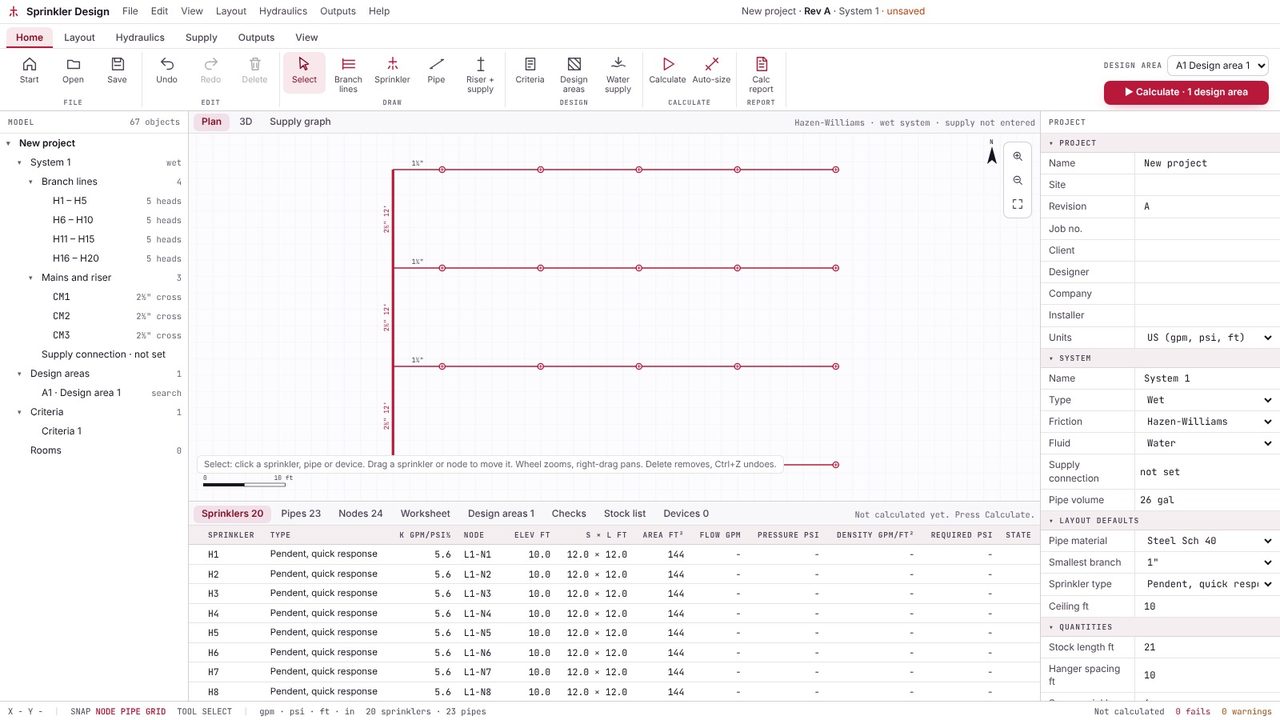
Riser + supply adds the feed main, the riser, the alarm valve, the backflow preventer and the underground to the city connection. Type the valve losses from the maker's data sheet; the app turns them into a loss curve.
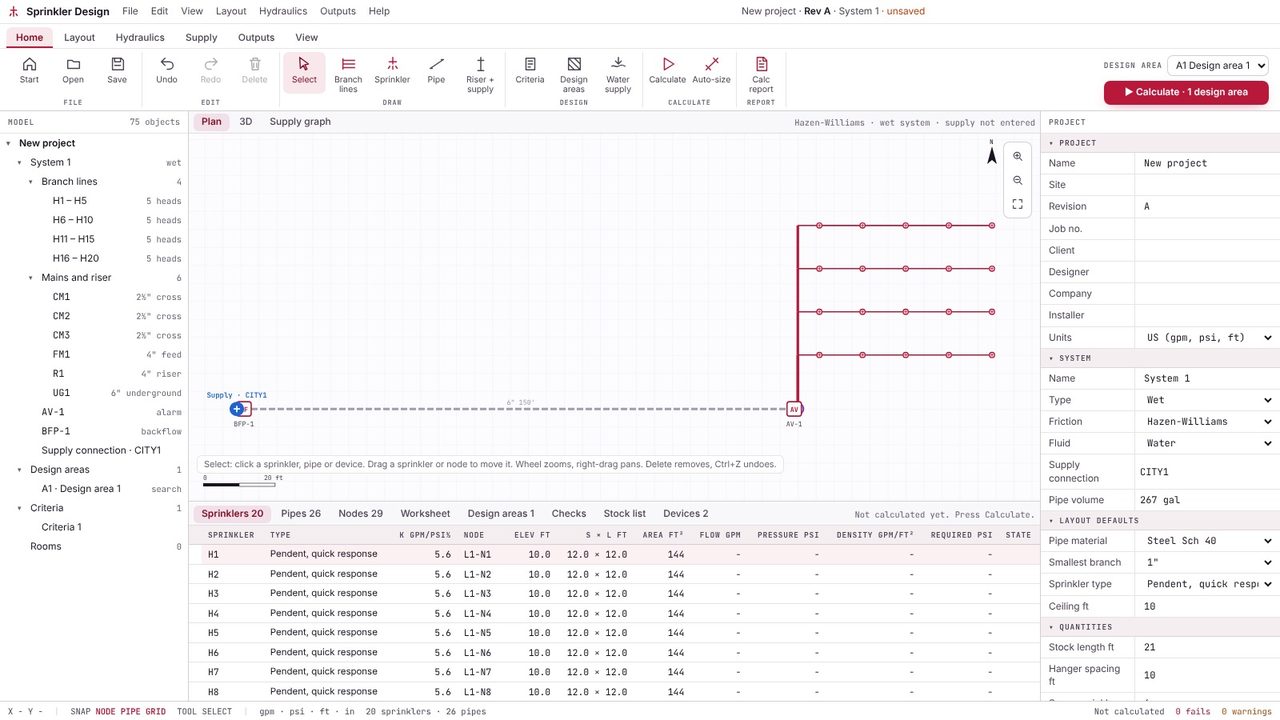
In Water supply, type the static pressure, the residual pressure and the flow at the residual from the hydrant test, and the gauge elevation. This is the supply curve the demand is checked against.
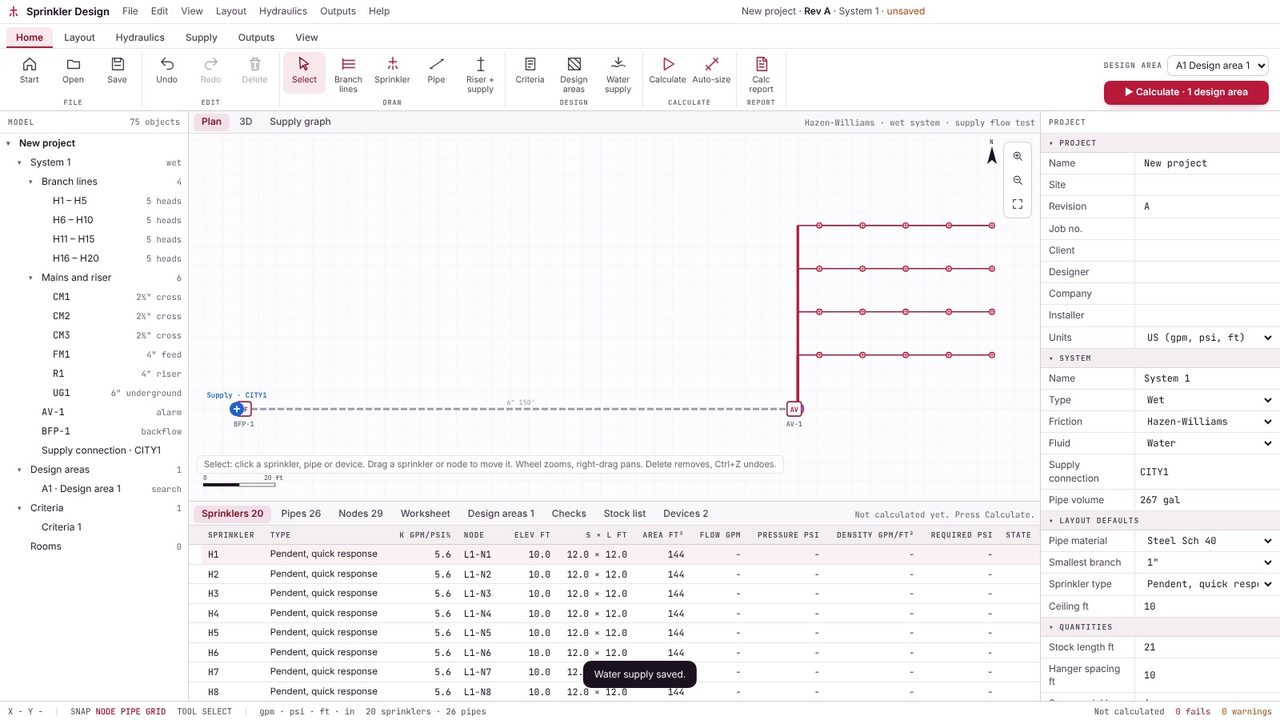
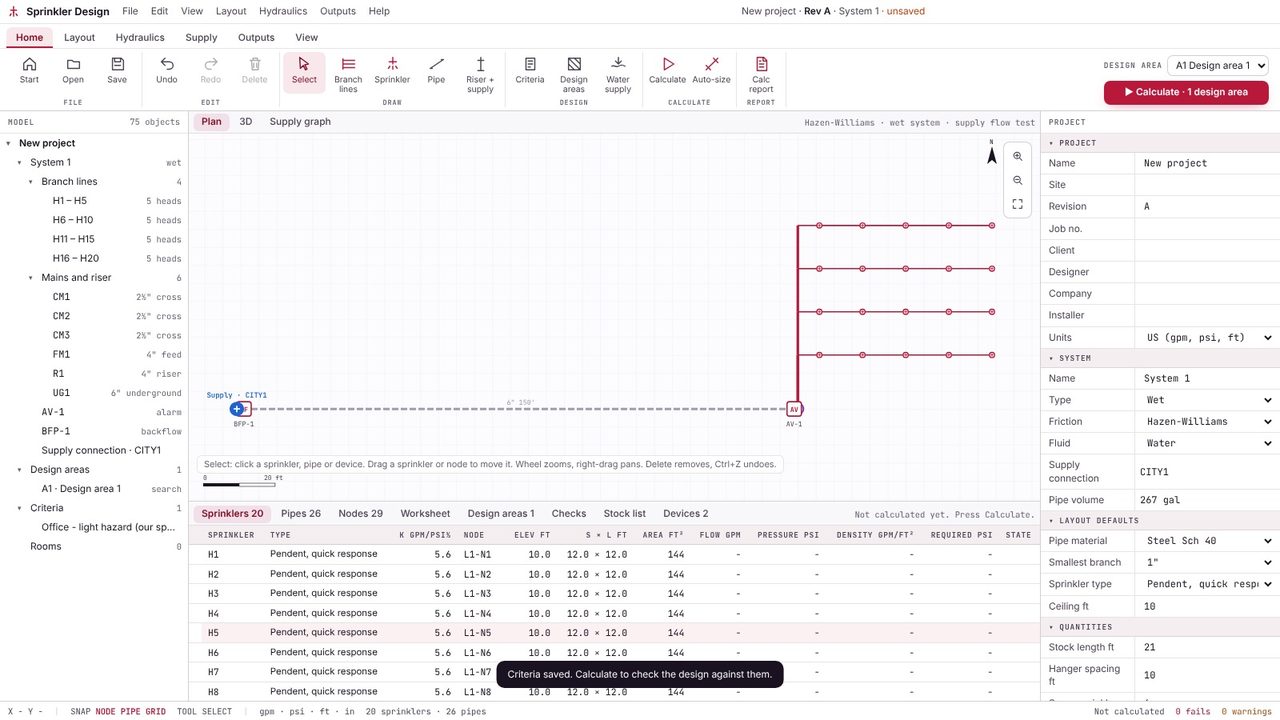
Open Criteria and type the values you design to: density, design area, maximum area per sprinkler, minimum pressure at a sprinkler, hose allowance and duration, with the clause reference. The numbers in the video are an example only - use the ones from your standard or specification. Save them as a template to reuse on the next job.
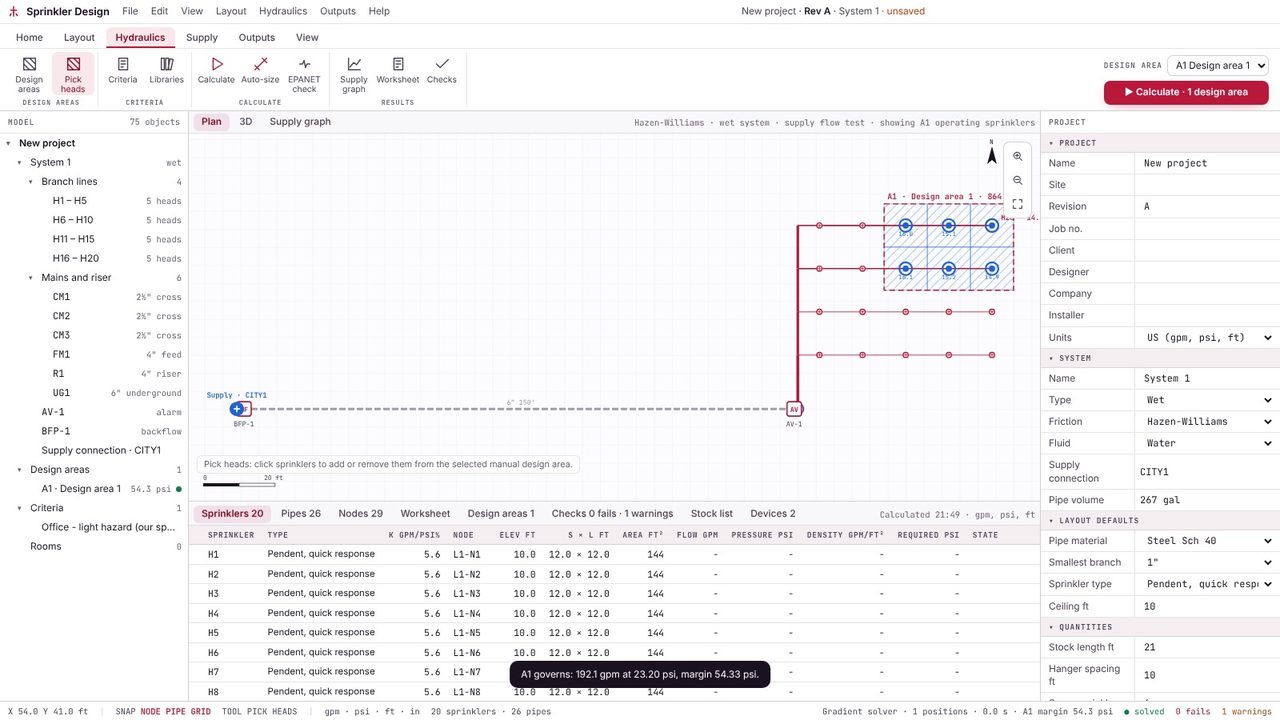
On the Hydraulics tab, pick Pick heads and click the sprinklers in the design area - normally the ones furthest from the riser. The app shows the area they cover. With Pro, remote area search finds the most demanding position for you.
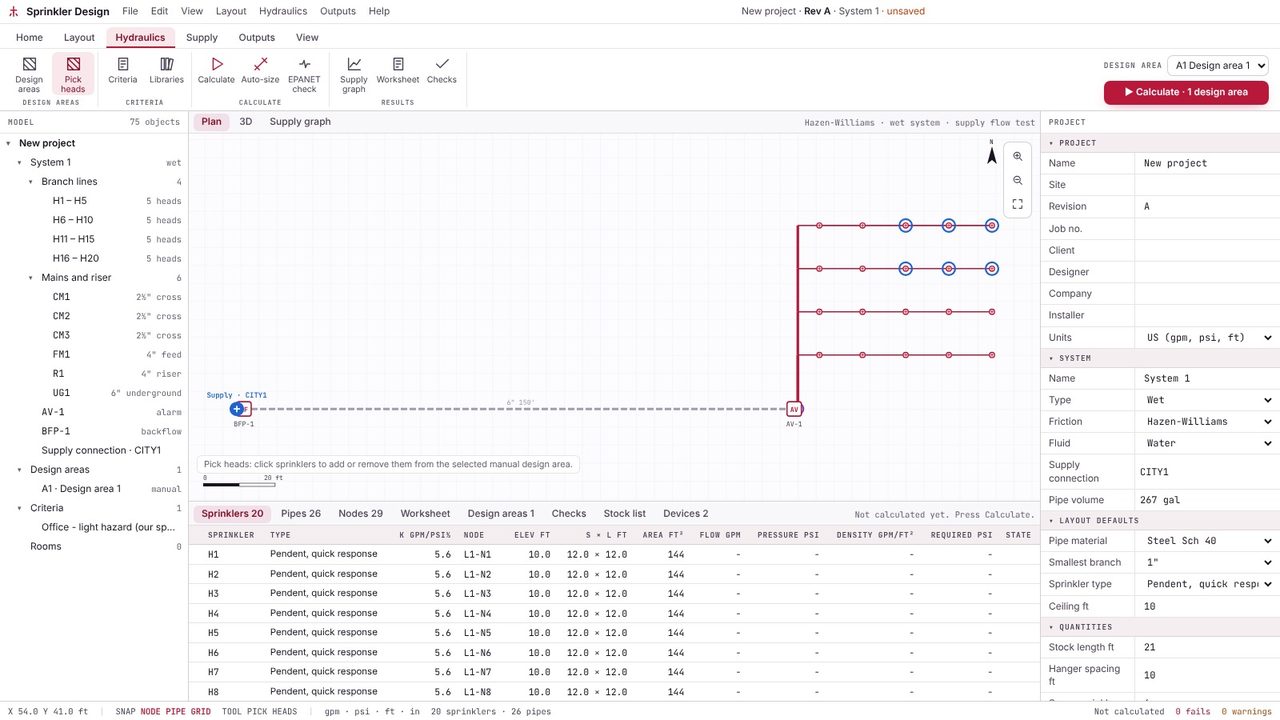
Click Calculate. The network is solved exactly by the gradient method (the method behind EPANET), with Hazen-Williams friction, so every sprinkler in the design area discharges at its own pressure, not just the most remote one.
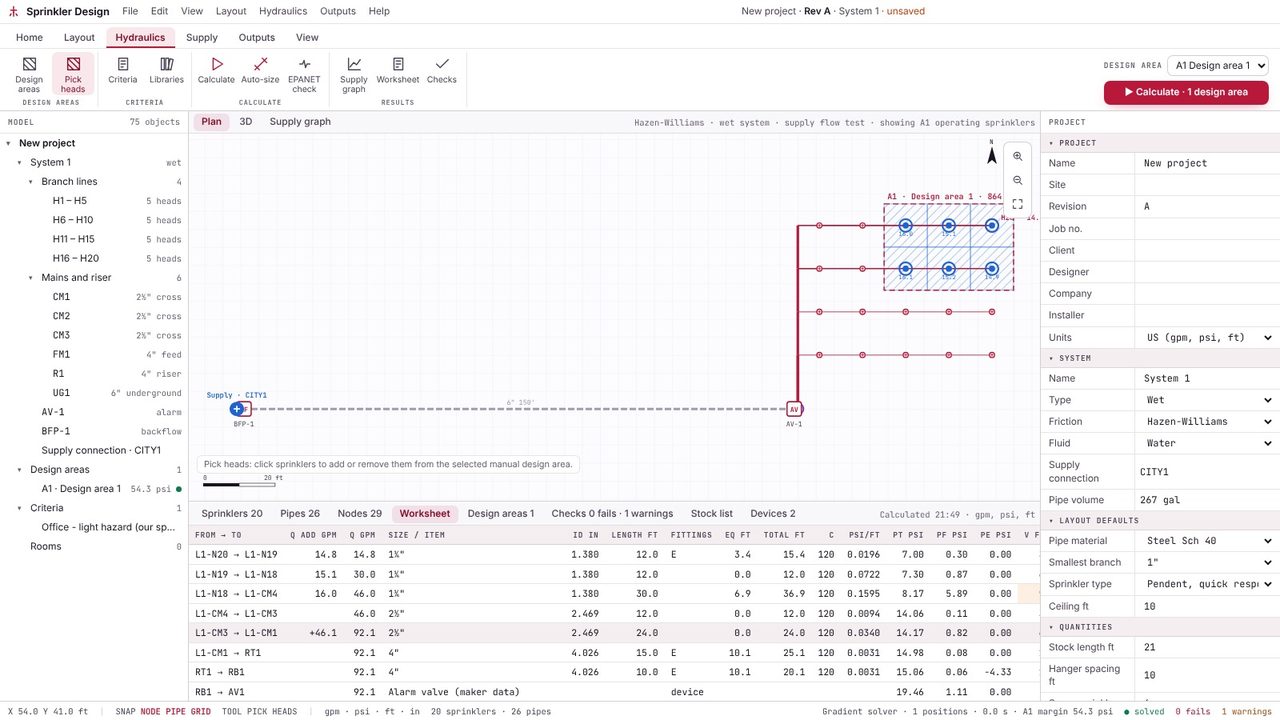
The Worksheet tab lists every pipe from the most remote sprinkler back to the supply: flow added, total flow, size, inside diameter, length, fittings, equivalent length, friction loss per foot, elevation and pressure. It's the same layout as a hand calculation, so it's quick to check.
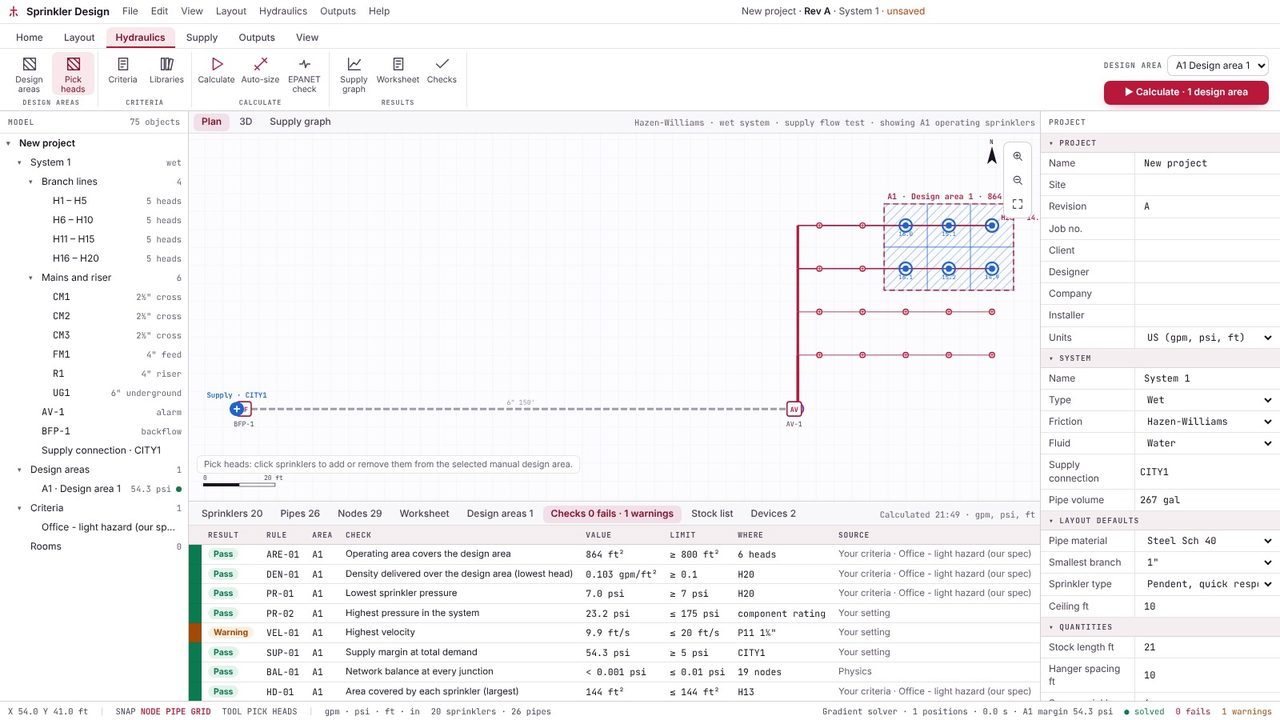
The Checks tab compares the design with your criteria and the physics: density delivered, minimum and maximum pressure, area per sprinkler, velocity, the margin at the supply and the balance at every junction. Click a row to see what to do about it.
Yes. Metre2 Sprinkler Design is free in your browser for tree systems up to 25 sprinklers with one design area: layout, the exact solve, your criteria, the worksheet, the checks, the 3D view and an independent check in EPA EPANET 2.2. Sprinkler Design Pro (£29.99 a month or £249.99 a year, first week free) removes the limit and adds remote area search, loops and grids, auto-size, pumps, the full report and the stock list.
Each sprinkler discharges Q = K√P, where K is its K-factor and P the pressure at it. Friction in each pipe is usually Hazen-Williams in the form p = 4.52 Q1.85 / (C1.85 d4.87), in psi per foot, with fittings added as equivalent lengths. Darcy-Weisbach is used for antifreeze and other fluids. Metre2 Sprinkler Design does both.
None. You enter the criteria from the standard or specification you work to, with your clause reference, and save them as templates. The app checks the design against your numbers and the physics, and never claims compliance with a standard. The designer stays responsible for the design and the criteria.
Yes, with Pro. The gradient method balances loops and grids exactly, which is where hand calculations and simple tree solvers struggle. The free version calculates tree systems.
