How-to guide
If you have used Microsoft Publisher, most things are where you'd expect - just with fewer tabs. This is the quick tour.
The first time you open the app, Coming from Publisher? offers three ways in: open a .pub file, start from a template, or see where things are.
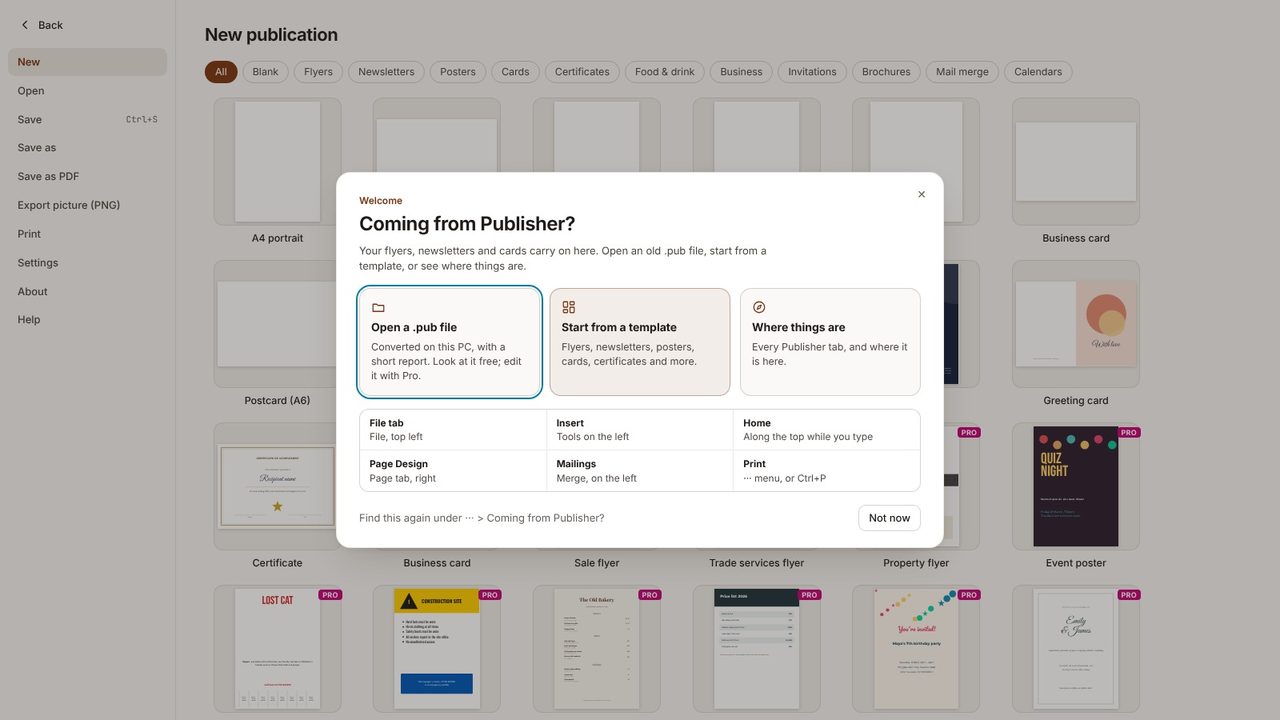
Where things are lists each Publisher tab and where its tools are here. You can open it again any time from ··· > Coming from Publisher?
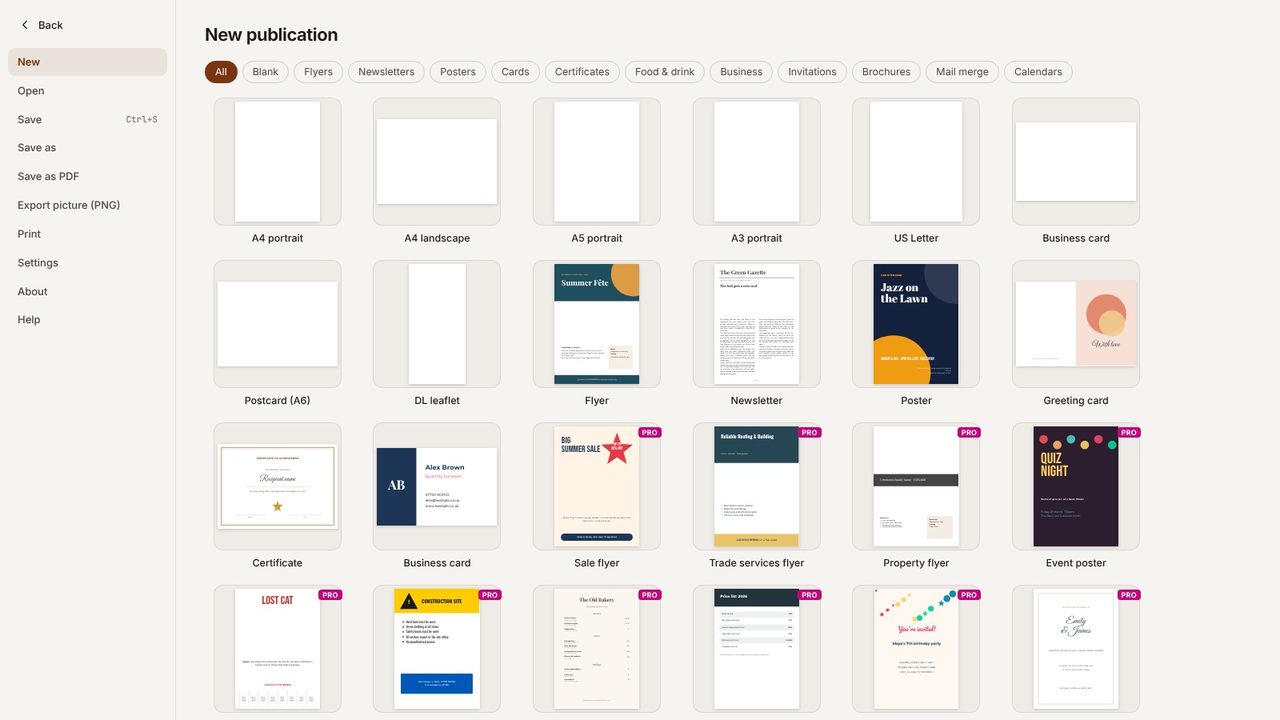
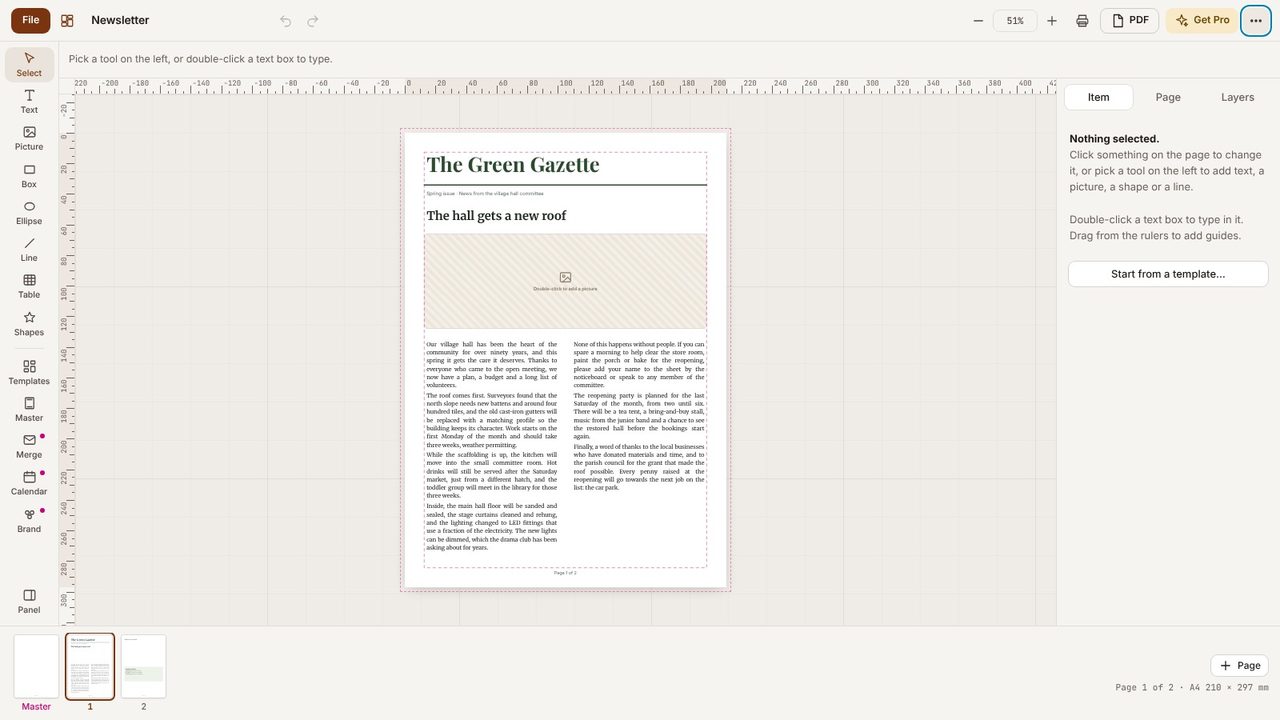
Choose a template - here, a newsletter - or a blank page size.
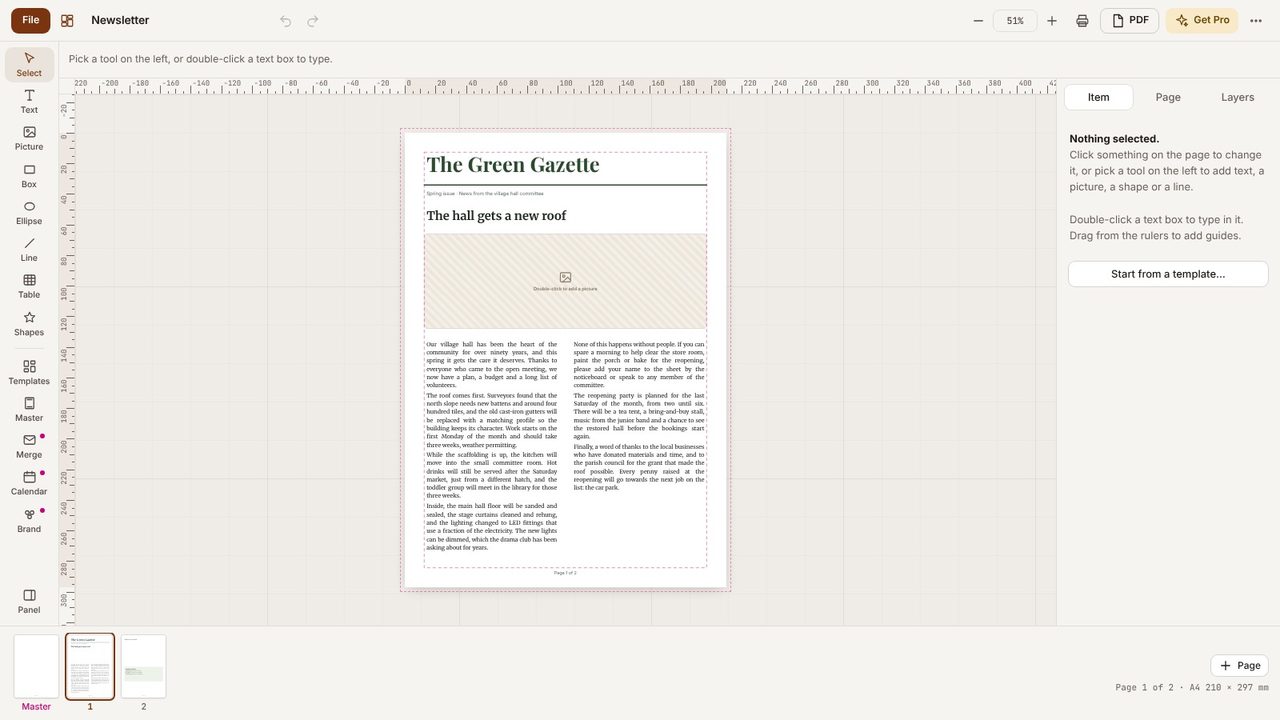
Down the left: Select, Text, Picture, Box, Ellipse, Line, Shapes, Table, Templates, Calendar and more. The panel on the right changes with what you've selected.
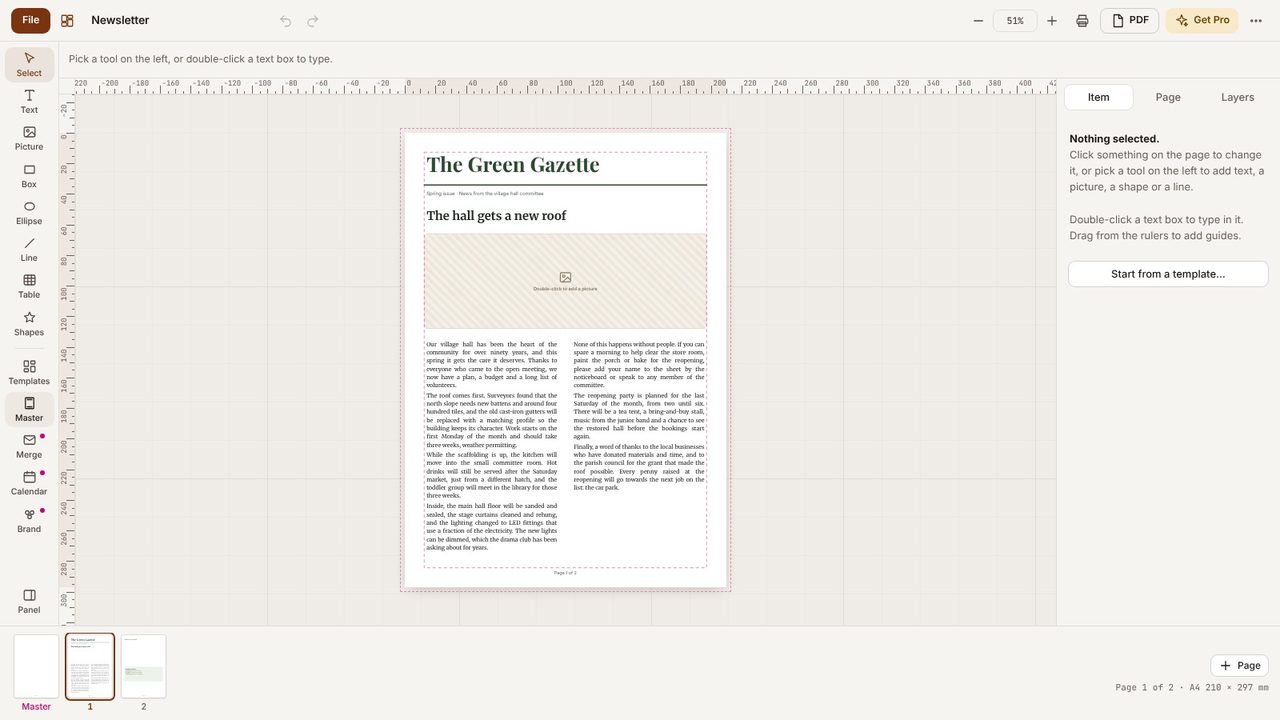
Print, export a picture, help, keyboard shortcuts, What's new, dark mode and settings are all in the ··· menu, top right.
Yes - the app is free, with 7 templates. Desktop Publishing Pro adds 30 more, .pub files, calendars and booklets.
No.
