How-to guide
Numbered tickets are printed many to a sheet. Number them across each sheet and you spend hours collating afterwards. Cut and stack numbers them down the pile instead: cut the printed pile into stacks, put the stacks on top of each other, and the numbers run 1, 2, 3 with no sorting. This guide sets up 300 raffle tickets 15-up on SRA3 in Metre2 Print Imposition Pro.
Open a PDF with one page per ticket, already numbered (a mail merge or VDP export). Choose Cut & stack. The sample has 300 raffle tickets, 140 x 50 mm: 15 fit on SRA3, so it's 20 sheets.
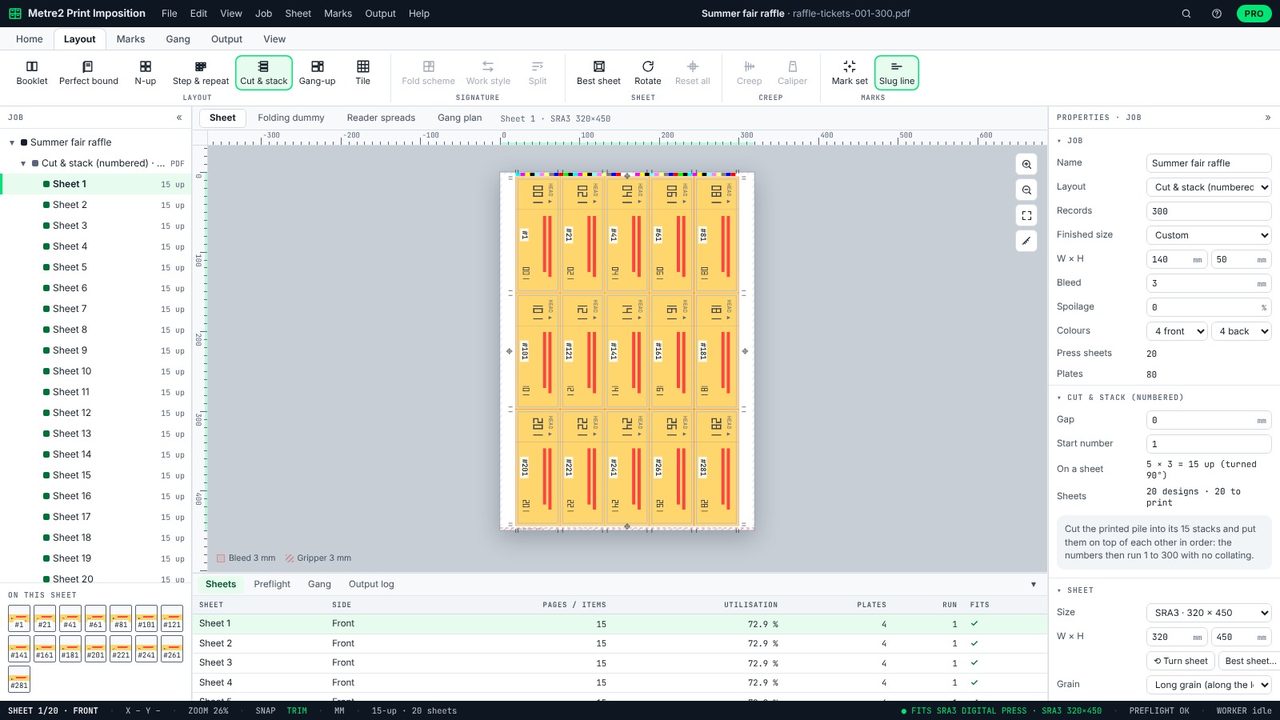
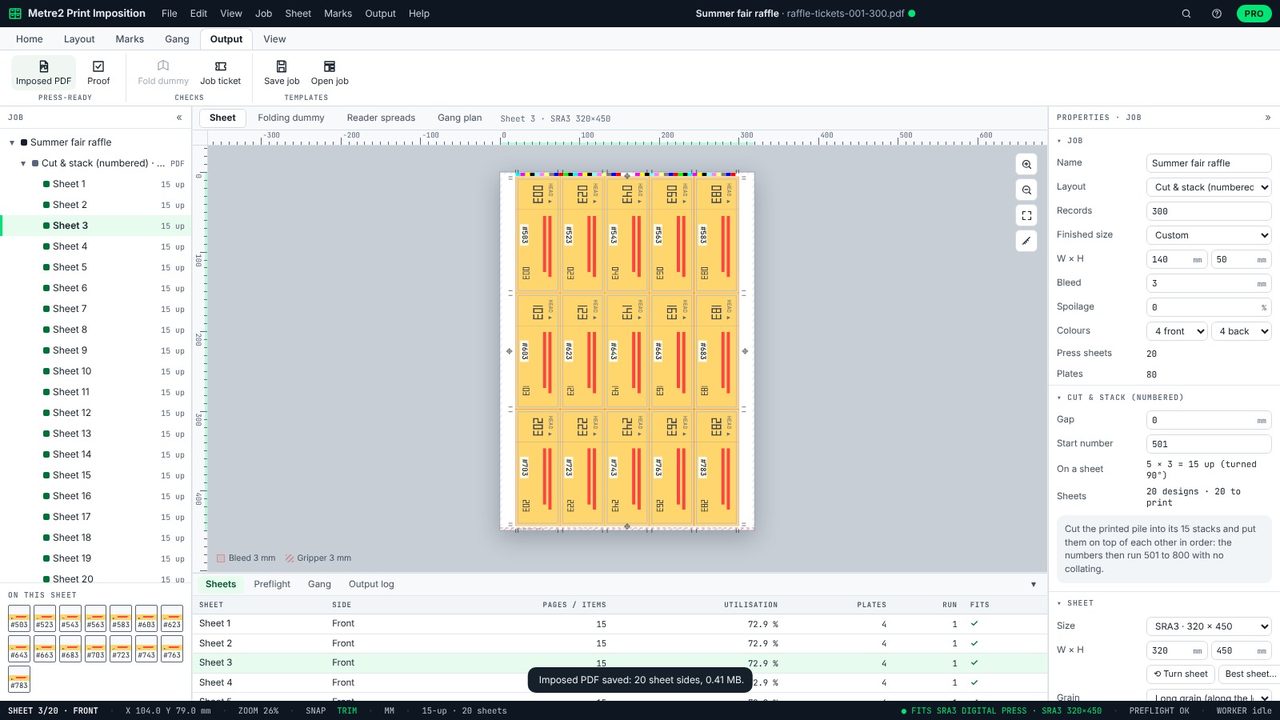
Sheet 1 carries tickets 1, 21, 41, 61 and so on: each slot is a stack of 20 consecutive numbers. Hover a ticket to check its number and position.
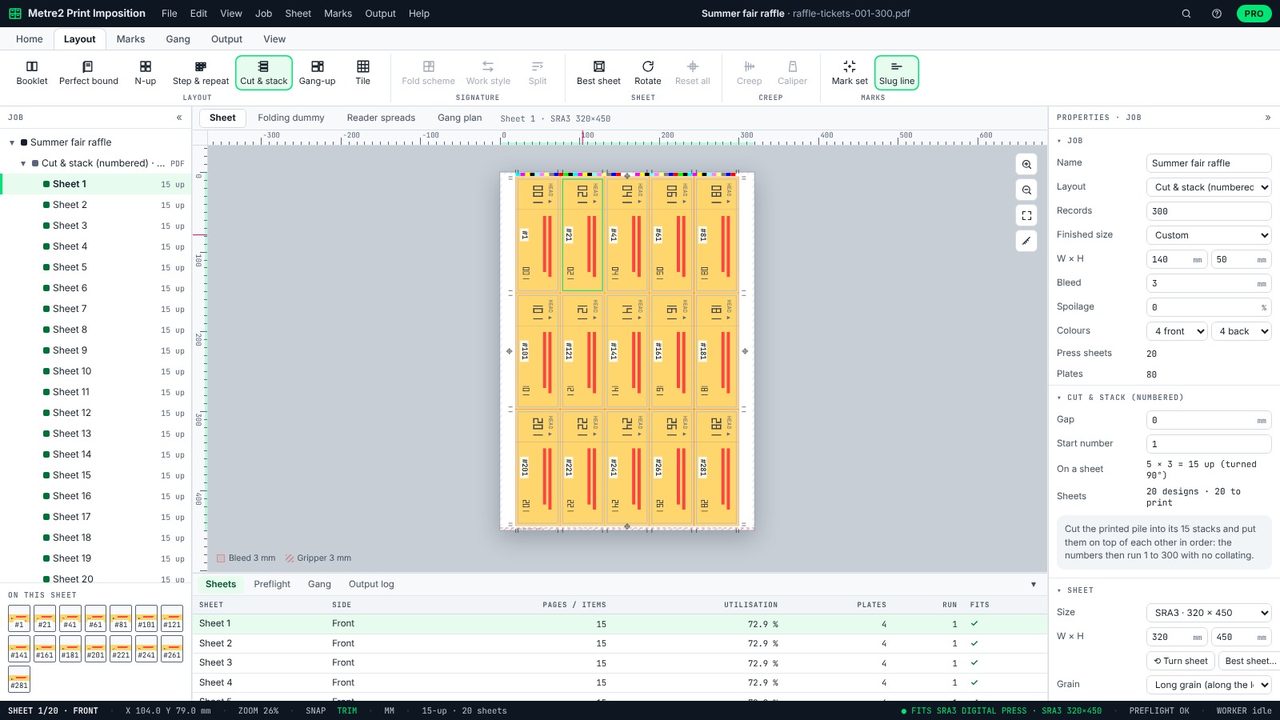
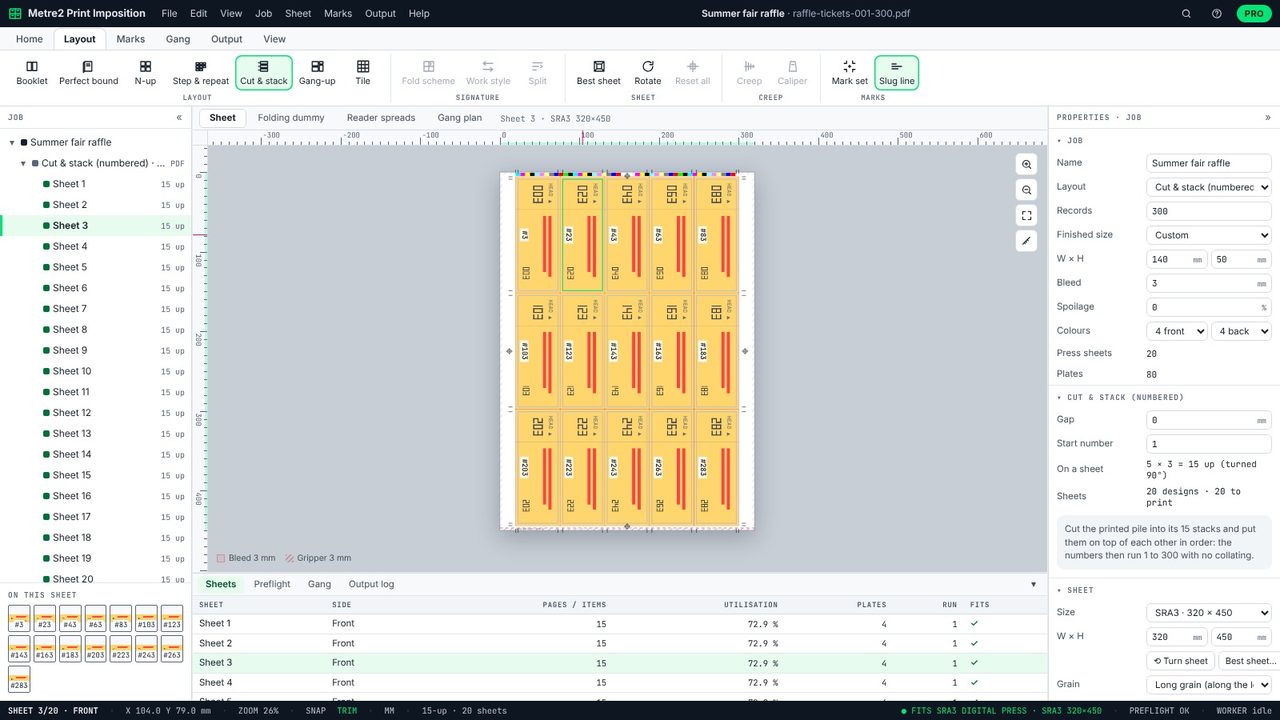
Press Page Down: sheet 2 carries 2, 22, 42, sheet 3 carries 3, 23, 43. When the 20 sheets are printed and the pile is cut, slot 1's stack is tickets 1-20, slot 2's is 21-40.
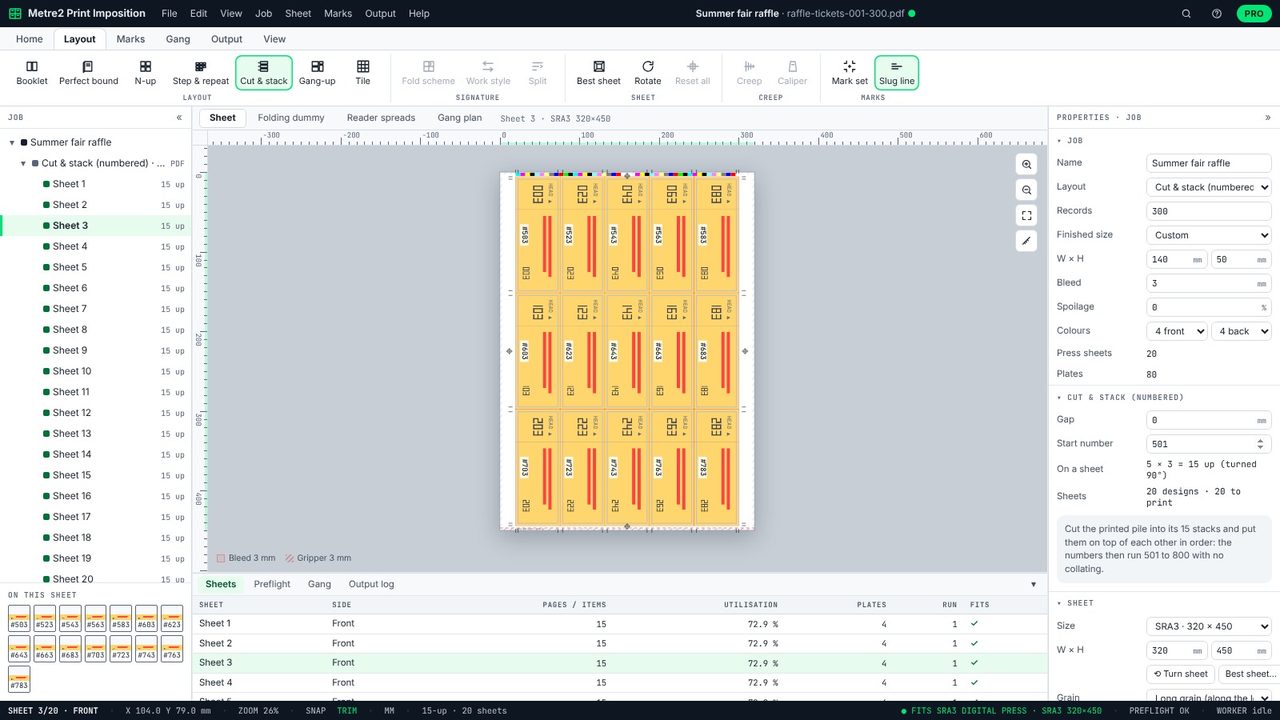
Change Start number in Properties to carry on from the last batch - 501 makes this run 501 to 800. The panel says how to stack them after cutting.
Output > Imposed PDF saves the sheets in print order, with crop marks. Print them in order, cut the pile, and stack slot 1 on slot 2 on slot 3.
An imposition for numbered or variable work where each position on the sheet is a run of consecutive numbers, so cutting the printed pile and stacking the stacks puts everything in order without collating.
It depends on the ticket and sheet size: 140 x 50 mm tickets with bleed fit 15 to an SRA3 sheet. Print Imposition fits as many as it can, turning them if more fit.
Yes: give it a PDF with one page per ticket. Print Imposition puts each page in the right slot and sheet.
Cut and stack numbering is in Print Imposition Pro, with a 7-day free trial.
