How-to guide
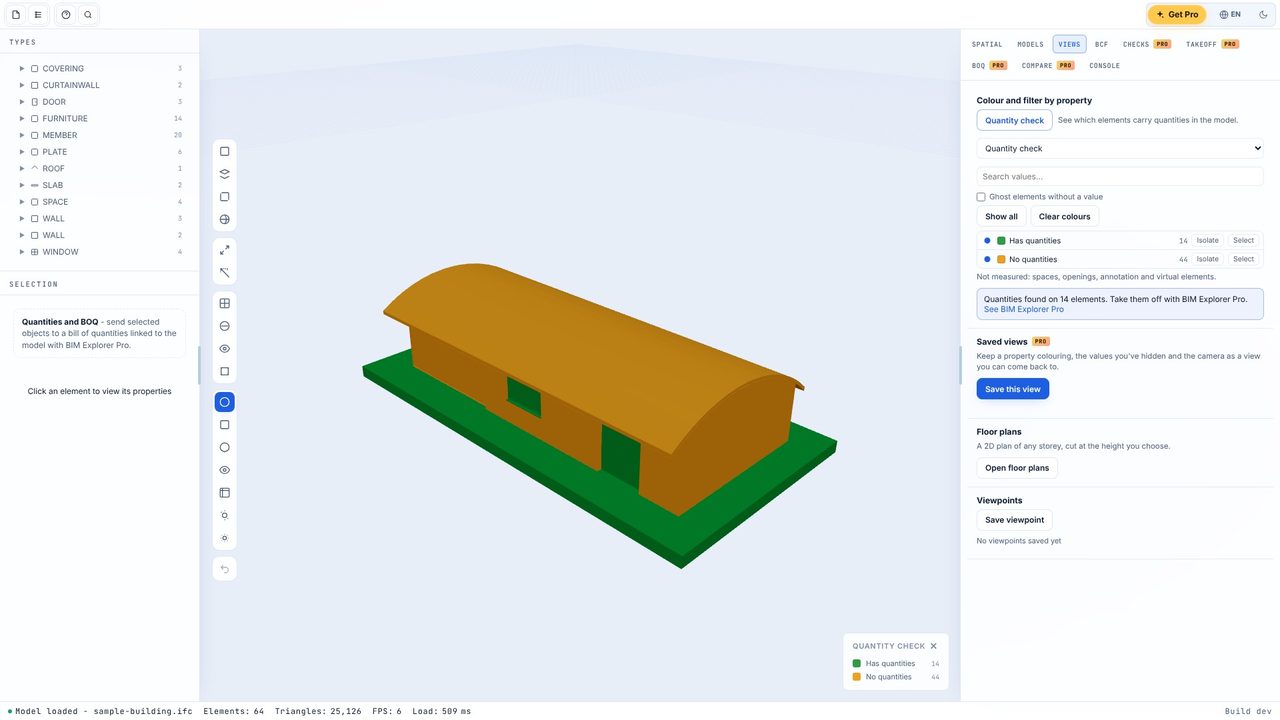
A model is only as good as the quantities in it, and many IFC exports leave them out. BIM Explorer's quantity check, free on Windows, colours every element: green where the model carries its quantities, amber where it has none, grey for spaces and openings. You know in one click whether the model is worth measuring from.
Open the .ifc file, or Load sample to try it.
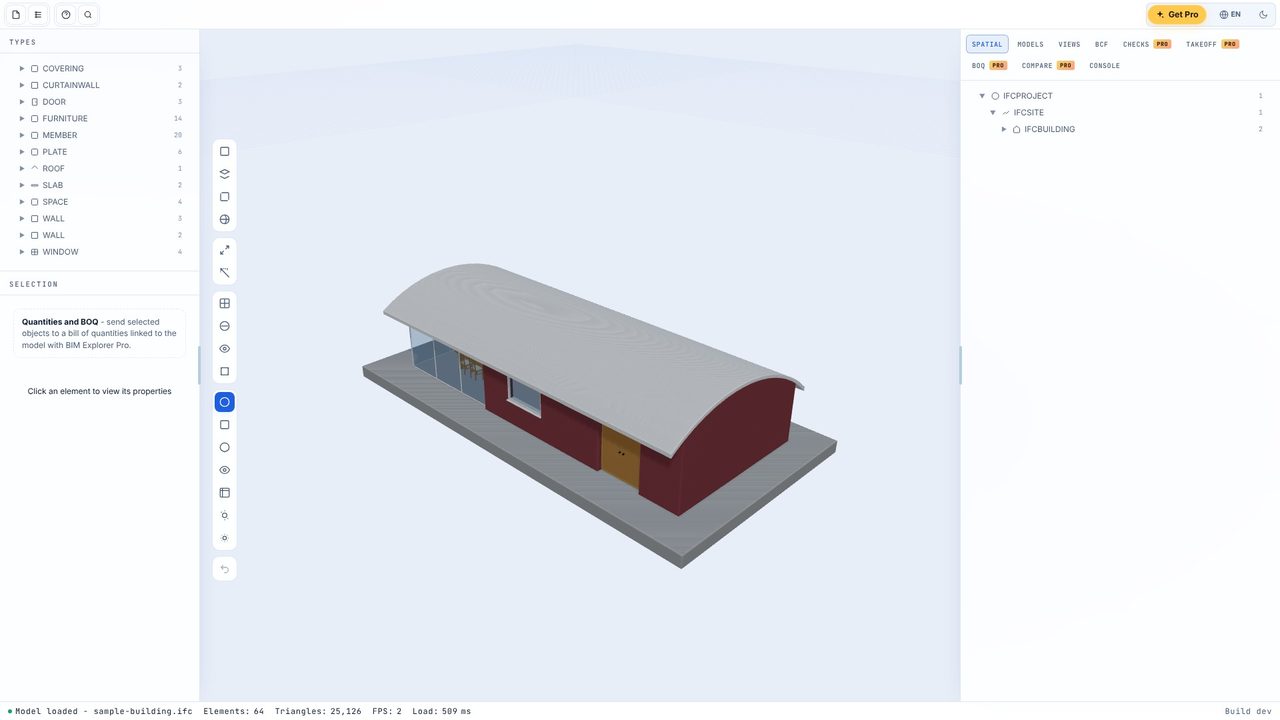
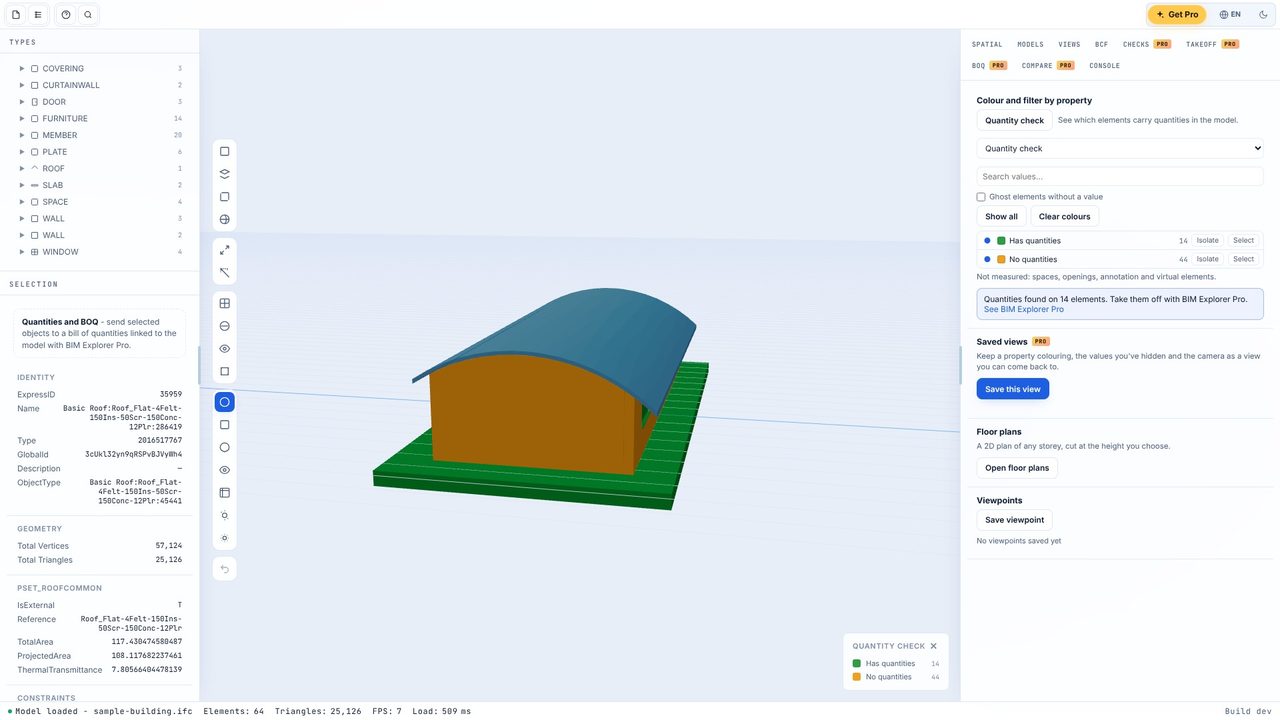
In the Views tab click Quantity check. Every element is coloured: Has quantities green, No quantities amber. Spaces, openings and annotation are Not measured and stay grey.
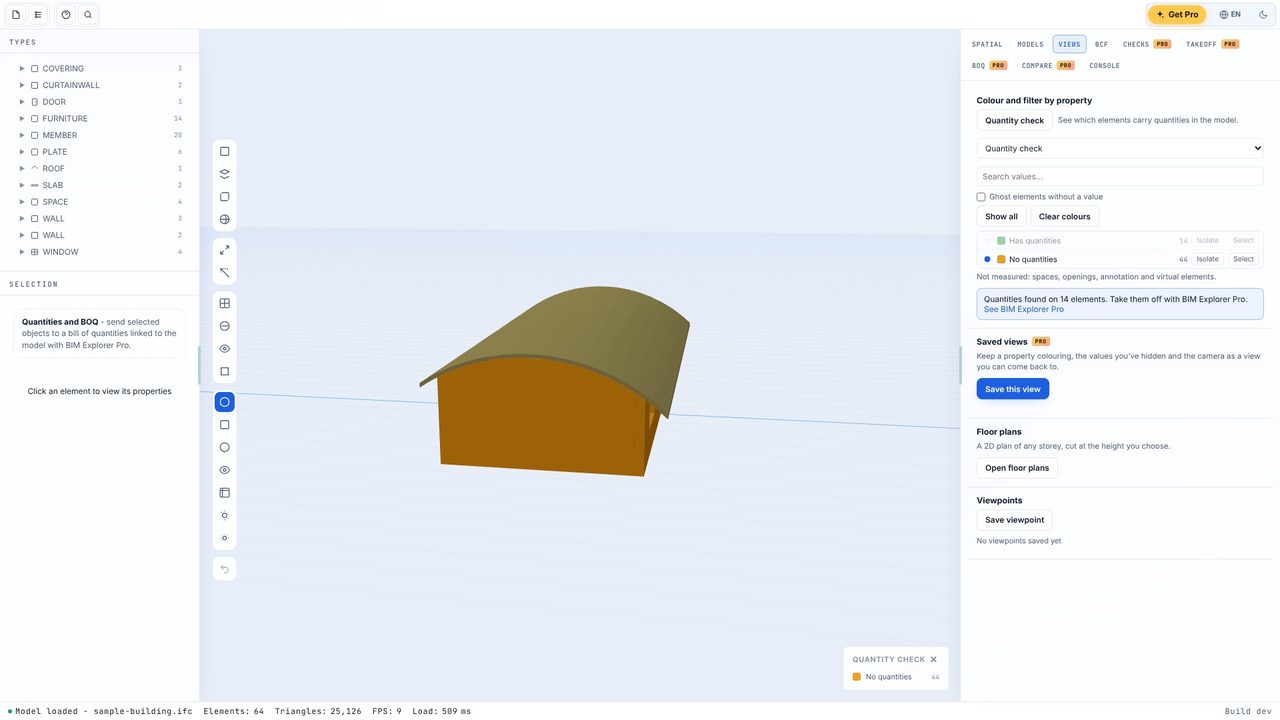
Click Isolate on No quantities to see only the elements without them, and orbit round. Here the roof, the curtain wall and the furniture have none.
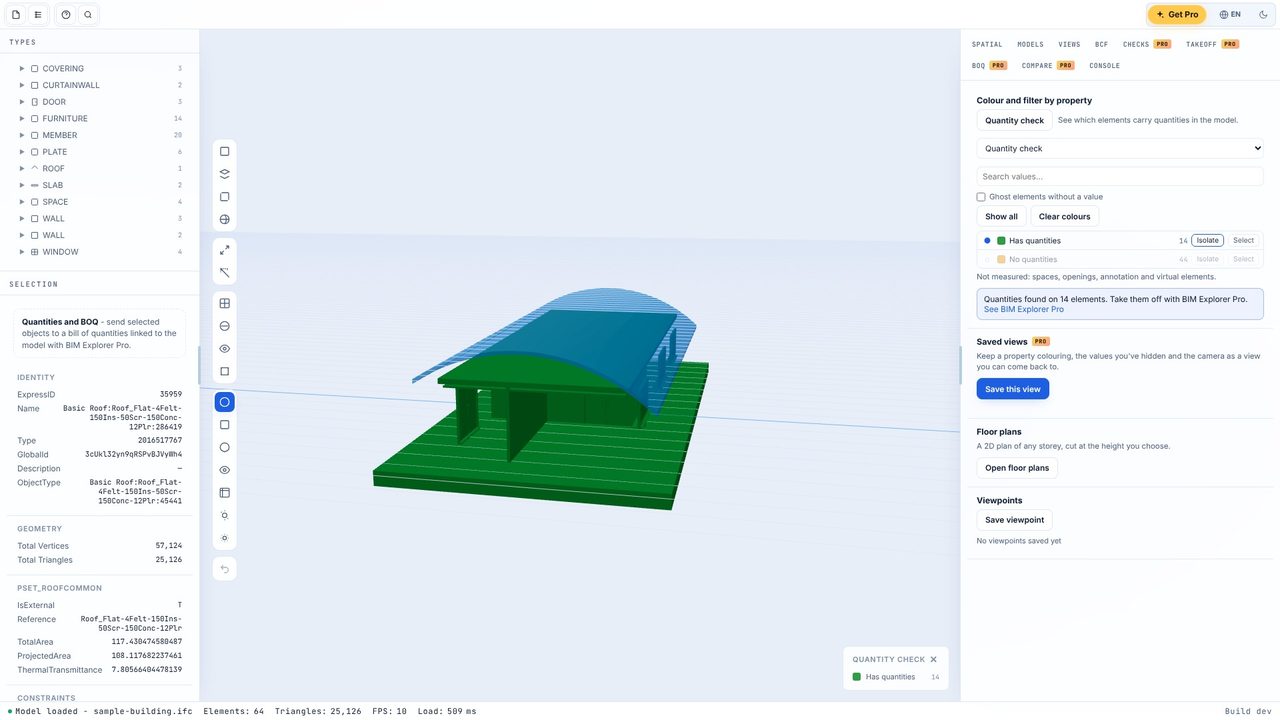
Isolate Has quantities to see what the model does carry - the walls, slab and spaces in this one.
Show all brings the model back. If most of it is green, measure from the model. If it's mostly amber, ask for an export with base quantities - or let BIM Explorer Pro compute them from the geometry, clearly labelled.
The model's own quantity sets hold the main quantity for the element's class: side area for walls, area for slabs, roofs and coverings, length for beams, columns and members, volume for footings and piles. Doors, windows and fittings are counted. Values computed by BIM Explorer don't count here - it's a check on the model.
Yes. The viewer, model tree, properties, floor plans on screen, the quantity check, colour by property, two models together and BCF issues are free, with no account and no subscription. BIM Explorer Pro is an optional one-off £29.99 upgrade for takeoff, a BOQ linked to the model, IDS and clash checks, storey plans to PDF and exports.
No. BIM Explorer works offline and models are kept on your PC.
