How-to guide
Every cubic metre carted off or brought in costs money, so earthworks are usually designed to balance: the dig makes the fill. Because dug material shrinks when it's compacted, balanced isn't cut = fill. This guide takes the Hollins Farm sample, 2,759 m³ short, and has Metre2 Earthworks Pro find the level that balances it.
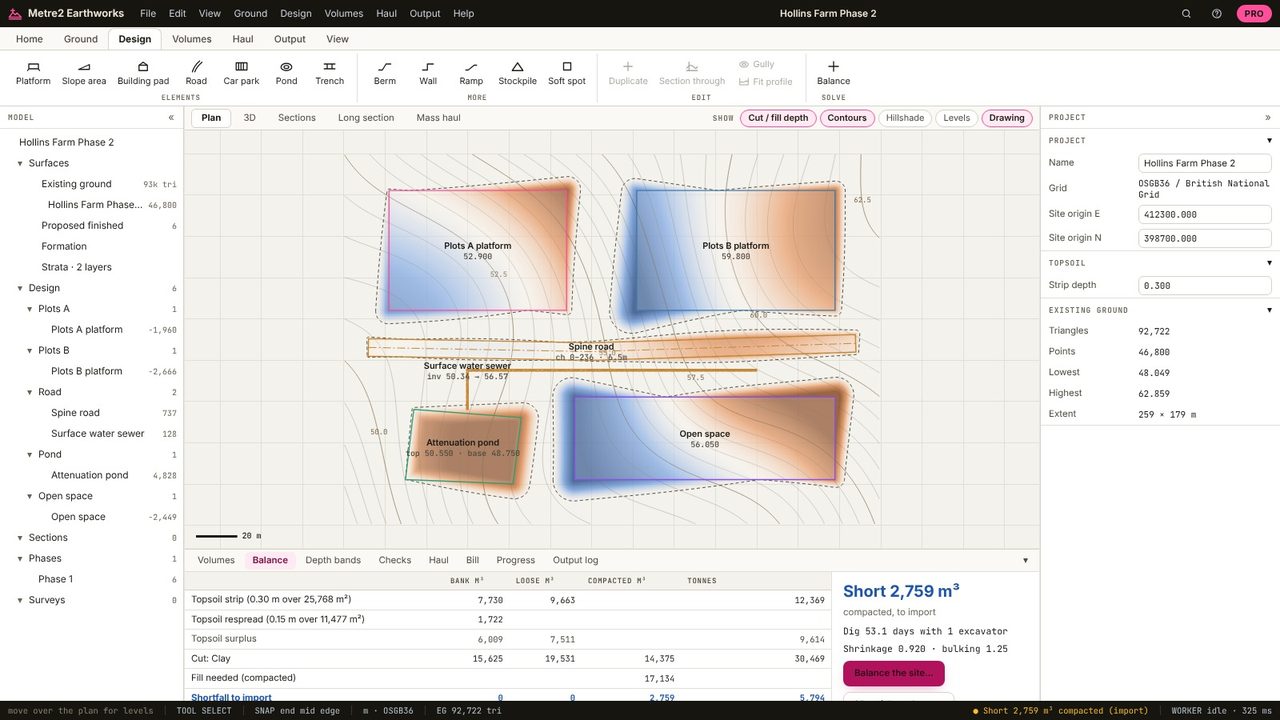
The Balance tab gives the cut in bank m³, what it makes as compacted fill (after shrinkage), the fill needed and the difference. Hollins Farm digs 15,625 m³ of clay, which makes 14,375 m³ compacted at 0.92, against 17,134 m³ of fill: 2,759 m³ short.
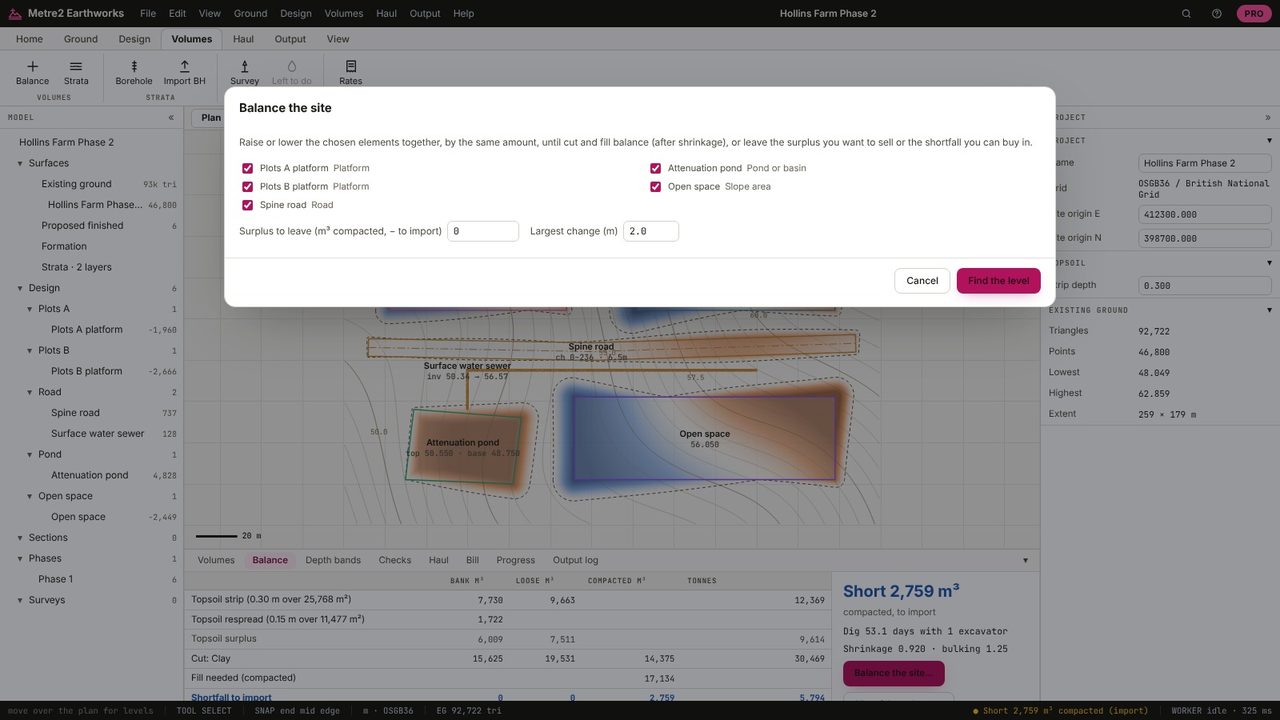
Balance the site (Volumes tab, or the button on the Balance tab) lists the platforms, pads, car parks and roads. Tick the ones that can move, set the surplus to leave (0 to balance, more if you can sell it) and the largest change allowed.
Earthworks raises or lowers the chosen elements together until it balances, then applies it as one change you can undo. Here they come down 0.112 m and the site balances: 17,051 m³ of cut against 15,683 m³ of fill, with the overlaps included.
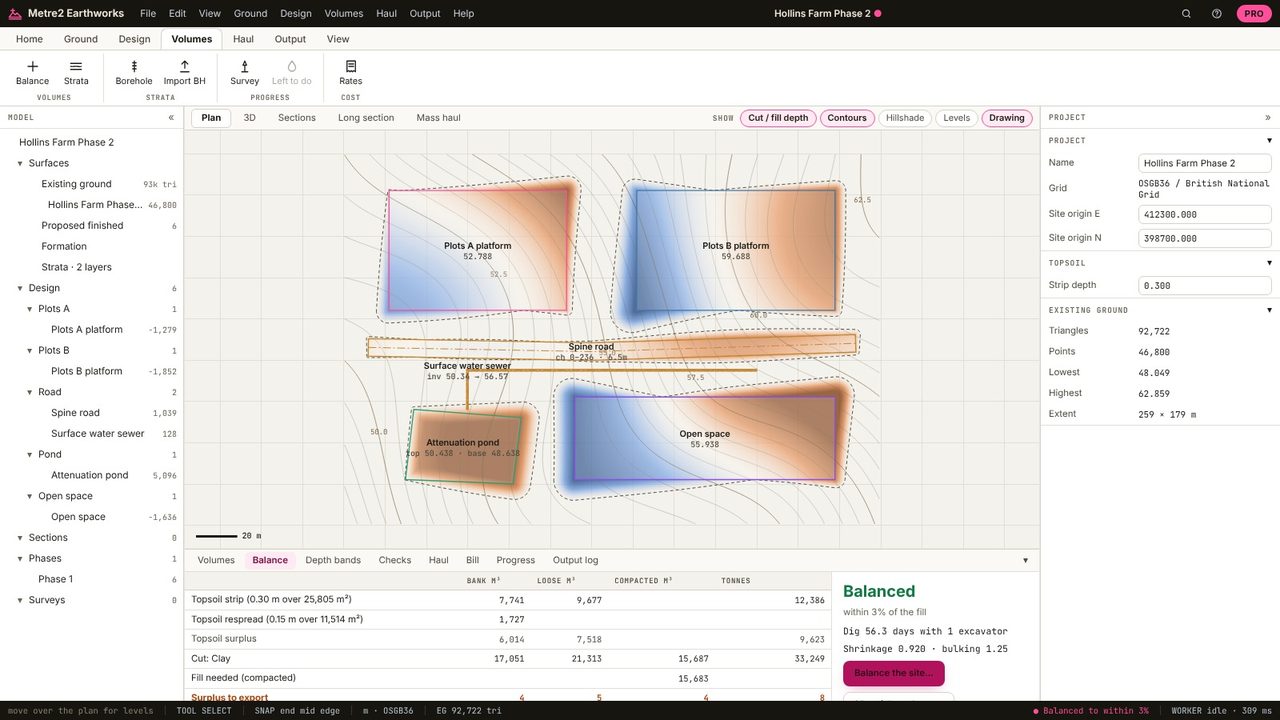
That the material dug on site, after bulking and compaction, is enough to make the fill, with nothing to cart away or bring in.
Because soil changes volume: dug clay compacts to about 0.9 of its bank volume as fill, so you need more cut than fill. The shrinkage factor is per material.
The balance optimiser is in Earthworks Pro (£19.99 a month or £179 a year, with a 7-day free trial).
No. Earthworks runs in your browser: survey files, LIDAR tiles and PDF drawings are read on your computer and the project is kept in your browser until you save it as a file.
