Sent isn't the same as decided
Tracks every proposal or estimate you've sent to a prospective client through to a decision - Awaiting, Accepted, Declined or No reply - with a branching outcome funnel on the Dashboard so you always know where things stand. Deliberately thin: no win/loss analytics, no competitive-bid pipeline, no document authoring - just a lighter way to keep track of proposals for anyone who isn't bidding competitively on construction tenders.
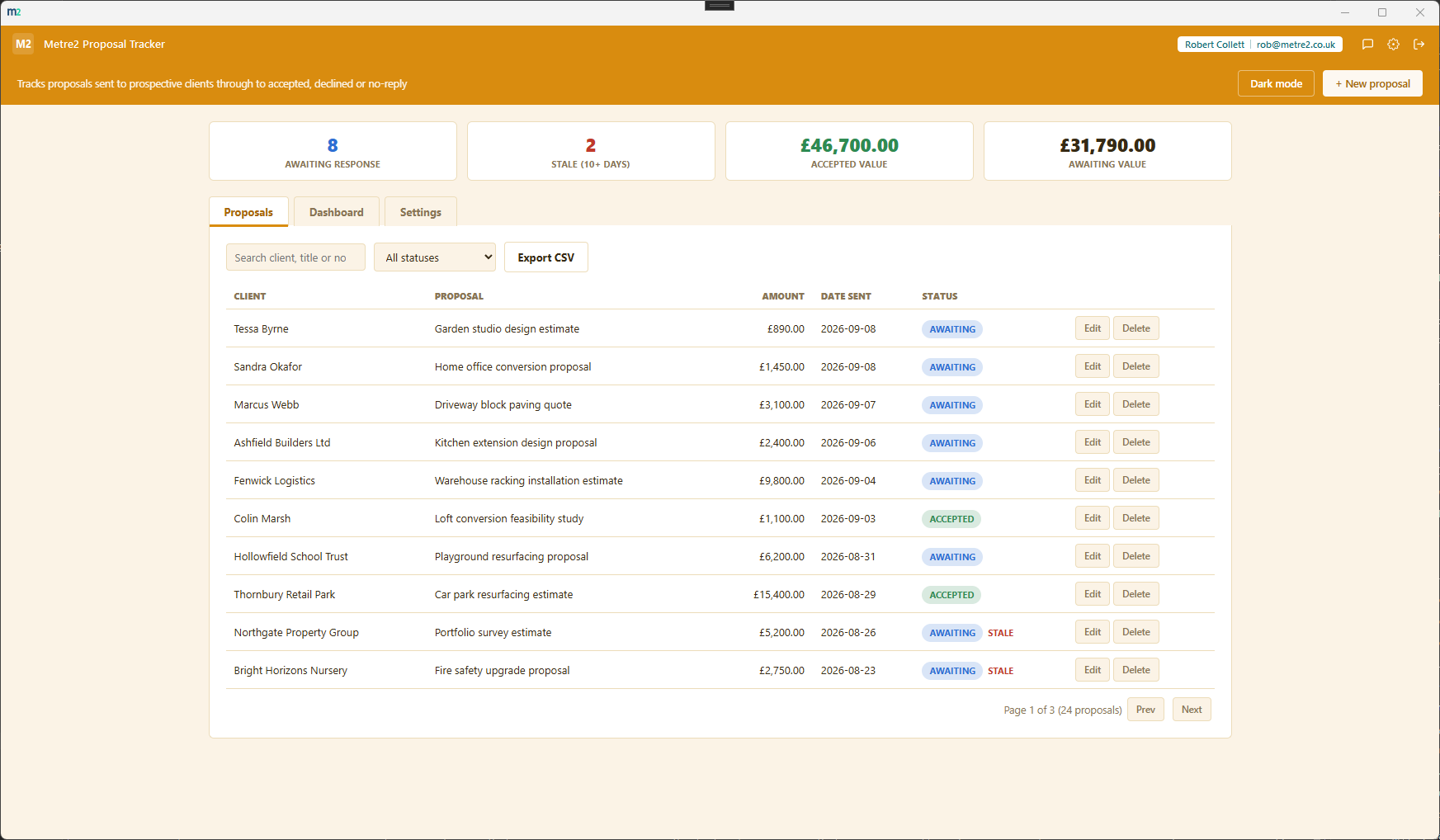
The Proposals tab listing every proposal with search, sort and status filtering, and the Settings tab for tuning the stale threshold and currency.
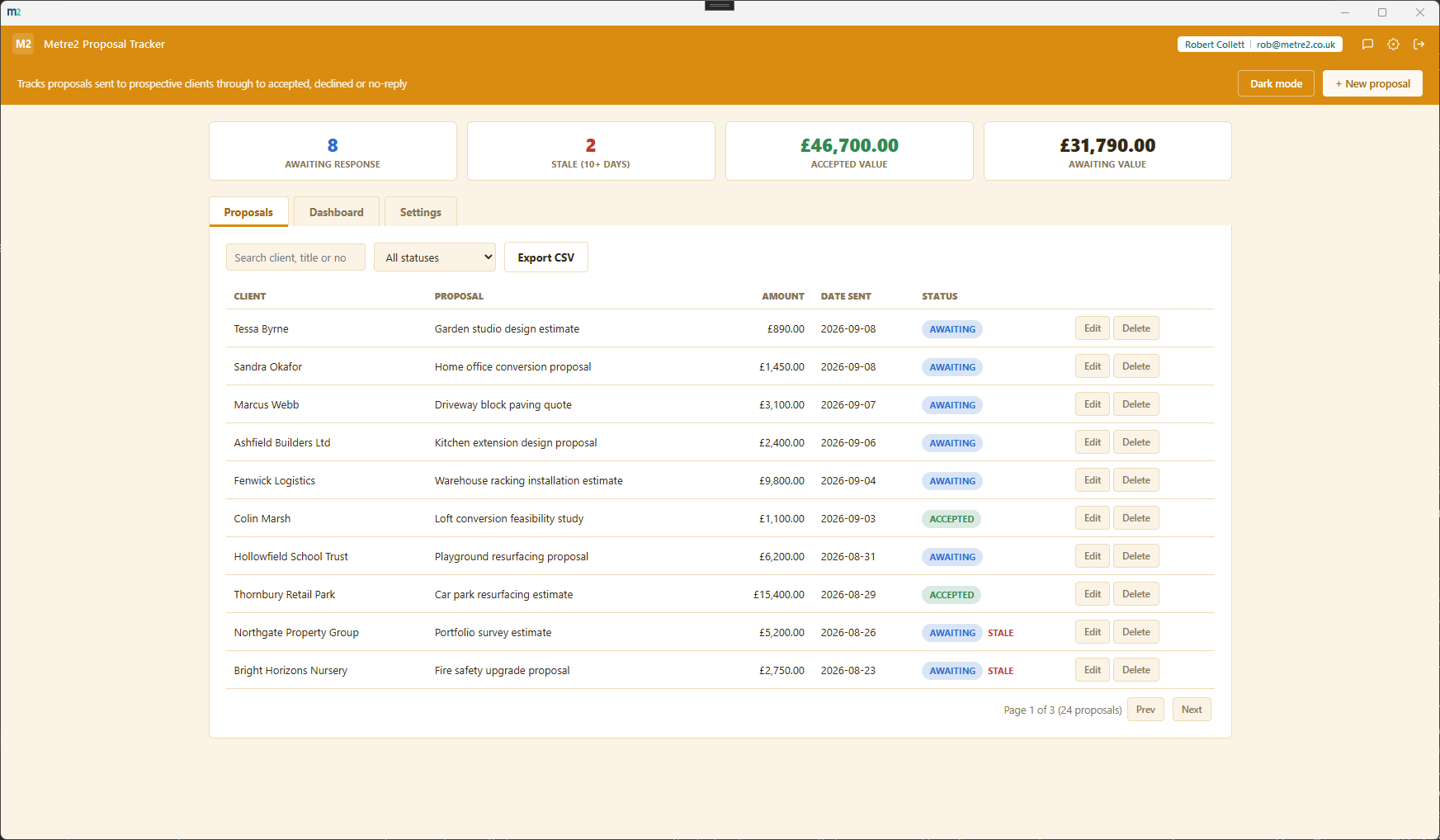
Proposals - every proposal, searchable, sortable and filterable by status, with stale flags
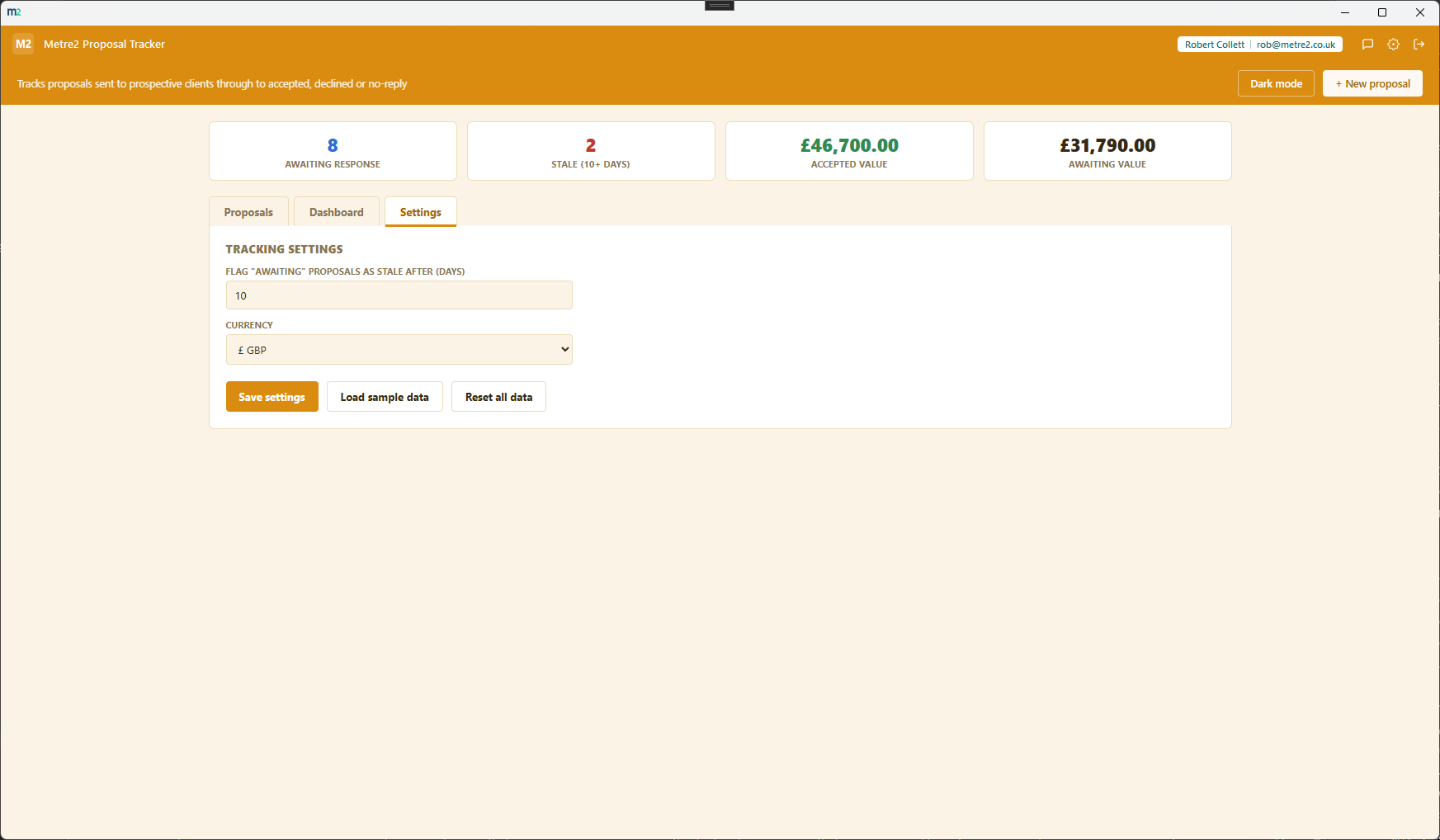
Settings - the stale-after threshold, currency, sample data and reset
One wide band for every proposal sent, narrowing into four tapered chutes below it - Awaiting, Accepted, Declined, No reply - each sized to its share of the total. One glance tells you the shape of your whole proposal pipeline.
Any proposal still awaiting a response gets flagged once it's been sitting past your configured threshold - so nothing awkwardly quiet slips your mind.
The stat strip and funnel show raw counts and value totals for each status - awaiting value, accepted value - and deliberately never calculate a win rate or conversion percentage anywhere.
Set how many days an awaiting proposal can sit before it's flagged stale - tune it to how quickly your own clients typically respond.
Every proposal's on the Proposals tab, searchable by client, title or notes, sortable on any column, and filterable by status - for when you need the full list, not just the funnel view.
GBP, EUR, USD, AUD, CAD and NZD symbols - proposal tracking doesn't vary by country, so you just pick the symbol that matches your own pricing.
A light/dark toggle that remembers your choice, and "Load sample data" fills in a realistic set of proposals across every status so you can see the funnel working before entering your own.
Export the full proposal list to CSV any time - for a backup, a spreadsheet pivot, or handing a snapshot to someone else on the team.
No document authoring, no competitive-bid pipeline, no win/loss analytics - just the one job that matters for a single sent proposal: knowing whether it's still open, landed, or gone quiet.
Everything lives in local storage on your device - no account or sign-in, no server, no internet connection required to use it day to day.
Most solo consultants and small service businesses either track sent proposals in a spreadsheet they forget to check, or pay for a full CRM they don't need just to remember which proposals are still open. Here's how a dedicated, focused tracker compares.
| Feature | Proposal Tracker | A spreadsheet | Full CRM |
|---|---|---|---|
| Pricing model | £2.99 one-off after a 7-day free trial | Free (if you already have Excel/Sheets) | Per-user monthly subscription |
| Works fully offline | ✓ | ✓ (local files) | ✕ (cloud-hosted) |
| Outcome funnel visual, not just a filtered list | ✓ | ✕ (build a chart yourself) | ✓ (usually) |
| Stale-proposal flagging | ✓ | ✕ (build a formula yourself) | ✓ (usually) |
| Set-up time | Minutes | Minutes, but easy to forget to check | Days (pipelines, fields, permissions) |
| No account required to set up | ✓ | ✓ | ✕ |
General comparison as of September 2026 - features and pricing vary by spreadsheet tool and by CRM vendor. Not sponsored by or affiliated with any spreadsheet or CRM vendor.
It's a Windows desktop app, available now on the Microsoft Store.
Tender & Bid Management is a full competitive-bid pipeline with document authoring, for construction tenders. Quote Follow-Up Reminder chases quotes already sent with an urgency queue. Proposal Tracker is deliberately thinner than both - just a single-proposal tracker for service businesses and consultants who aren't bidding competitively: log a proposal, then mark it accepted, declined, or no-reply.
The Dashboard's headline visual - one band for every proposal sent, branching into four tapered chutes below it (Awaiting, Accepted, Declined, No reply), each sized to its share of the total. It shows raw counts and value totals only.
No, deliberately not. Proposal Tracker is scoped as a thin tracking tool, not a win/loss analytics product - it shows counts and value totals for each status, with no percentage or ratio calculated anywhere.
Any proposal still Awaiting a response gets flagged stale once it's been sitting for longer than your configured threshold (10 days by default, adjustable in Settings). Accepted, Declined and No-reply proposals are never flagged, since staleness is only about ones that still need chasing.
No - it's a tracking tool, not a sender. It surfaces which proposals are awaiting a response or sitting stale; you make contact yourself and then update the status here.
Everything is saved locally between sessions rather than uploaded anywhere - the app has no server dependency and runs fully offline. It doesn't sync across multiple devices yet.
