How-to guide
Pouring a garage slab and its footings and need to know how much concrete - and how many bags of cement - to order? The free Concrete Volume Calculator adds up every pour, allows for waste and gives you the materials for the whole job. It runs in your browser, with nothing to install.
Open the calculator, give the pour a name and leave the type on Slab. Enter its length, width and thickness in metres - here a garage slab 6 m by 3.5 m, 150 mm (0.15 m) thick. If you have several identical pours, set the quantity instead of adding them one by one.
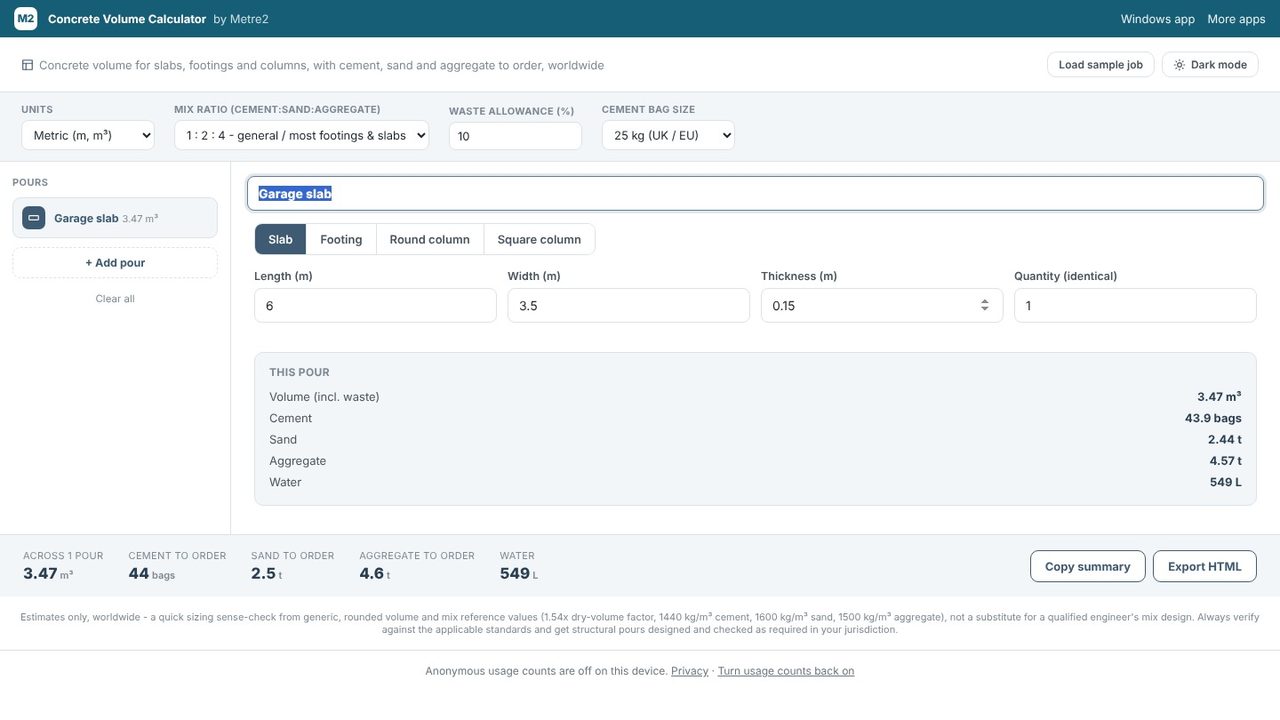
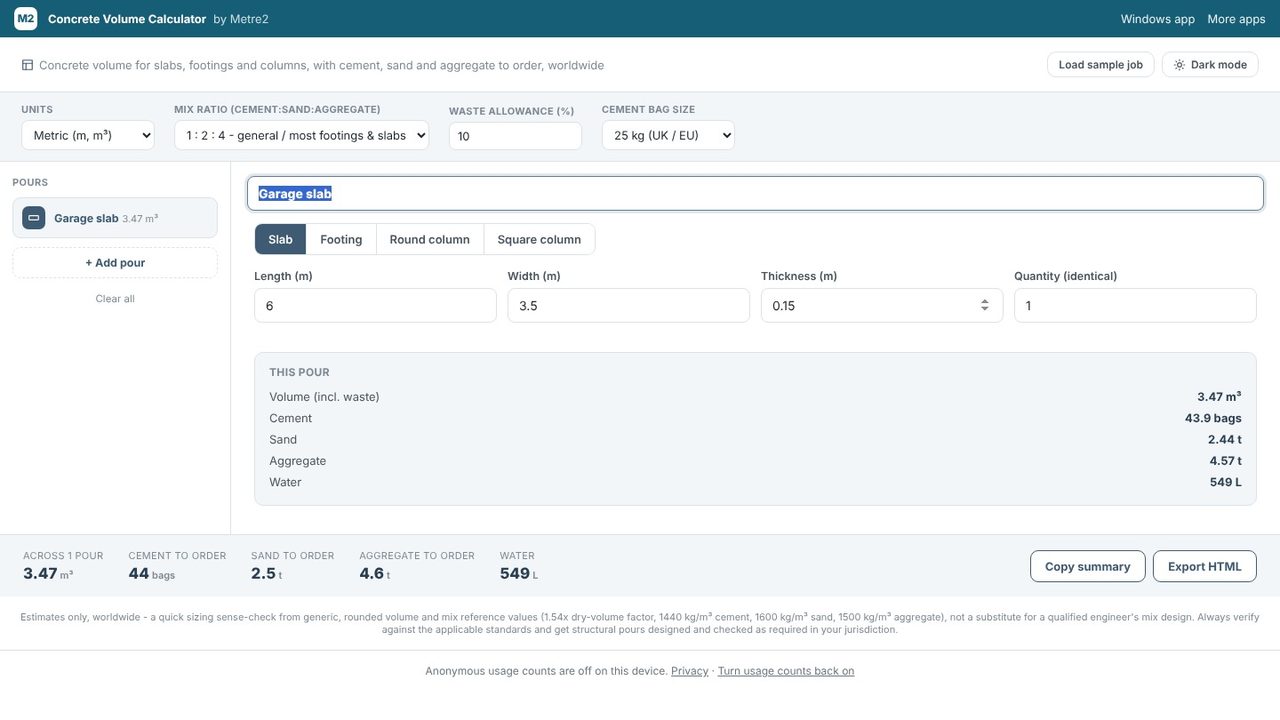
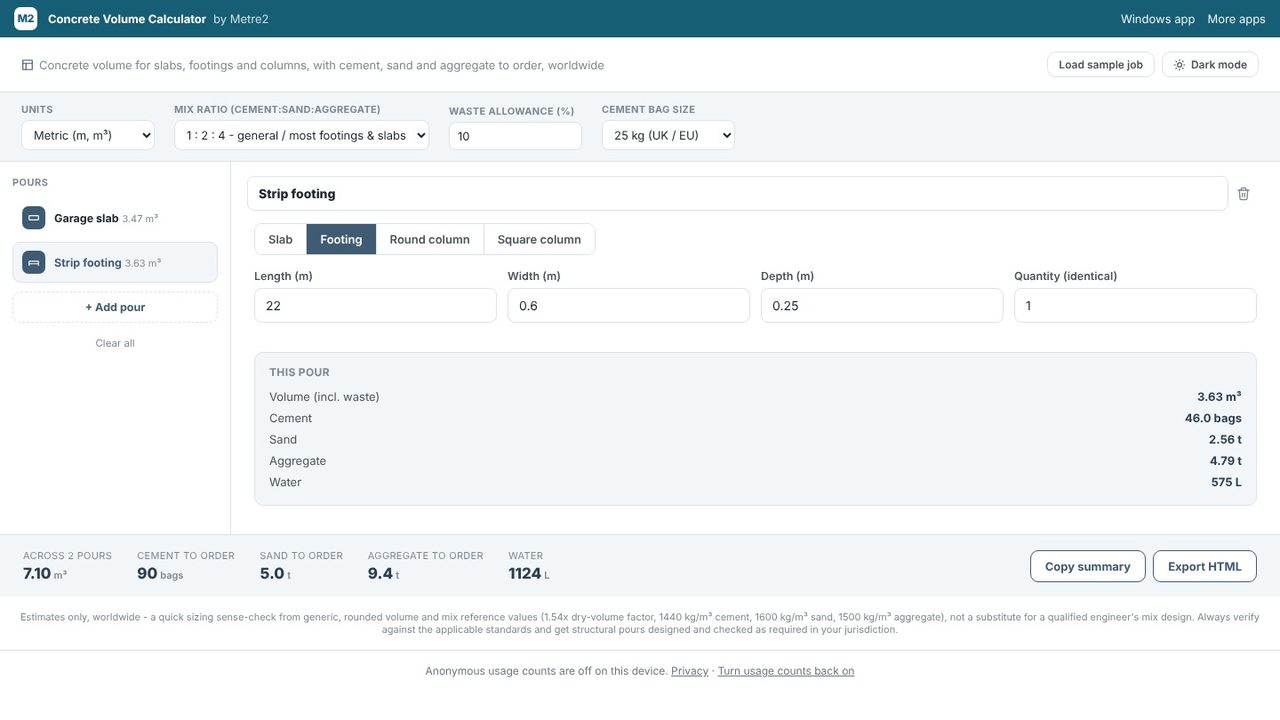
This pour shows the volume including your waste allowance (10% unless you change it at the top), plus the cement in bags, sand and aggregate in tonnes, and water in litres. The 6 x 3.5 x 0.15 m slab is 3.15 m³, or 3.47 m³ with 10% waste.
Choose + Add pour, then Footing, and enter the length, width and depth - here 22 m of strip footing, 600 mm wide and 250 mm deep. Round and square columns have their own shapes too.
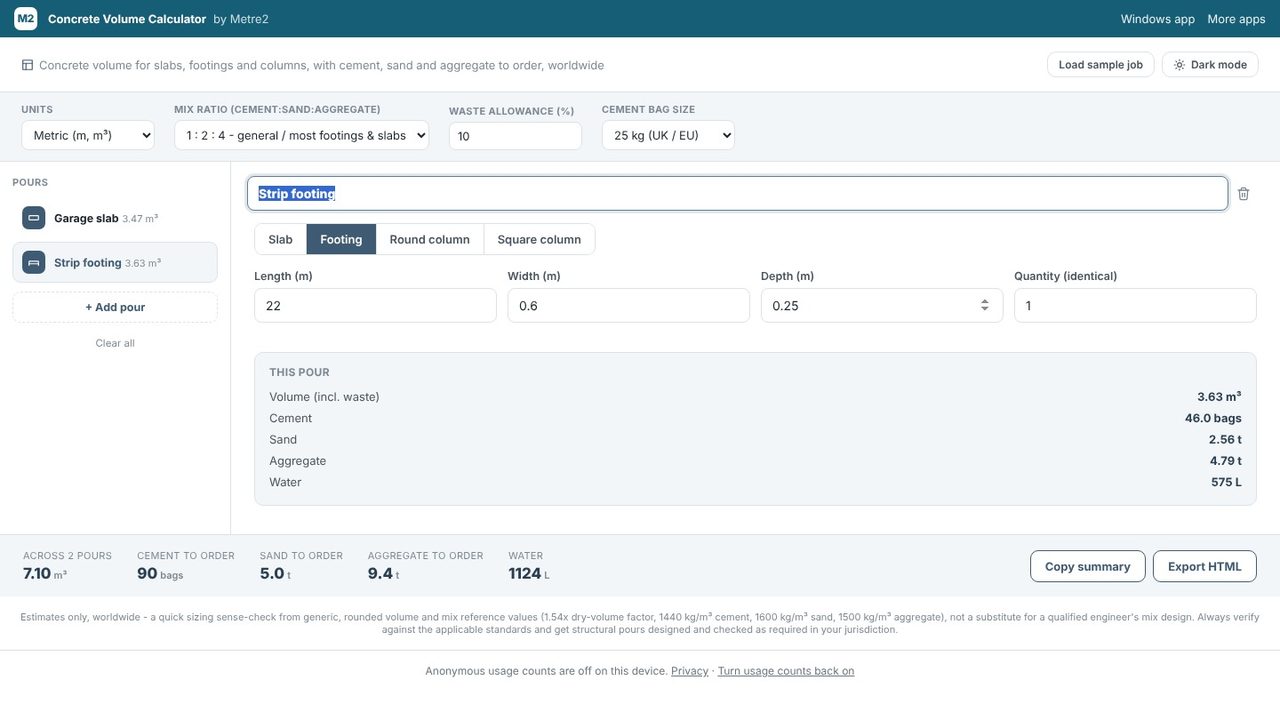
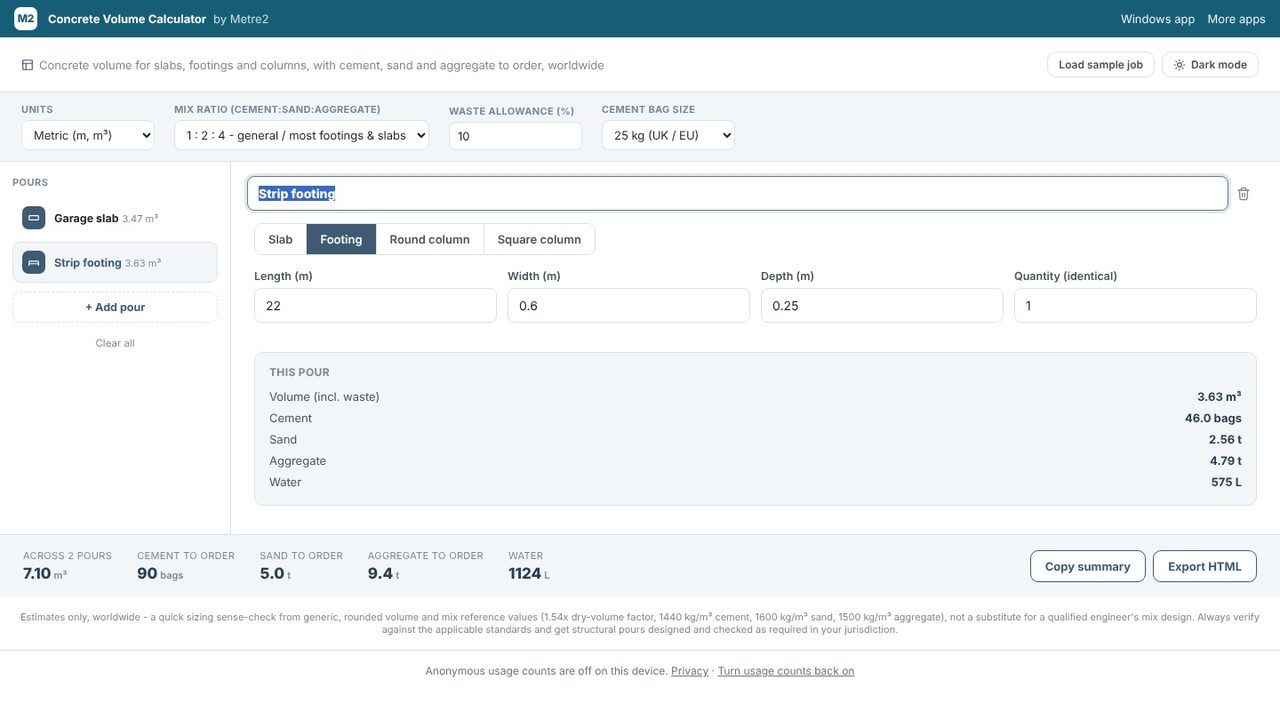
The bar along the bottom adds up every pour in the job: total volume, cement to order in whole bags, and sand and aggregate in tonnes. For this slab and footing at a 1:2:4 mix that's 7.1 m³ and 90 bags of 25 kg cement. Change the mix ratio, bag size or units at the top and everything updates.
Use Copy summary to paste the quantities into an email or order, or Export HTML to save a page you can print or send.
Yes. It's free in your browser with no sign-up, and there's a free Windows app in the Microsoft Store too. It works offline once it has loaded.
Multiply length by width by thickness, all in metres, to get cubic metres. A 6 m x 3.5 m slab 150 mm thick is 6 x 3.5 x 0.15 = 3.15 m³. Add a waste allowance on top - the calculator does this for you.
1:1.5:3 for structural work, 1:2:4 for general footings and slabs, 1:3:6 for mass fill, or a custom ratio - with 25 kg, 50 kg or 94 lb cement bags, in metric or imperial units.
