How-to guide
Going self-employed as a QS, site manager or tradesperson and need a day rate? Dividing the salary you want by 260 weekdays gives a rate that won't pay once holidays, quiet spells and the van are counted. The free Day Rate Calculator builds the rate up step by step - income, plus costs, plus a buffer, spread over the days you can actually bill. It runs in your browser, with nothing to install.
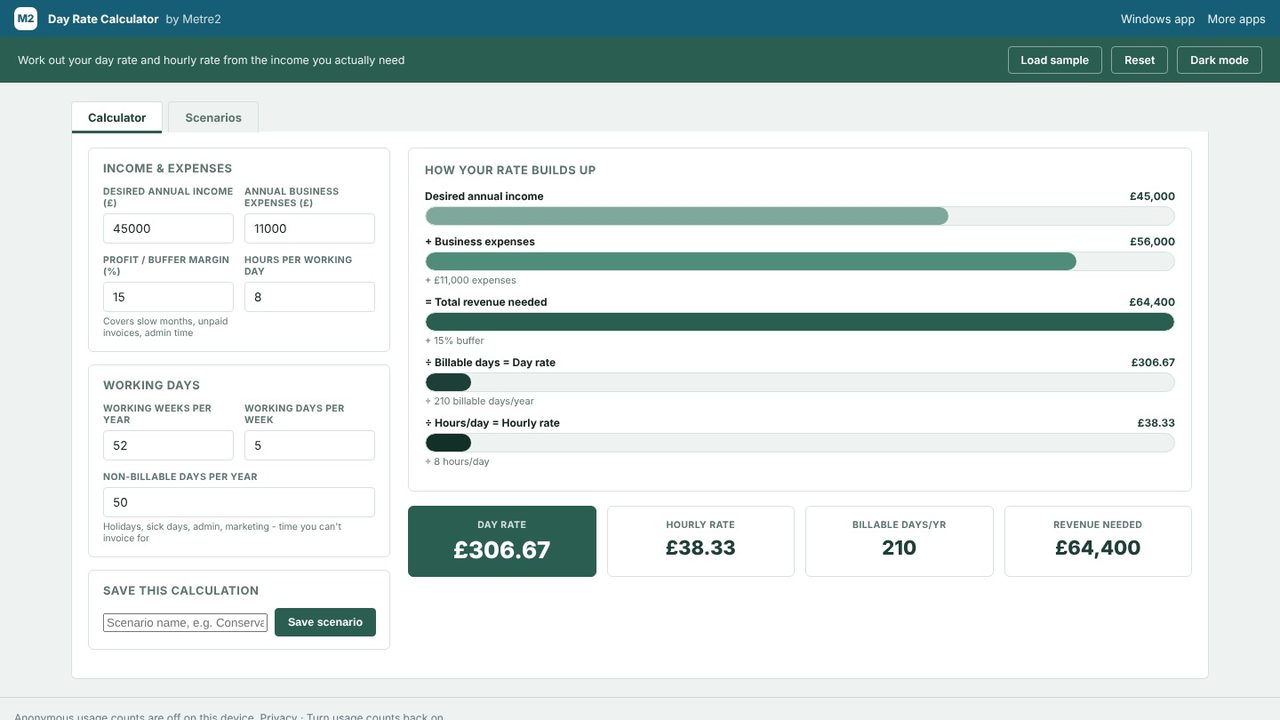
Enter your Desired annual income, then Working weeks per year, Working days per week and Hours per working day. With £45,000, 52 weeks of 5 days and 8 hours, the calculator shows £173.08 a day over 260 days. That's the trap: it assumes you bill every weekday of the year, with no costs.
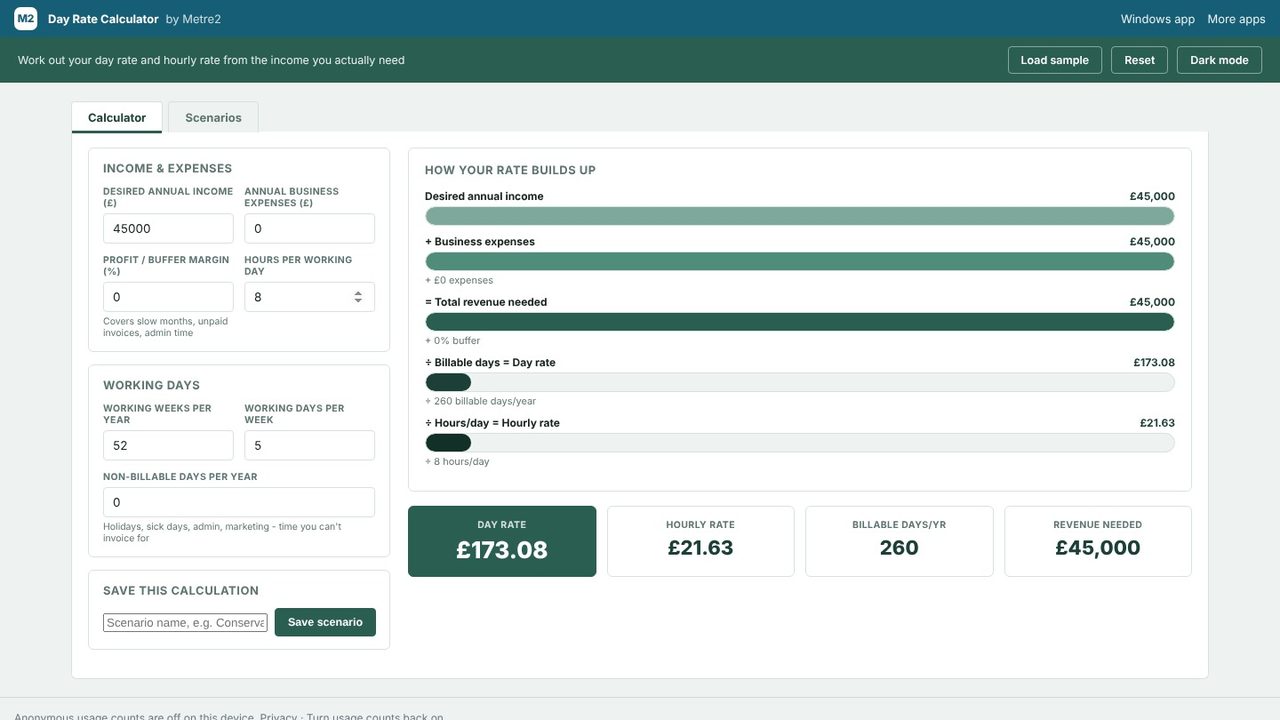
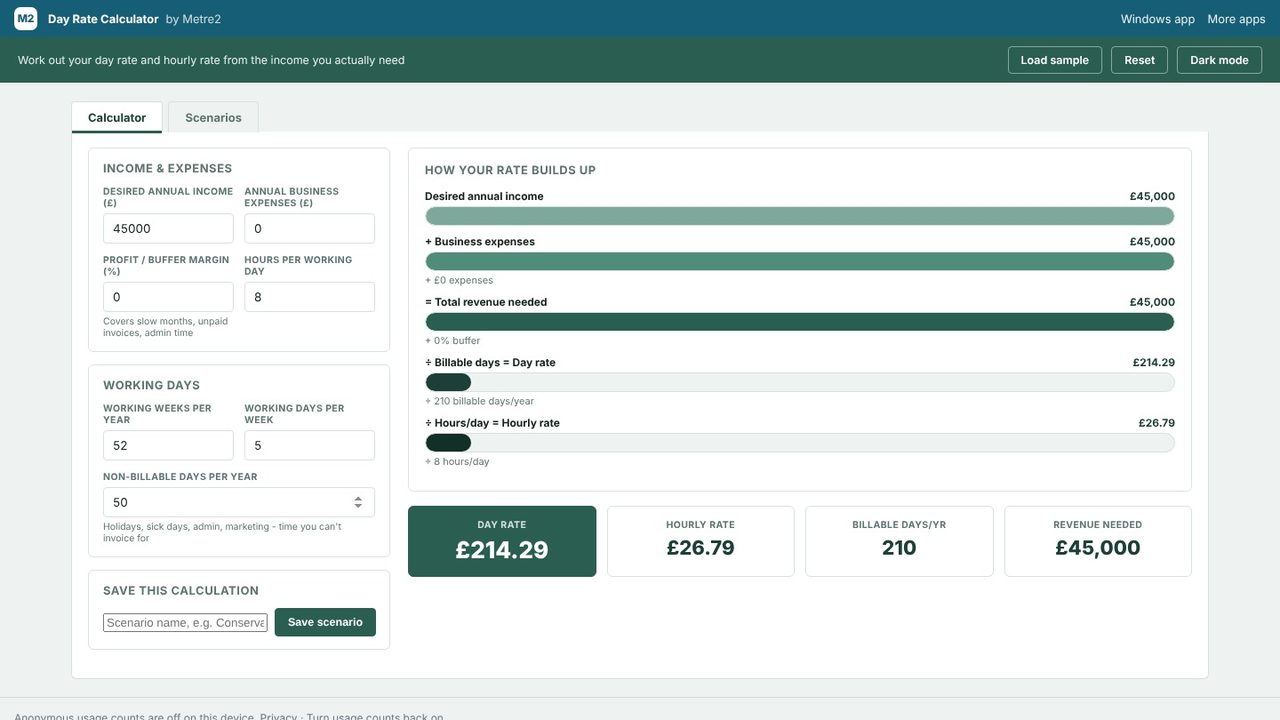
Enter your Non-billable days per year - any working day you can't invoice for. Here that's 50: 25 days' holiday, 8 bank holidays, 5 days off sick and 12 days of quoting, admin and training. Billable days drop from 260 to 210, and the day rate rises to £214.29.
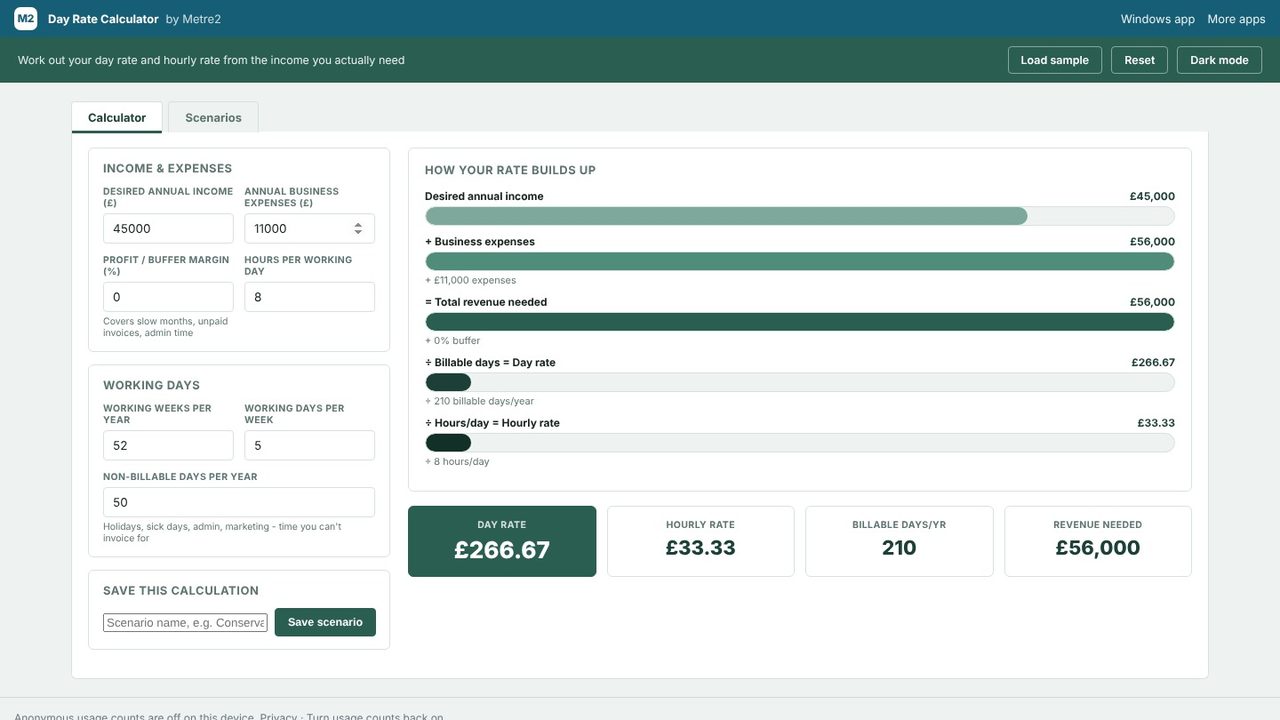
Enter your Annual business expenses as one yearly total. This example allows £11,000: van £6,500, insurance £1,400, software and phone £1,100, accountant £900, tools, PPE and training £1,100. The waterfall adds it to your income - £56,000 - and the day rate goes to £266.67.
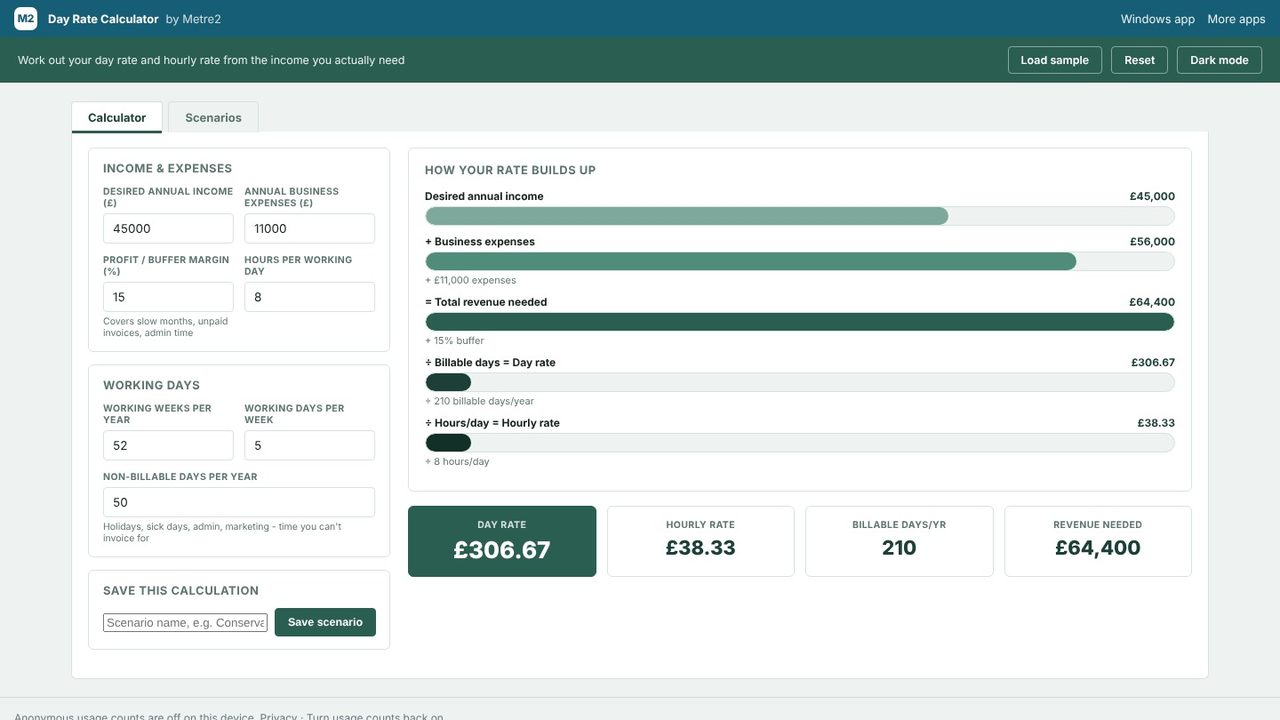
The Profit / buffer margin is a percentage added on top of income and costs, to cover slow months, unpaid invoices and admin you didn't plan for. At 15%, the Total revenue needed is £64,400. Divided by 210 billable days that's £306.67 a day, and over 8 hours £38.33 an hour - shown in the result cards along with billable days and revenue needed.
Under Save this calculation, give it a name and choose Save scenario. Then change the inputs - fewer days off, a bigger buffer, a cheaper van - and save each version under its own name.
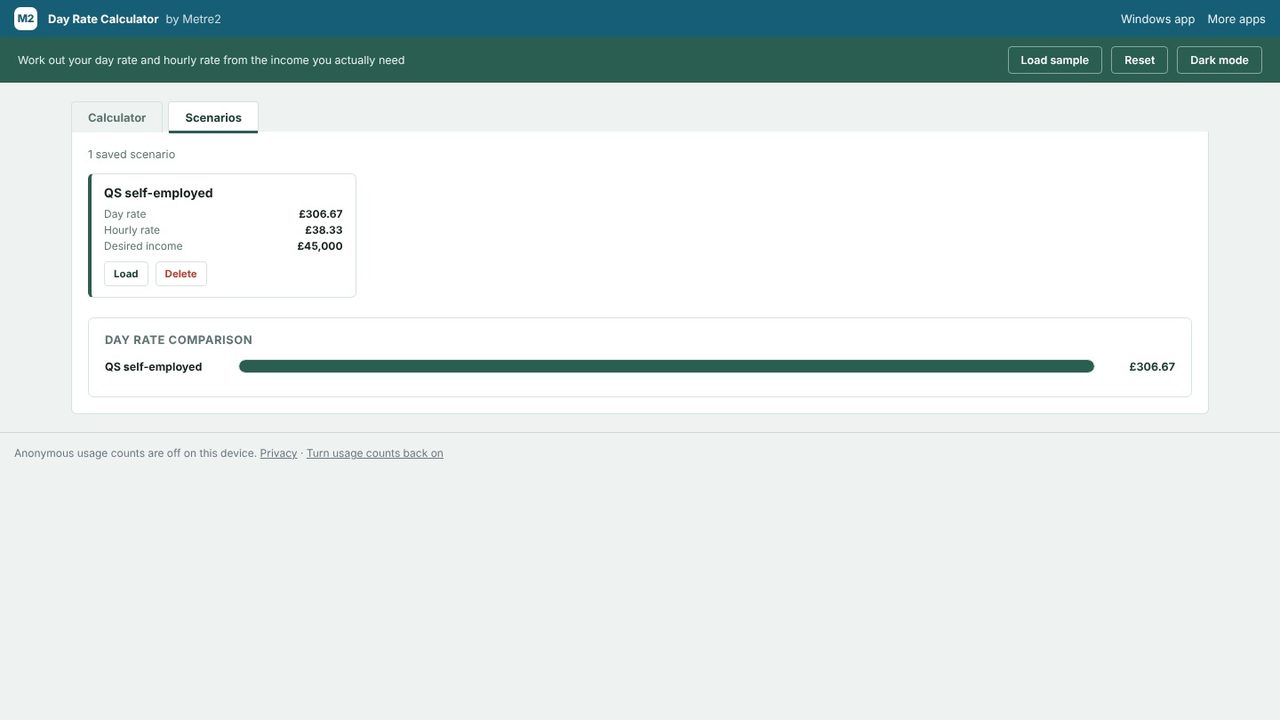
Open the Scenarios tab. Each saved scenario shows its day rate, hourly rate and desired income, with Load to put it back into the calculator and Delete to remove it. The Day rate comparison ranks every scenario's day rate as bars, side by side.
Yes. It's free in your browser with no sign-up, and there's a free Windows app in the Microsoft Store too.
Desired income plus business expenses, plus your buffer percentage, gives the total revenue needed. That's divided by your billable days (weeks x days per week, less non-billable days) for the day rate, then by hours per day for the hourly rate.
No. It's a planning calculator, not tax or financial advice. The income you enter is treated as the figure before tax, so allow for income tax and National Insurance in it, and check your numbers against your own accounts and circumstances.
No. It works for any freelancer or contractor working out what to charge, whatever the trade or profession.
