How-to guide
Click the manholes in, set the outfall's invert, and Metre2 Drainage Design sizes and grades every pipe: Colebrook-White capacity, soffits matched, minimum cover kept and self-cleansing gradients. You get the long section and the manhole schedule straight away. It's free on Windows.
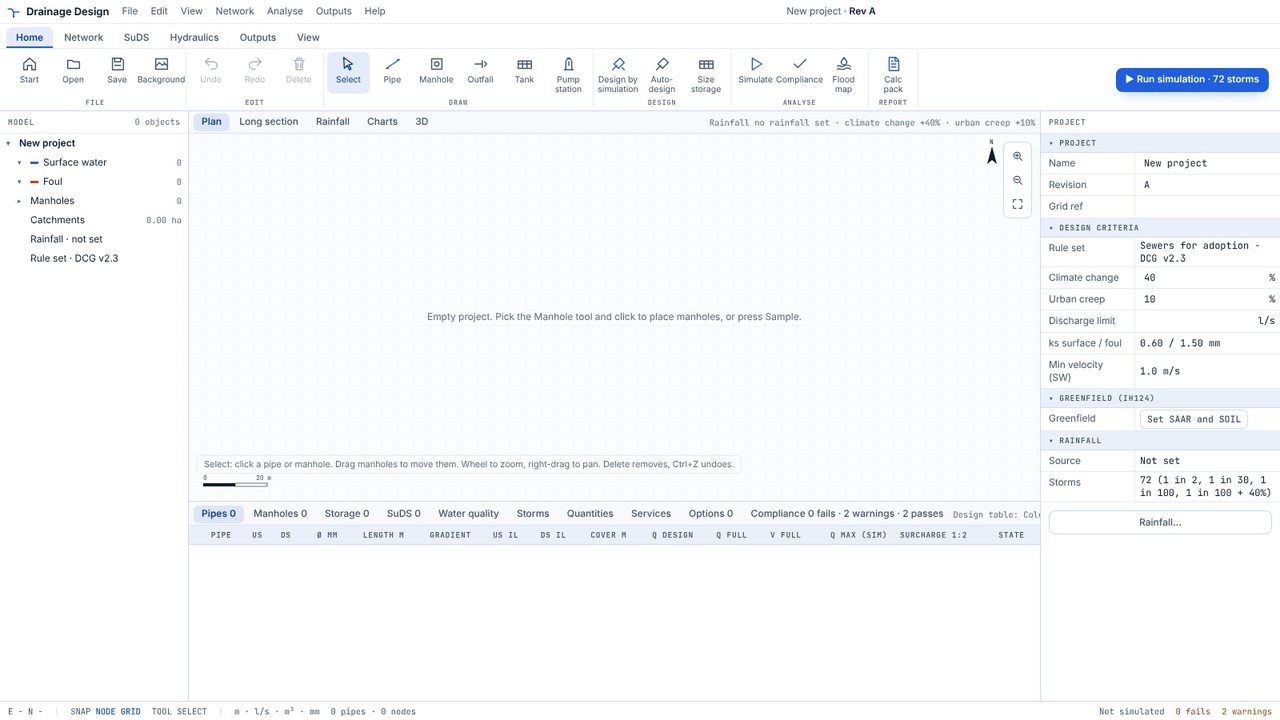
On the Start screen pick Blank project. To trace over your layout, add it first with Background and calibrate it from a known dimension.
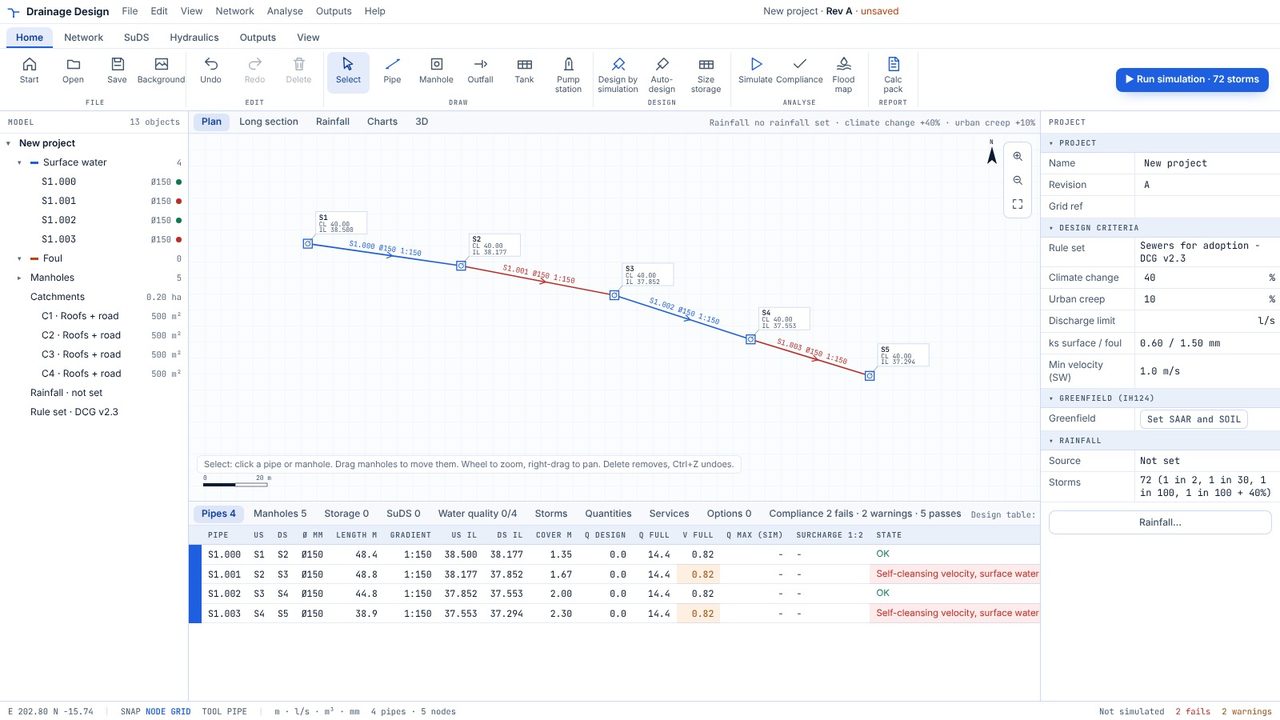
Pick the Pipe tool and click along the route. Each click places a manhole and joins it to the last one; pipes are numbered S1.000, S1.001 and so on. Press Esc to stop.
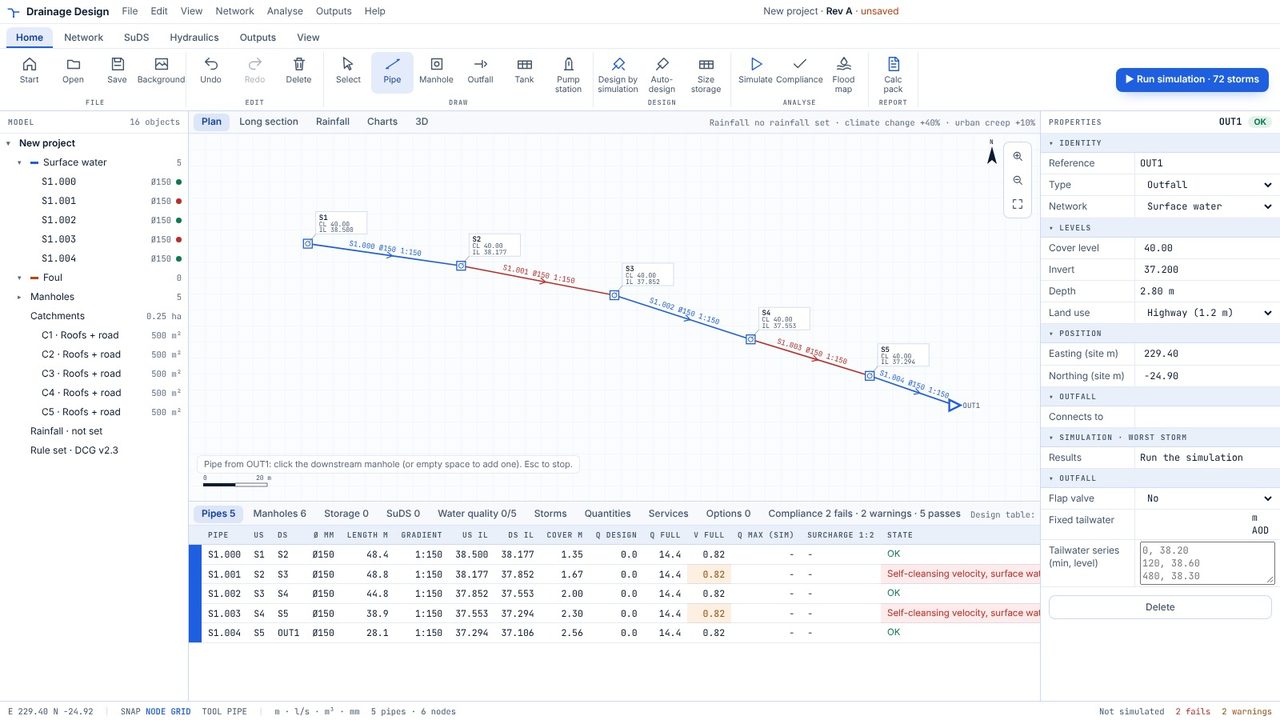
Pick Outfall, click where the run meets the existing sewer and type its invert level in the properties. Then draw the last pipe into it.
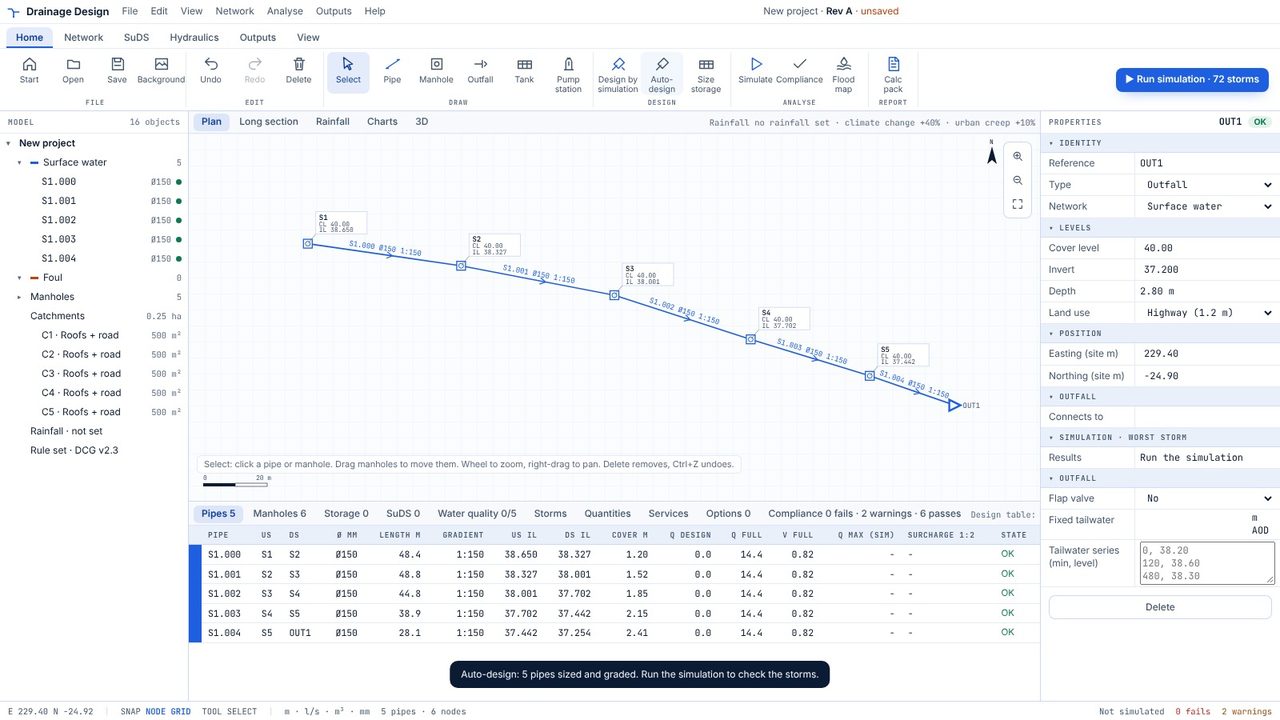
Click Auto-design. Every pipe gets the smallest size that carries its design flow at a self-cleansing gradient, with soffits matched at manholes and the minimum cover for the land use kept at both ends.
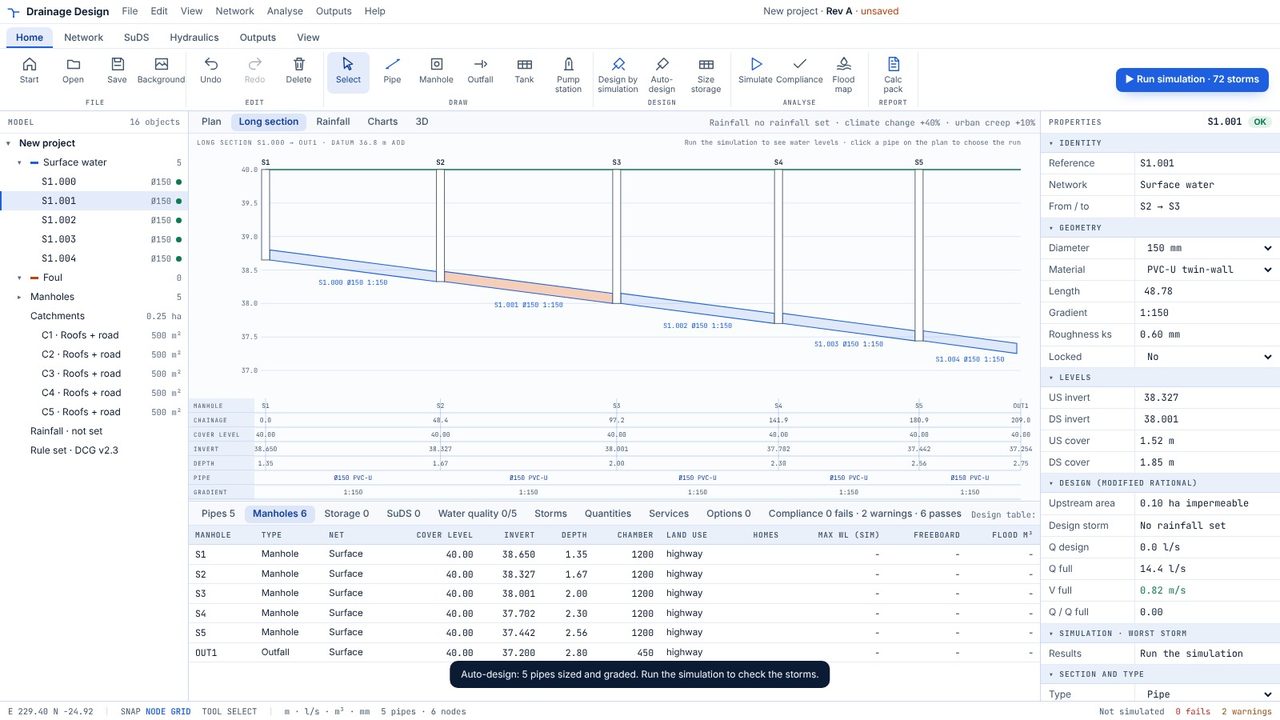
Select a pipe and open Long section: ground, invert, pipe, depth and gradient for the whole run.
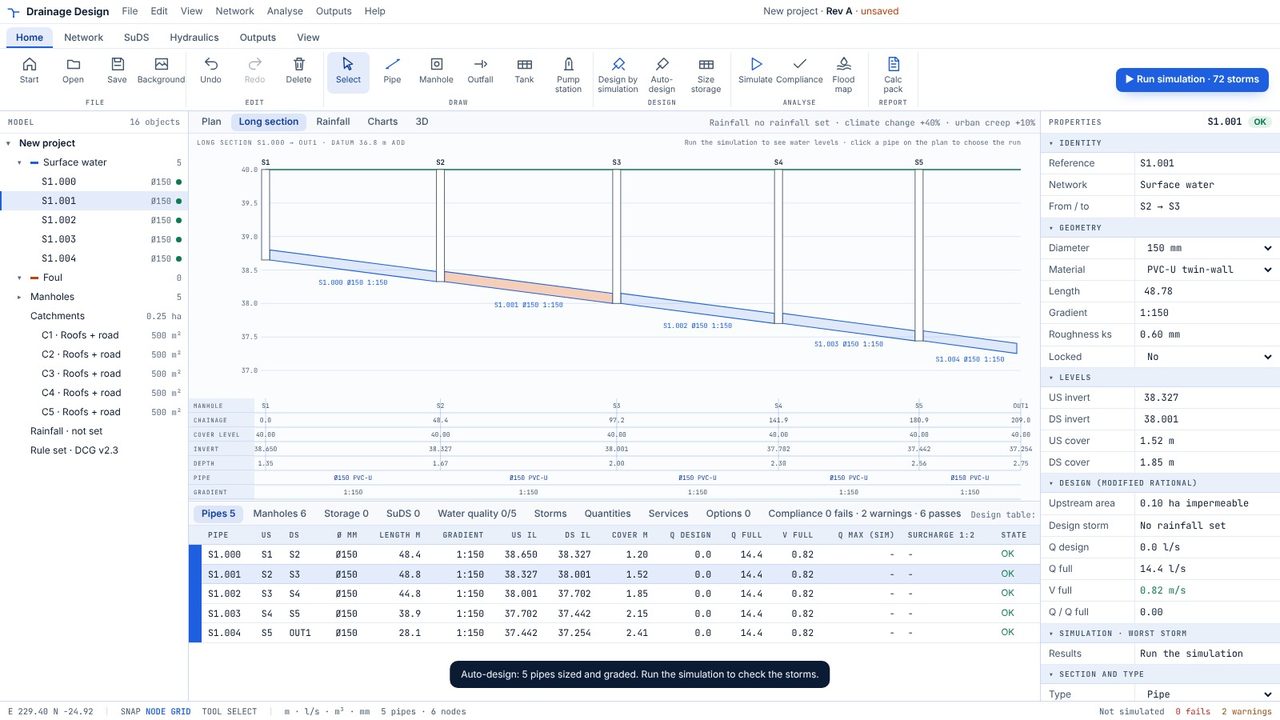
The Manholes tab is the schedule: cover, invert, depth and chamber size. Outputs, then Schedules saves it and the pipe schedule as CSV.
Yes. Drawing, auto-design, long sections, schedules and the compliance checker are free for networks up to 20 pipes. Pro adds simulation and removes the limit.
Pipe sizes and invert levels of every pipe that isn't locked. Manhole positions and cover levels stay as you set them.
Yes, in one project. Draw from a foul manhole and the pipes are foul (F1.000 and so on), sized at 0.05 l/s per home.
