Logs every purchase order from raised to paid, and flags the two ways one quietly falls
through the cracks: a delivery that's overdue, and goods marked received with no invoice
logged against them yet. So nothing gets paid twice, and nothing gets missed entirely.
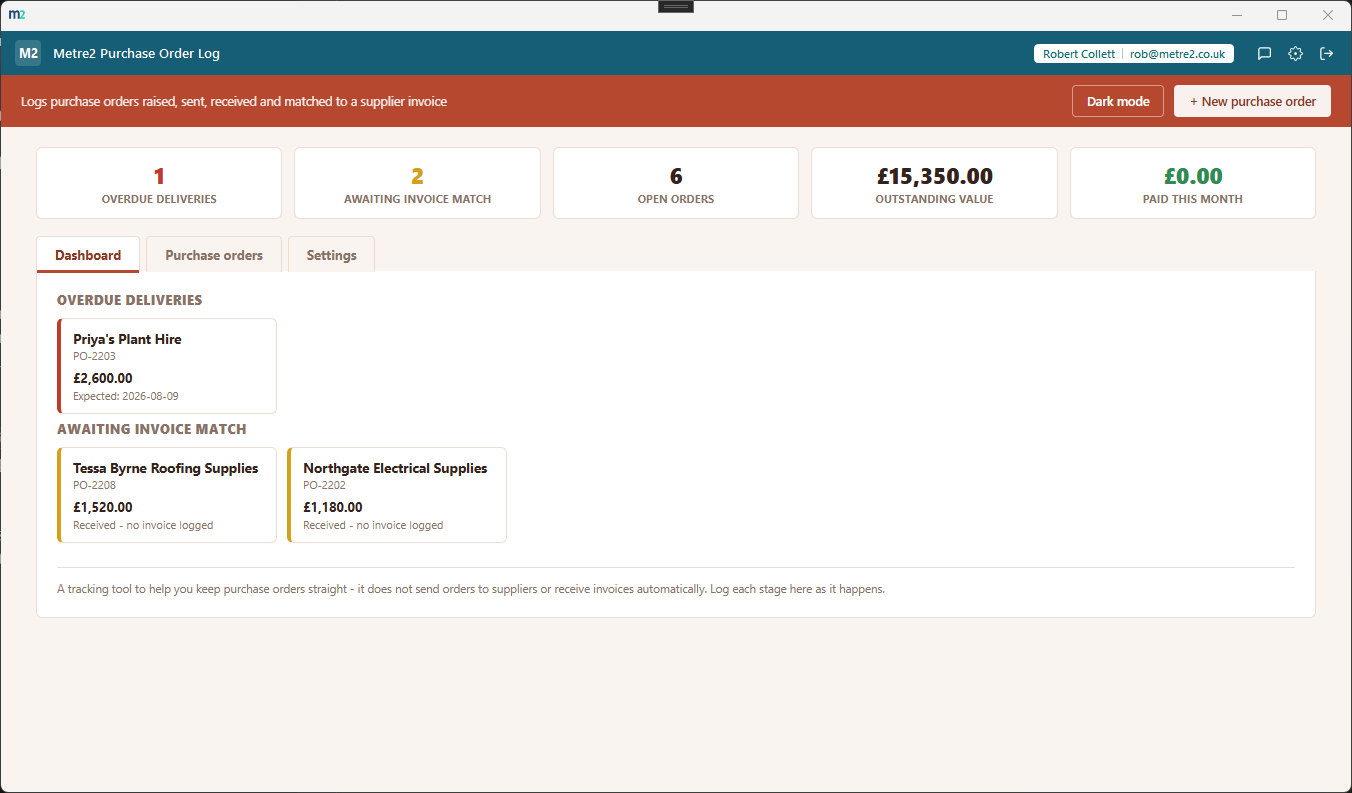
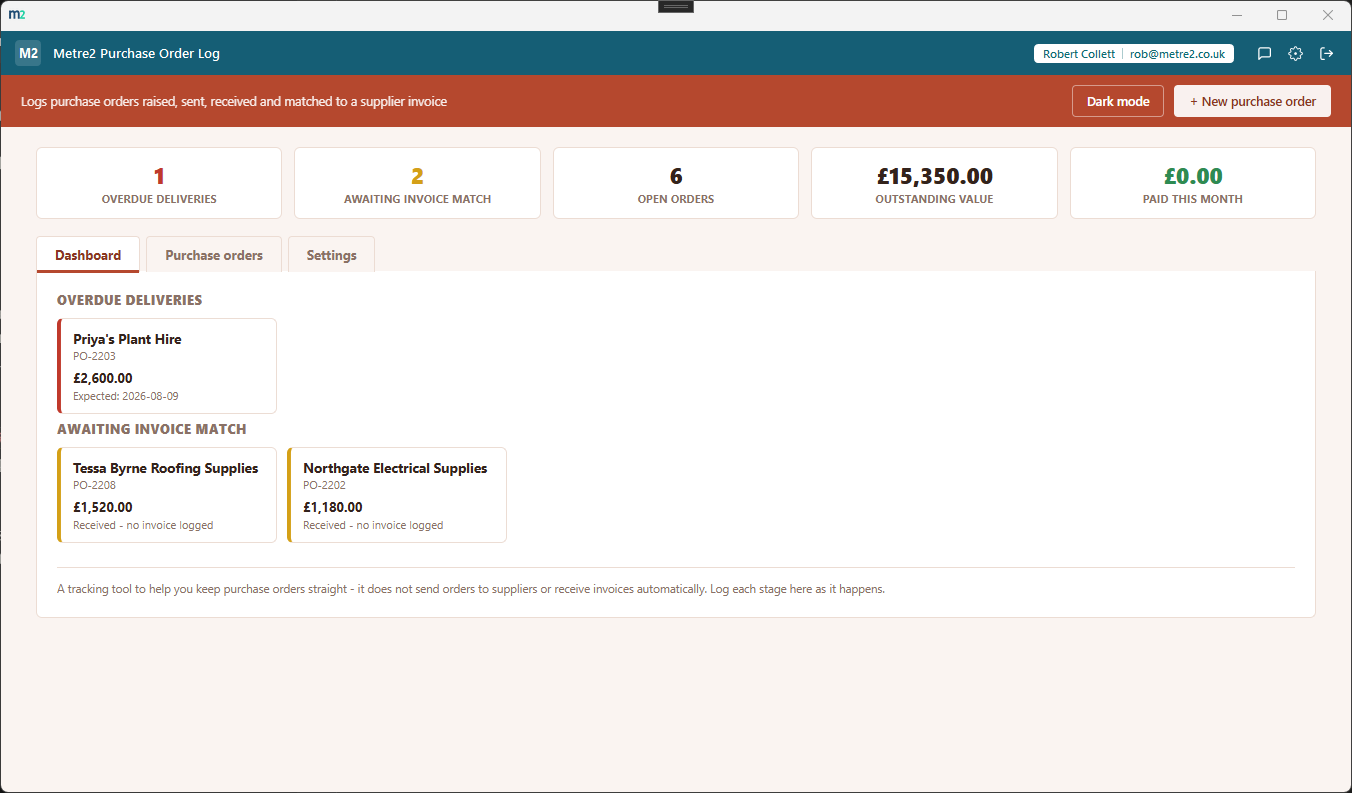
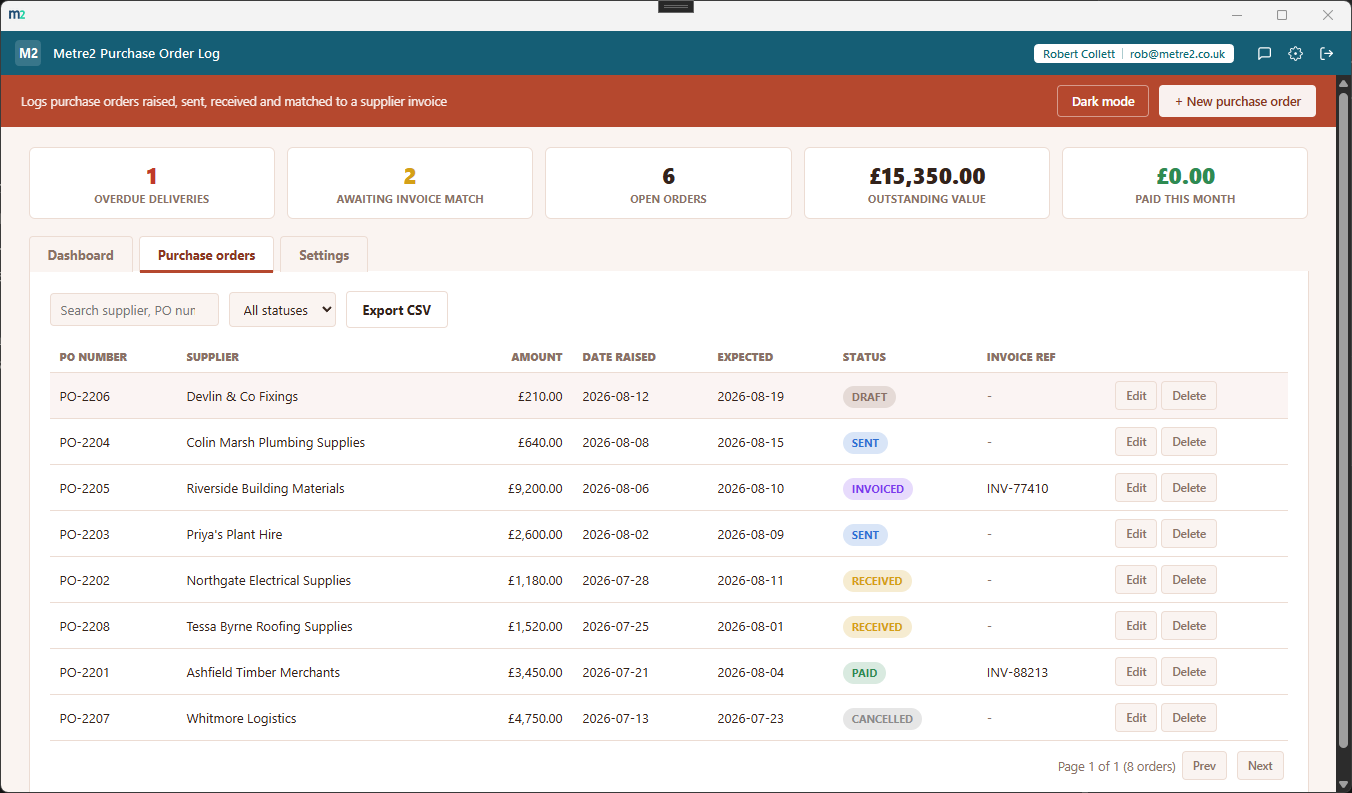
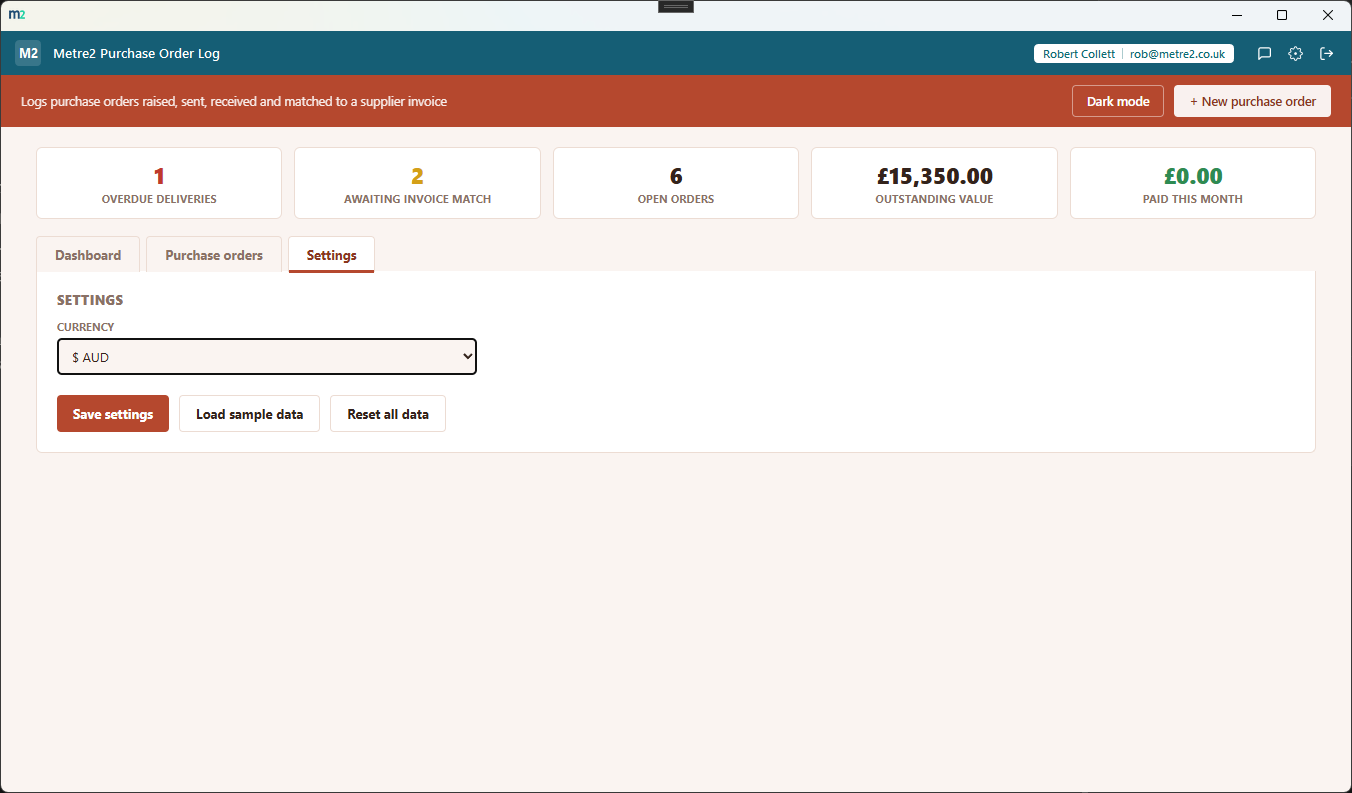
The Dashboard's two callouts surfacing what needs attention first, the Purchase orders tab listing every order with search, sort and status filtering, and Settings for currency and sample data.
Dashboard - overdue deliveries and orders awaiting an invoice match, surfaced first
Purchase orders - every order, searchable, sortable and filterable by status
Settings - currency, sample data and reset, all in one place
Two callouts, not one long list
"Overdue deliveries" and "Awaiting invoice match" sit ahead of the plain order table -
the two failure modes this app exists to catch, surfaced the moment you open it.
Six statuses, start to finish
Draft, Sent, Received, Invoiced, Paid or Cancelled - every status change is logged with
a date, so you can see exactly when an order moved from one stage to the next.
Invoice matching, deliberately visible
Log the supplier's invoice reference against an order once it arrives. Until then, a
received order stays flagged as awaiting a match - a prompt not to pay blind.
Expected delivery dates that mean something
Set an expected date when you raise an order. If it's still marked Sent once that date
passes, it lands straight in the Overdue deliveries callout.
Outstanding value at a glance
The stat strip totals every open order's value into one outstanding figure, plus what's
actually been paid this month - a running sense of what's still owed and what's landed.
Search, sort and filter the full list
Every order's on the Purchase orders tab too, searchable by supplier, PO number or
invoice reference, sortable on any column, and filterable by status.
Six currencies
GBP, EUR, USD, AUD, CAD and NZD symbols - purchase order tracking doesn't vary by
country, so you just pick the symbol that matches your own pricing.
Light/dark theme, and sample data
A light/dark toggle that remembers your choice, and "Load sample data" fills in a
realistic set of orders across every status so you can see it working before entering
your own.
CSV export
Export the full order list to CSV any time - for a backup, a spreadsheet pivot, or
handing a snapshot to your bookkeeper.
Any industry, pairs with your supplier list
Not tied to construction or any one trade. Works well alongside Supplier & Vendor
Directory, but stands on its own for any business that raises purchase orders.
Works entirely offline
Everything lives in local storage on your device - no account setup beyond your shared
Metre2 sign-in, no server, no internet connection required to use it day to day.
How it compares to a spreadsheet or a full purchasing system
Most small businesses either track purchase orders in a spreadsheet nobody checks
consistently, or pay for a full procurement/ERP module they don't need just to log a PO.
Here's how a dedicated, focused log compares.
Feature
Purchase Order Log
A spreadsheet
Full ERP/procurement module
Pricing model
£0.79 one-off after trial
Free (if you already have Excel/Sheets)
Per-user monthly subscription
Works fully offline
✓
✓ (local files)
✕ (cloud-hosted)
Overdue/unmatched callouts, not just a filtered list
✓
✕ (build a filter/formula yourself)
✓ (usually)
Set-up time
Minutes
Minutes, but easy to lose track of a stale row
Days to weeks (approval workflows, catalogues)
No account required to set up
✓
✓
✕
General comparison as of August 2026 - features and pricing vary by spreadsheet tool and
by ERP vendor. Not sponsored by or affiliated with any spreadsheet or ERP vendor.
Frequently asked questions
Do I need to install anything to use Purchase Order Log?
It's a Windows desktop app. It is not yet available on the Microsoft Store - a Store listing is planned, but for now the app is built and ready ahead of submission.
What are the two dashboard callouts for?
"Overdue deliveries" lists any purchase order that's been sent to a supplier whose expected date has passed with nothing marked received yet. "Awaiting invoice match" lists any order marked received but with no invoice reference logged against it - the two ways a purchase order quietly falls through the cracks.
What statuses does a purchase order move through?
Draft, Sent, Received, Invoiced, Paid, or Cancelled. Each status change is logged to that order's history with a date, so you can see exactly when it moved from one stage to the next.
How does invoice matching work?
When a supplier's invoice arrives, add its reference to the matching purchase order. Until you do, an order marked Received stays in the "Awaiting invoice match" callout - a deliberate prompt not to pay an invoice that hasn't been checked against what was actually ordered and received.
Does it send orders to suppliers or receive invoices automatically?
No - it's a tracking tool, not a purchasing or accounts-payable system. You still raise the order with your supplier and receive their invoice yourself; this app just keeps a clear log of every stage so nothing gets missed or paid twice.
Where does my data go?
Nothing leaves your device: it runs entirely offline with no server behind it, and your data is stored locally between sessions. Cross-device sync isn't available yet.