STL · OBJ · GLB · 3MF · STEP · IGES
Open any everyday 3D model - from a 3D-print STL to a STEP assembly - then turn it, measure it, cut through it and pull it apart. Size, surface area and volume at a glance. Free, and nothing is uploaded.
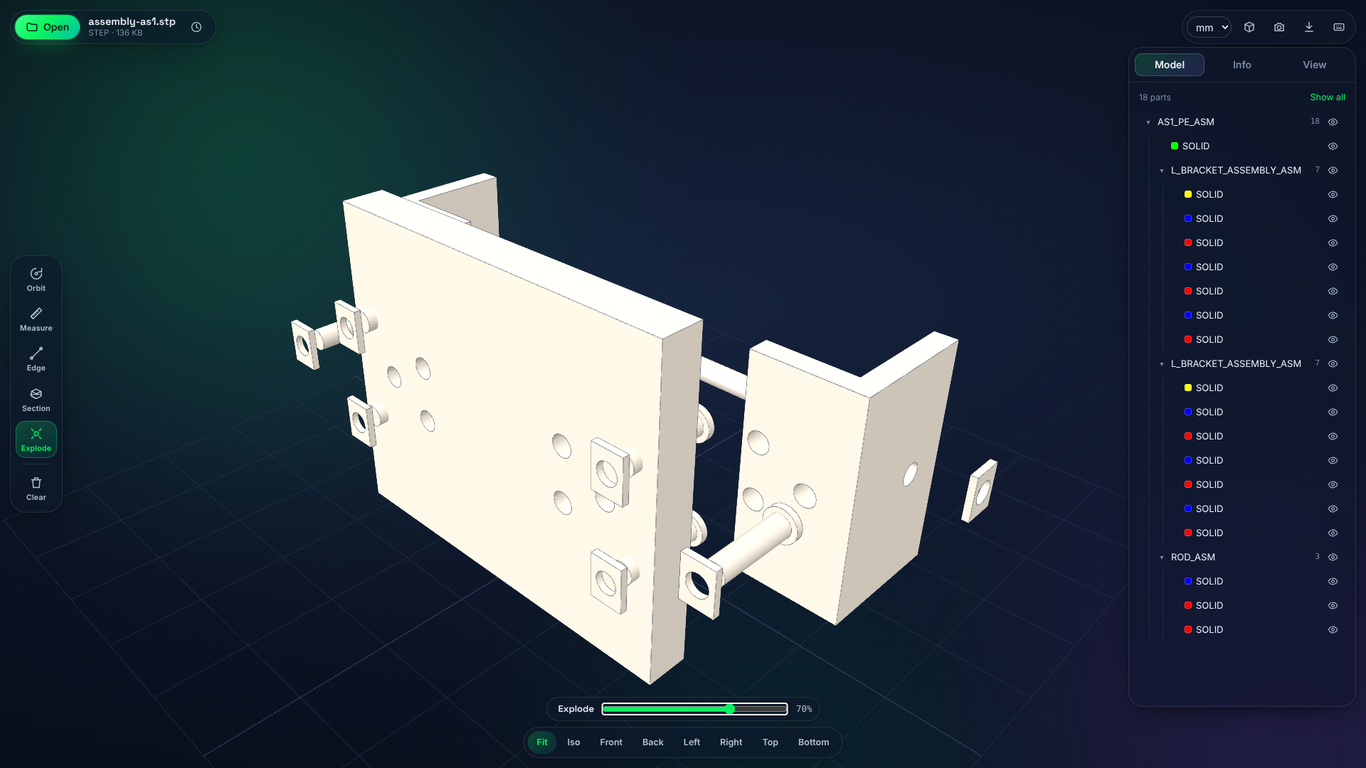
STL, OBJ with materials and textures, GLB and glTF, 3MF, PLY, FBX - and CAD files in STEP and IGES, read with OpenCascade. Drop a file, or double-click it in Windows.
Point to point, or click an edge for its length, with the X, Y and Z difference. Sizes in mm, cm, m or inches.
Slide a cutting plane along X, Y or Z to see inside a model - the cut faces are filled so you can read the wall thickness.
Pull a STEP assembly or a multi-part model apart with one slider, and show, hide or zoom to any part from the model tree.
Width, depth and height, surface area and volume - with a watertight check, so you know when a volume is only an estimate. Handy before 3D printing.
Save the view as a PNG up to 4K, with or without a background, and convert to STL or GLB. Six display modes, four lighting presets and GLB animation playback.
Windows 10/11 and your browser · Free · Nothing uploaded · No account
A section through an assembly, a gear measured across its teeth with its volume in the Info panel, and a glTF animation playing.
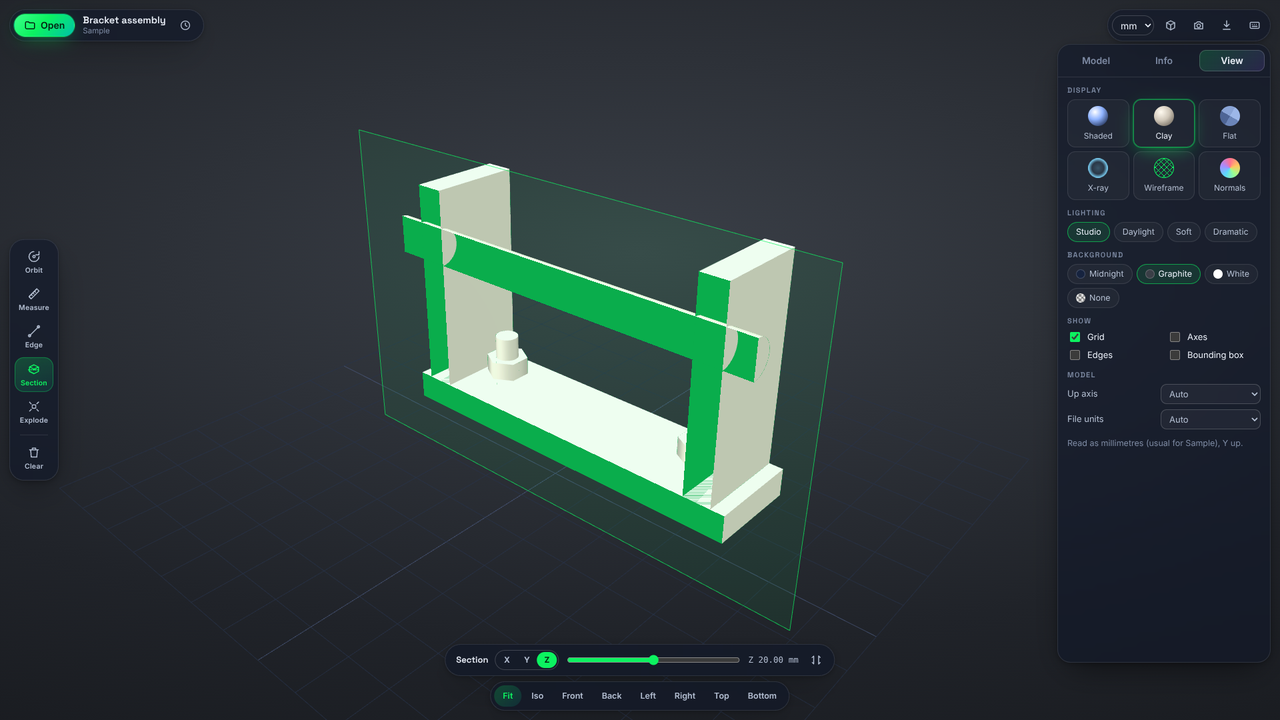
Section cut, faces filled
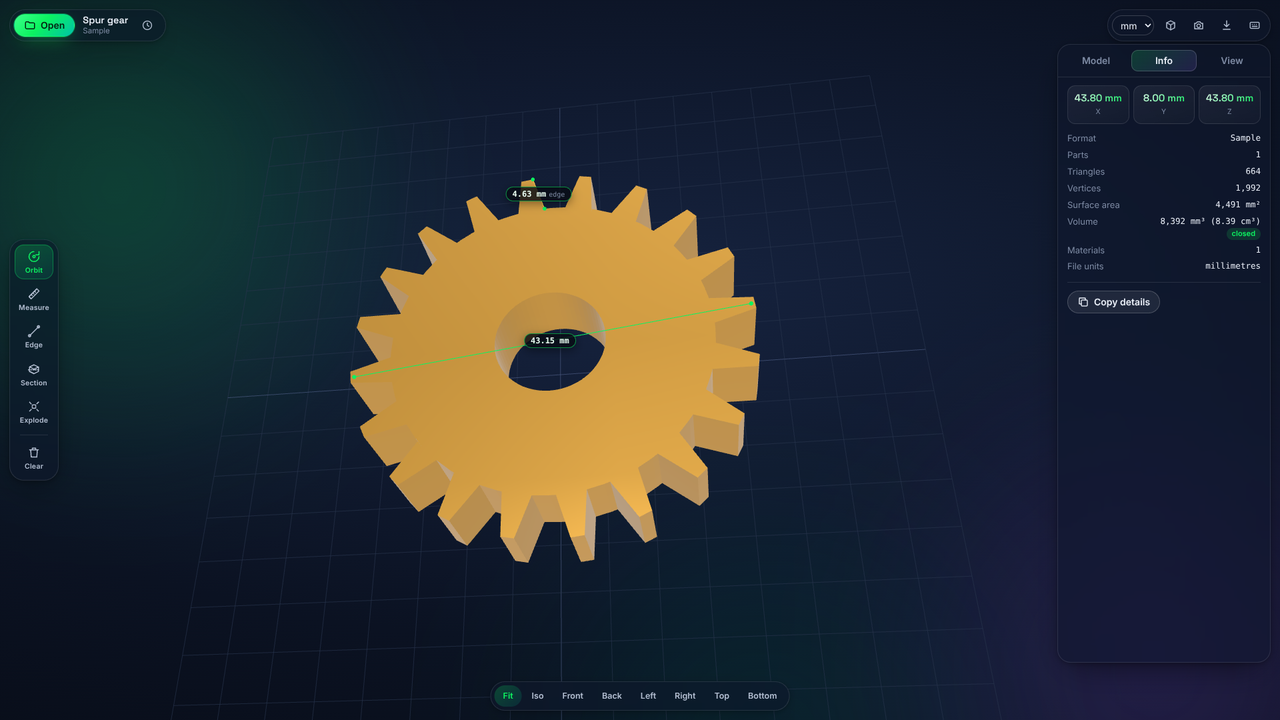
Measure, with size and volume
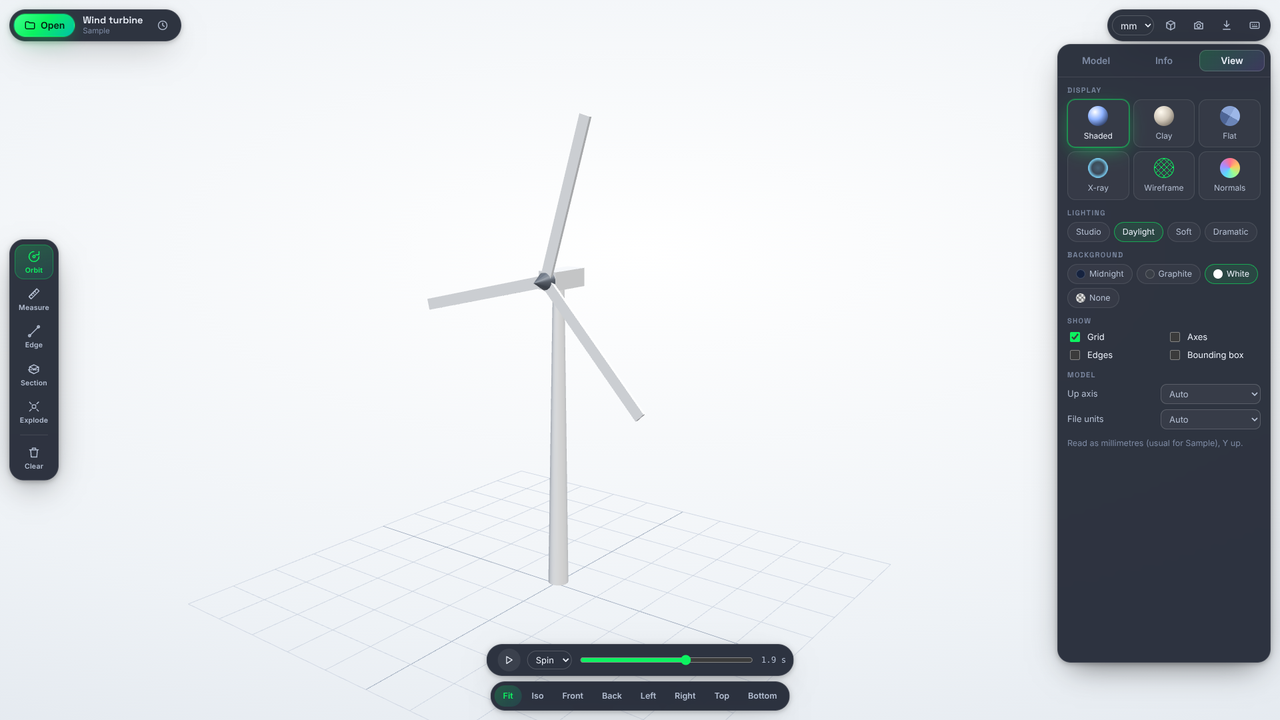
Animations, on any background
STL (text and binary), OBJ with its MTL materials and textures, GLB and glTF, 3MF, PLY (meshes and point clouds), FBX, STEP (.step, .stp) and IGES (.iges, .igs). For an OBJ or glTF with separate texture files, drop the model and its files in together - or, in the Windows app, just double-click the model.
It's free, with no account and no adverts. Nothing is uploaded: files are read on your own device, in the Windows app or inside your browser tab.
Yes. The Info panel shows the size in mm, cm, m or inches, the surface area, and the volume. It also checks whether the mesh is closed (watertight) - if it isn't, the volume is marked as an estimate.
Yes. Measure point to point, or click an edge for its length, and cut the model along X, Y or Z with a slider to see inside. The exploded view pulls an assembly apart so you can see every part.
Yes - save what's open as STL (millimetres, Z up, for printing and CAD) or GLB (metres, with materials, textures and animation, for the web and AR). You can also save a picture of the view as a PNG up to 4K, with a transparent background if you like.
It does the same job and more. Microsoft's own 3D Viewer is no longer offered in the Microsoft Store; this one opens the same everyday formats plus CAD files (STEP and IGES), with measuring, sections, an exploded view and size and volume.
Open it in BIM Explorer: For IFC models, BIM Explorer adds floor plans, a quantity check and BCF issues with sections - free.
Microsoft and the Microsoft Store logo are trademarks of the Microsoft group of companies.